


ssss41527895
Participant
May 25, 2016
Answered

Captivate 9 Bullet Style issues
  • May 25, 2016
  • 1 reply
  • 336 views

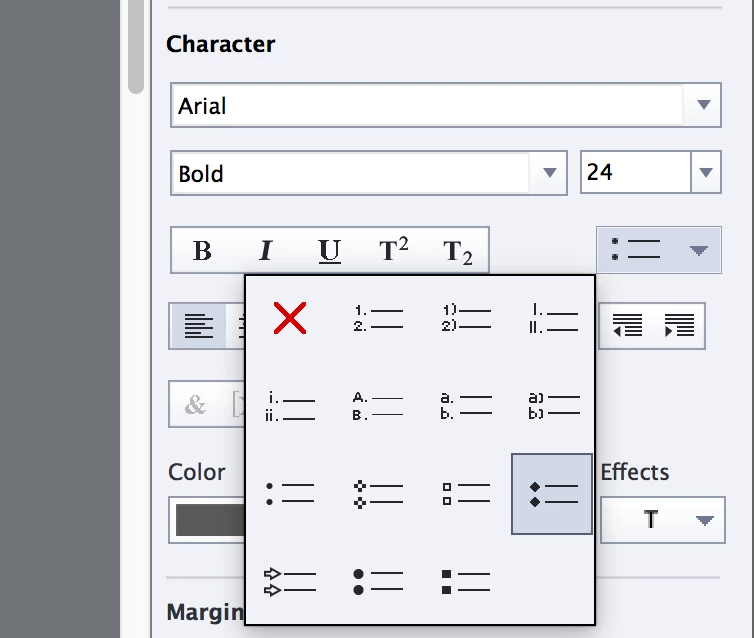
In Captivate if you create a simple Text Caption with Arial font selected, Then try to apply Diamond style bullet List.  The text box displays a rectangle shape instead of the selected bullet style. This happens with the Diamond and with all the style in the bottom row of style selections.

Eg. like the picture bellow:
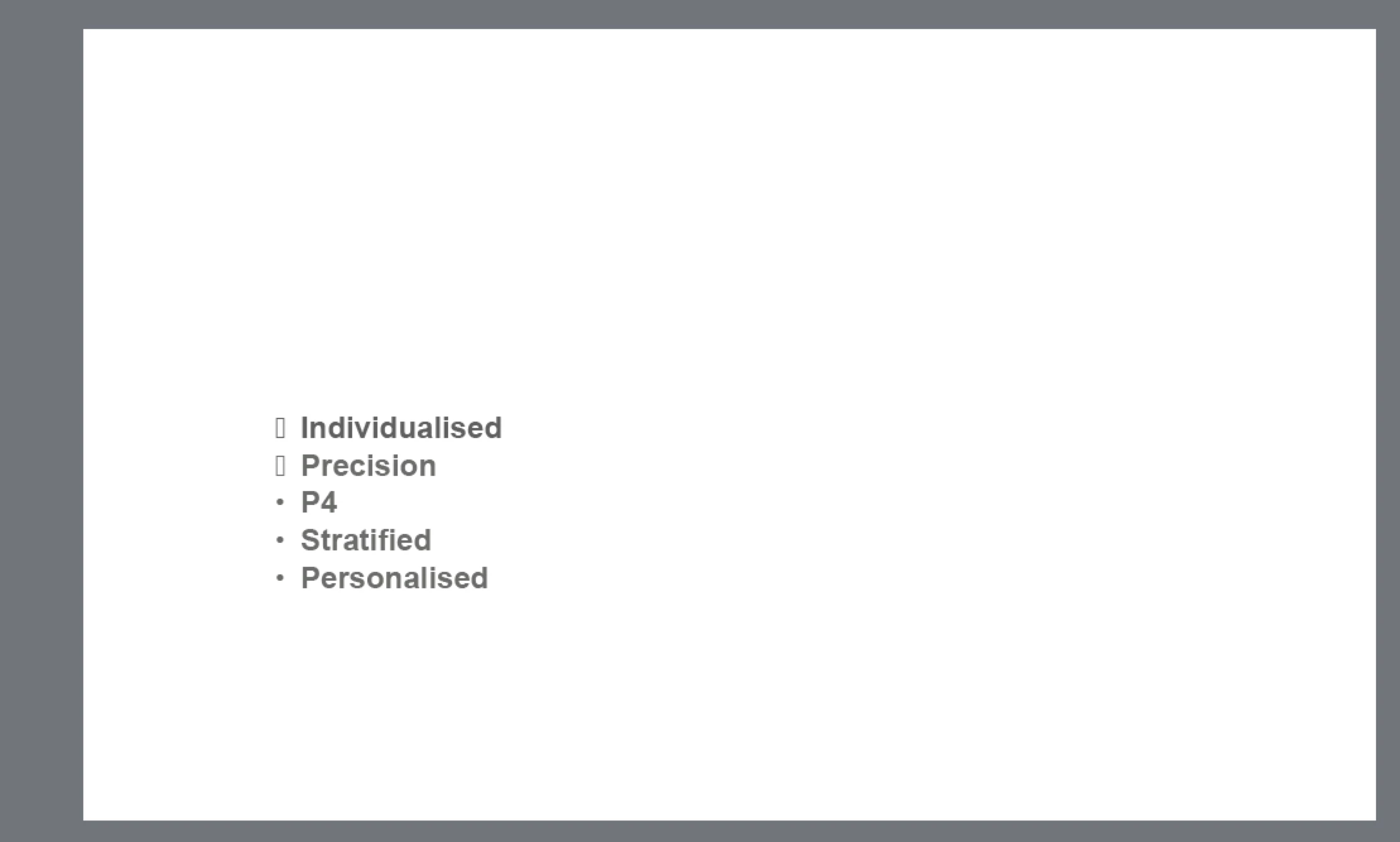
Also some times instead of rectangle there appears 'w's instead of diamond bullet.  This then gets displayed when publishing in HTML 5 output. This is really a pain.

Has anyone had this issue? I can not find anything on Google.

I have tried re-installing Captivate v9.0.1 several time but no luck.

Running on MAC OS X Yosemite.

Any one with a suggestion would be really appreciated.

Thanks

This topic has been closed for replies.
Correct answer ssss41527895

Hi Lilybri

Thanks for your reply, I have now solved it.  You have to activate the 'Windings' font on mac for those bullet styles to work correctly in Captivate.

Spent two days trying to look for a solution!

1 reply

Lilybiri
Legend
May 25, 2016

I really hope a Mac-user will pop in and double-check. On Windows I cannot reproduce this problem, all bullet styles look fine in Arial. Is the same happening for other websafe fonts?

ssss41527895
ssss41527895AuthorCorrect answer
Participant
May 25, 2016

Hi Lilybri

Thanks for your reply, I have now solved it.  You have to activate the 'Windings' font on mac for those bullet styles to work correctly in Captivate.

Spent two days trying to look for a solution!

Lilybiri
Legend
May 25, 2016

Thanks for posting the answer yourself, could help other Captivate users on Mac.