
Captivate 9 - Disappearing Content Between Slides after Click Box/Button-triggered "Success" Caption Shown
I have a slide where the learner has to click on the correct spot in order to proceed to the next slide. If I use a Click Box, a Button (set to invisible) or a Shape (set to "Use As Button") and choose "Display" > "Success" or "Failure" captions, it works properly but after the Success feedback is shown and advances to the next slide, all of the content (except for the background) on the next slide disappears for about a second and then is shown.
I have double-checked the timelines to make sure there are no fade-ins, that the content is being shown immediately on the new slide, and that there are no transition effects on any "Success" caption/box in the Object Style Manager. Everything is set up properly. When I run the course (published as HTML5) in the browser or Preview the Project it happens. When I use the playhead to scrub from the page before/page after, there is no disappearance of the content, only when I click on the correct spot and the Success caption is used does it make the content on the next slide appear after a second or so. Upon further testing, I have found that if I use the Click Box, a Button (set to invisible) or a Shape (set to invisible and "Use As Button") and choose NOT to display the "Success" caption, then the content on the next slide appears immediately.
Any help to fix this brief disappearance between slides without having to build Success and Failure captures manually to show/hide with code would be greatly appreciated. I have attached a screen capture of the settings I am using on my button, the slide settings for the next slide, and how it is rendering in the browser.
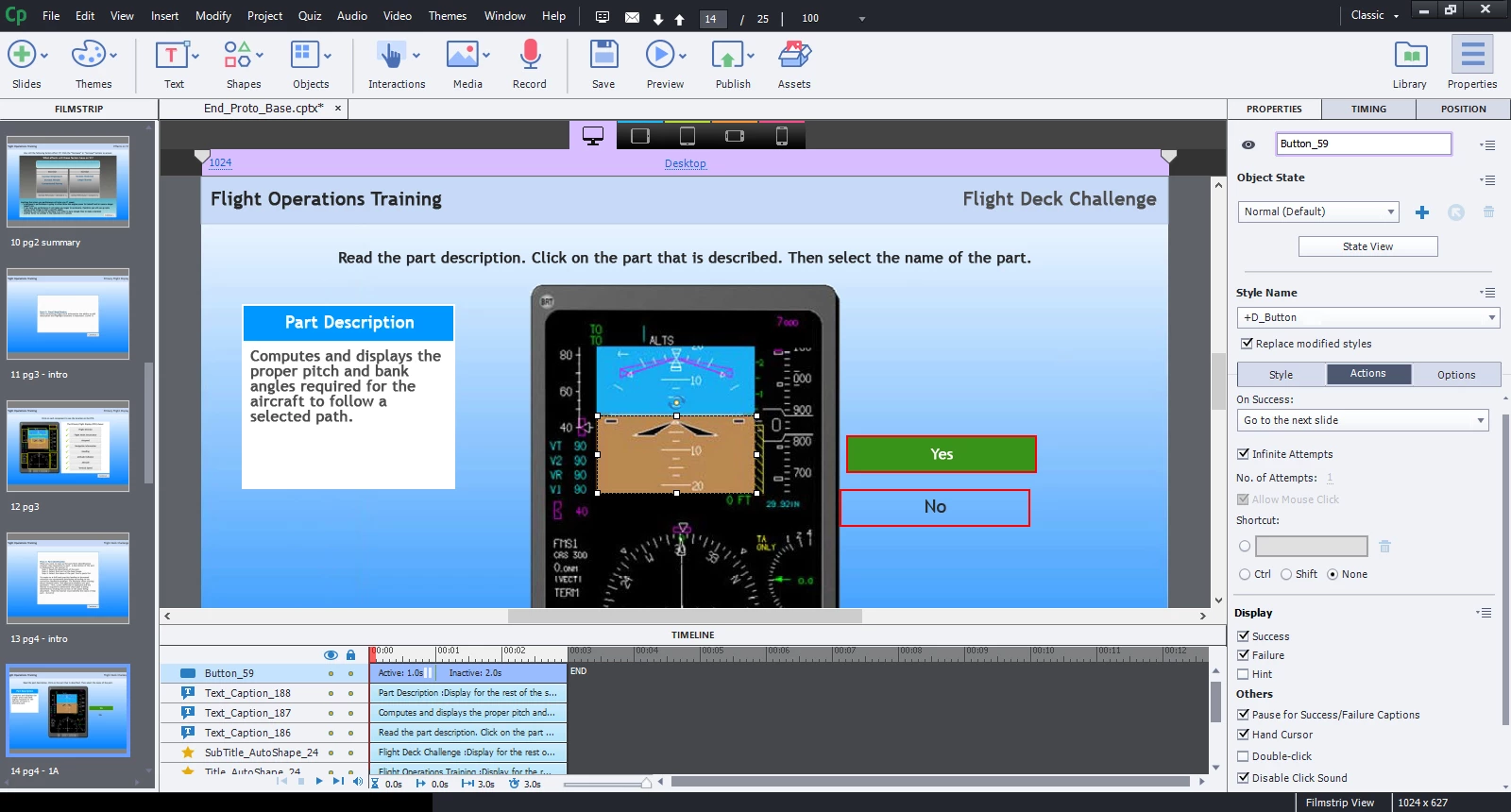
Slide with Click Box/Button
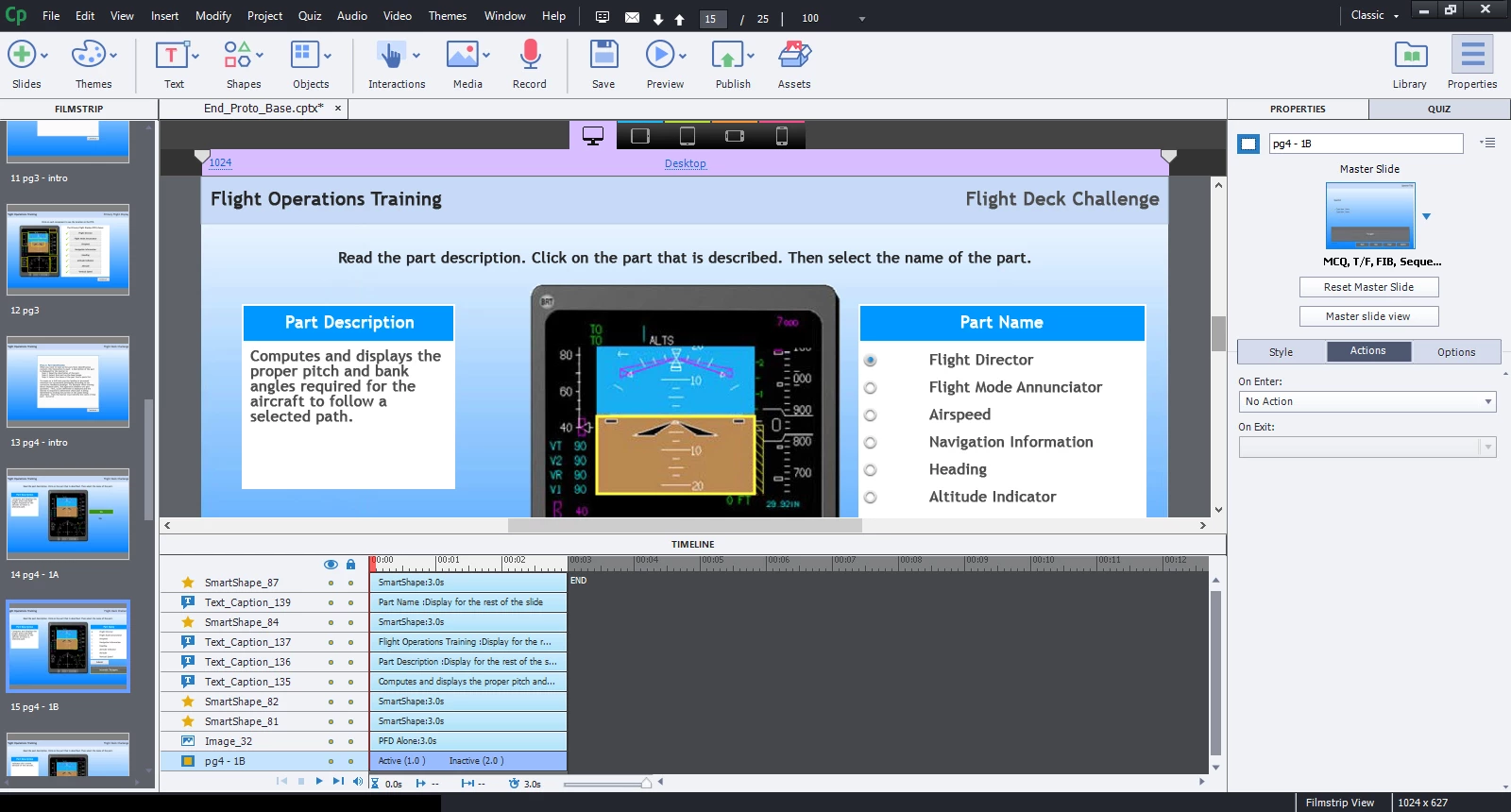
Slide Following After
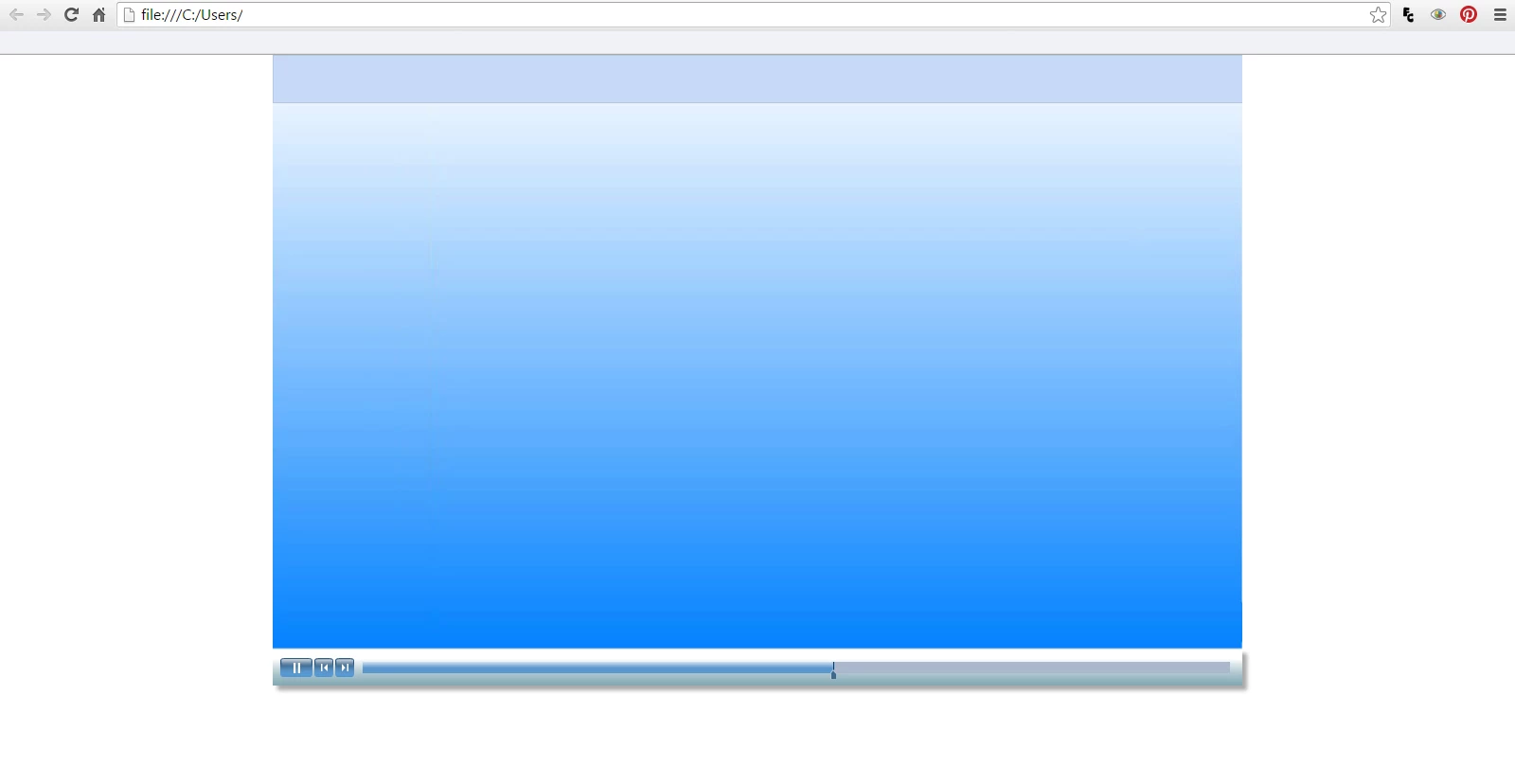
What happens between slides.
 AdChoices