
Captivate 9/Editing Image Sizes in Assets that are downloaded
Hello,
I am newer to Captivate and have Captivate 9 installed. I have downloaded some of the assets and was working with one that enabled me to add images to the exercise. Question: I cannot seem to adjust the size and there is a lot of white space. I can use Snag It or PhotoShop. How can I gauge the size of the image for the asset insert? Forgive the newbie question. I have looked all over and have not found the answer. Perhaps I am not asking the right question.
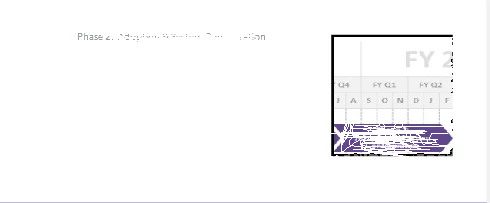
I took a snapshot of the area I'm struggling with (pardon my scratch out of information). I'm not able to get the graphic to stay centered under the title. I have tried the easy stuff, adjusting the properties of the image--does not work when imported into the asset. Anyone else fighting with this one? Help a newbie out? Thank you.
Andrea
Message was edited by: Lieve Weymeis Took out your personal credentials, this is a public forum
 AdChoices