
priyshak23717676
Known Participant
June 3, 2016
Question

Captivate 9 Fatal Error when opening the Edit Preferences Window

  • June 3, 2016
  • 1 reply
  • 1612 views

Hi,

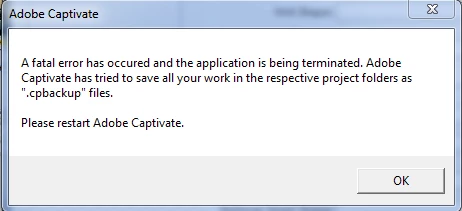
I've created a simulation and I wanted to edit some recording preferences but every time I tried opening the Edit Preferences option a blank pop-up came up with a Fatal Error Message.

Please not that it is happening only in my simulation files and not with my original course file.

Here's a screenshot of the error:
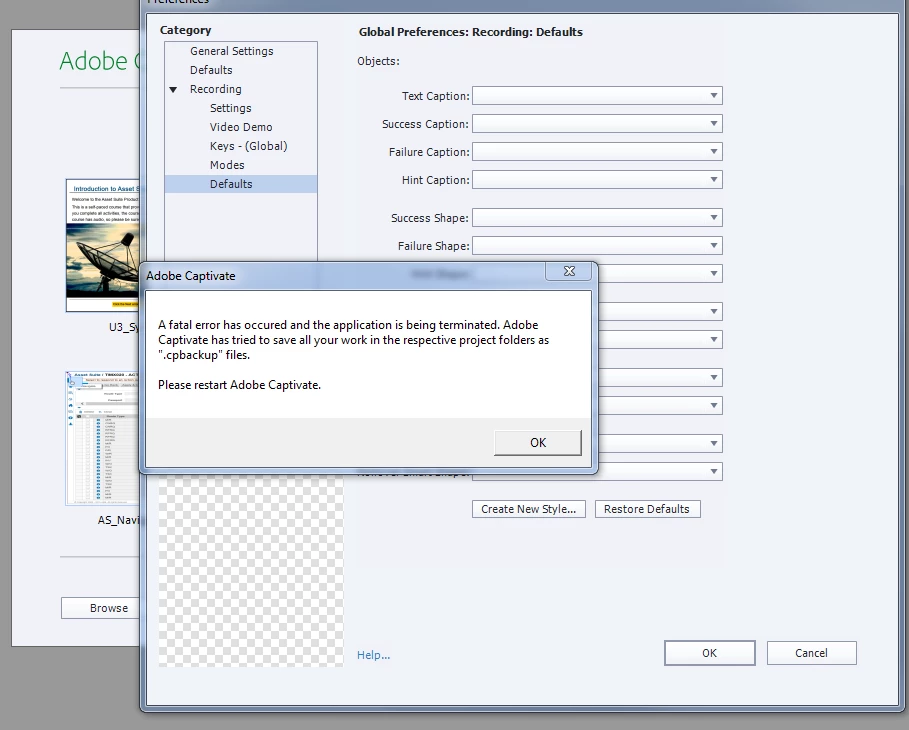
And there's one more instance where I get a fatal error message. I got it when I tried setting my recording defaults without any of my files open. Also, if you notice my Recording Defaults options are all blank. I tried doing a Restore Defaults but Captivate crashed.

Here's a screenshot of the error:
Not sure what could be the cause.

This topic has been closed for replies.

1 reply

Erik Lord
Inspiring
June 6, 2016

1. Be sure you're running CP under an Admin account.

2. Open Captivate and try to clear the Captivate cache if you can, before the preferences crash.

3. Delete the CP preferences (this is old but may help find it: Can't delete preferences file/folder )

4. Deinstall Captivate, reinstall...

Is this a pretty typical install? Or do you have a shared/network drive that CP is installed to, or a VM image or such...?

Participating Frequently
June 23, 2016

Same problem. Happened while trying to customize the defaults. Now defaults are blank as in the above screenshot. If I pull up the object style preferences - blank white screen and cannot proceed. Uninstalled 3 times with no change. Followed all the steps above. What's next?

Lilybiri
Legend
June 23, 2016

Are you on Windows or on Mac? is Captivate installed on your system and are the paths for Documents and Cache also pointing to your system? You don't need a full admin account but you have to be able to Run As Administrator for Captivate only. When you uninstalled, did you delete the Preferences and Layouts folders?