Question
Captivate 9 | How to increase area of quiz area? How to change color from white to custom color? See the image attached
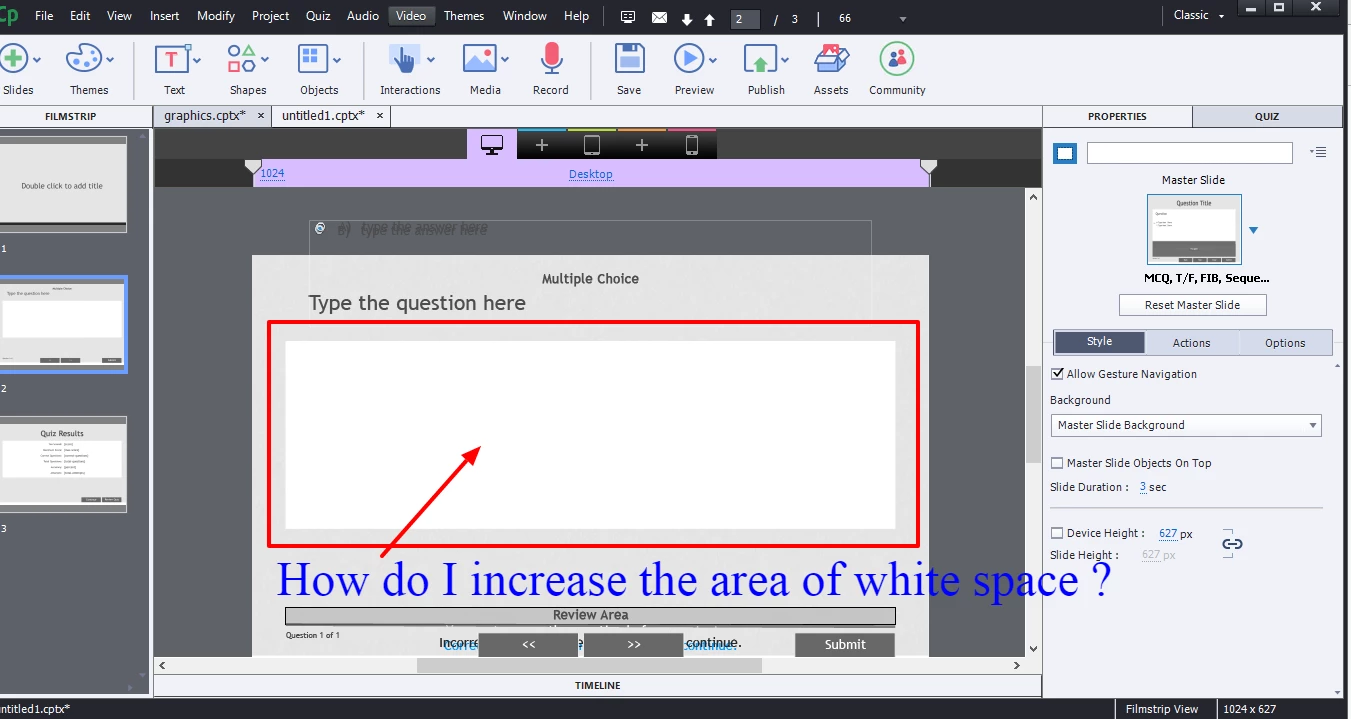
I am creating a quiz in Captivate 9. I have lots of content to show in each slide, but the limited working area ( question and 4 options) is quite less for my content to fit in. I do not want to reduce the size of text. Also, creating a rectangle custom smart shape and giving it white color is not recommended.
Is there anyway by which I can increase this white working space and change its color as well?
 AdChoices