
pathan723
Participant
January 6, 2019
Question

Captivate 9 - Images not displaying

  • January 6, 2019
  • 3 replies
  • 535 views

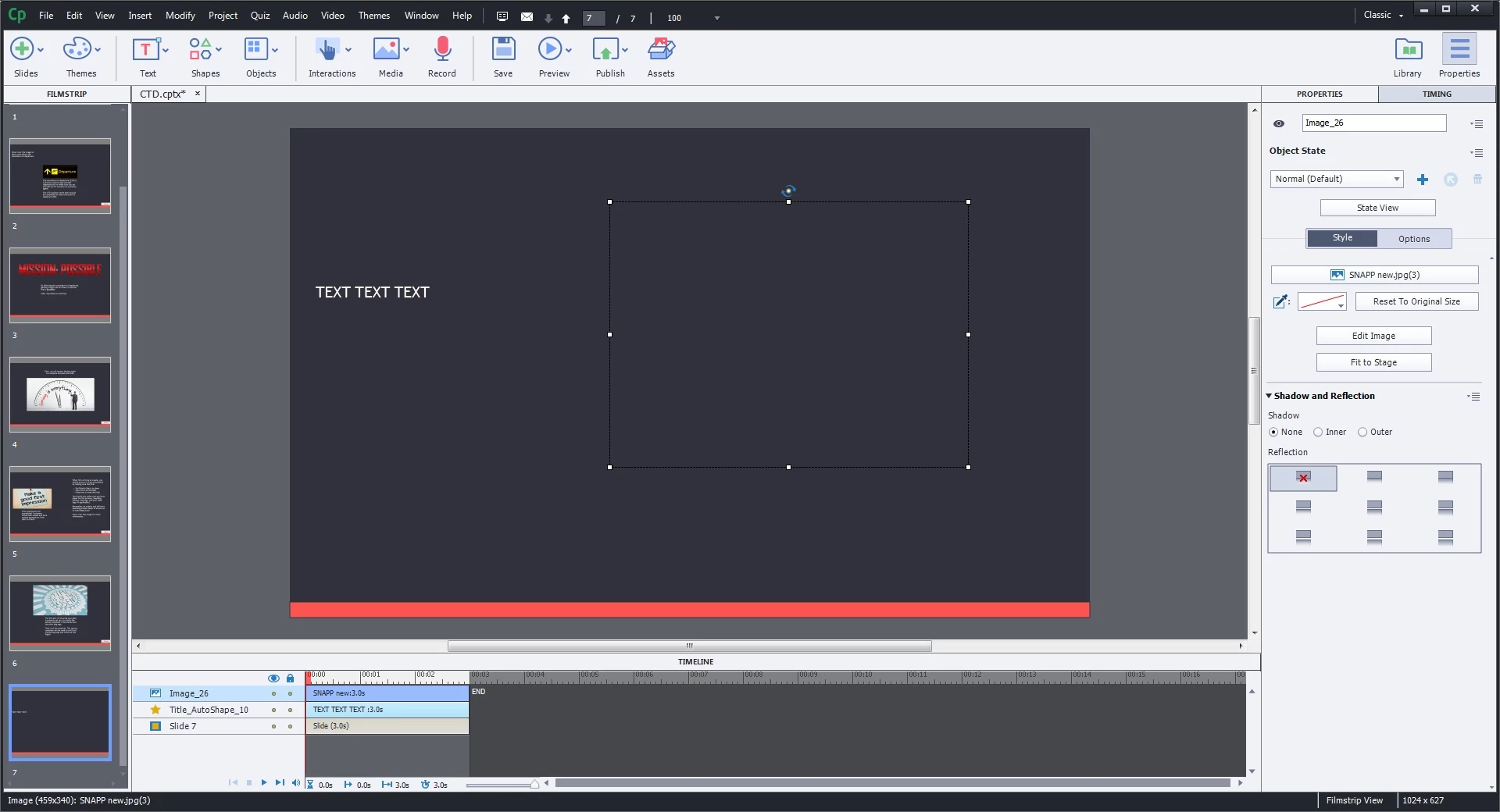
Hello!  When I insert an image (JPEG and PNG), the image inserts, but is not visible. It's as if the image is placed in the background.  I've tried arranging and bringing to front, but it still does not show.  The image is on the timeline, I just cannot see the actual image. I've attached a screenshot of what I'm seeing (the outline of the image is highlighted).  Images were just fine through slide 6 - this just started with slide 7. Even when I copy a slide that has an image already on it, it still shows up blank. Any ideas?
    This topic has been closed for replies.

    3 replies

    pathan723
    pathan723Author
    Participant
    January 7, 2019

    Thanks all but it still isn't working.  I am now receiving this error when I try and open the file:

    RodWard
    Community Expert
    Community Expert
    January 7, 2019

    Were you always working on the CPTX locally from a folder on your hard drive or were you perhaps opening the CPTX from a network drive somewhere?

    Lilybiri
    Legend
    January 6, 2019

    I would check the  timeline of the slide 6:  perhaps you have set tomehting ofr the Rest of the project, always on top?

    RodWard
    Community Expert
    Community Expert
    January 6, 2019

    Click the Edit Image button and check the transparency setting.  Perhaps it has been set to a value that effectively makes the image invisible.