julmer40
Known Participant
July 25, 2016
Question

Captivate 9 Media Encoder dont start

  • July 25, 2016
  • 1 reply
  • 475 views

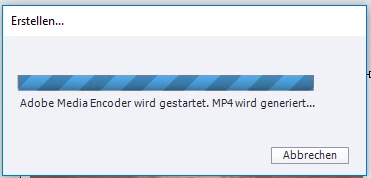
I have installed the new Captivate 9 and dry to puplish to HTML 5 a short video sequence. IT comes a message that Captivate dry to start the Adobe Media Encoder but nothing happens.

    This topic has been closed for replies.

    1 reply

    Lilybiri
    Legend
    July 25, 2016

    What is the format of the inserted video? If you publish to HTML only, you should insert a MP4-file whenever possible. Can you try to start the Adobe Media Encoder separately (it should be the older version CS6, because that one still supported FLV format which is used for SWF output)? Convert your video with the encoder to MP4.

    julmer40
    julmer40Author
    Known Participant
    July 26, 2016

    It is a *.flv file. Now it so that the Media Encoder starts when I puplish the file but the video file is not Media Encoder list.

    Lilybiri
    Legend
    July 26, 2016

    If this is a normal, blank project, during editing all Preview except Preview HTML in Browser is Flash-based. That means that flv can be used without conversion to another format by the Media Encoder. However if you plan to use HTML output I strongly recommend to forget about FLV-files but to insert MP4 files encoded with the Adobe Media Encoder. That is the reason why you see at this moment the AME starting when you publish to HTML. There is no need to in the editing phase if you insert a FLV-file. Because in later versions of the AME that FLV format is no longer supported, Captivate is packed with an older version, CS6.

    Since the conversion is not working, it looks like the FLV is not coded properly: how was it created? Anyway, try to forget about that format especially if you are publishing to HTML5.