Question
Captivate 9 Print Export: Slides Display Oddly
This is what my export looks like every time. How do I get this to display normally? Sometimes, elements are missing as well.
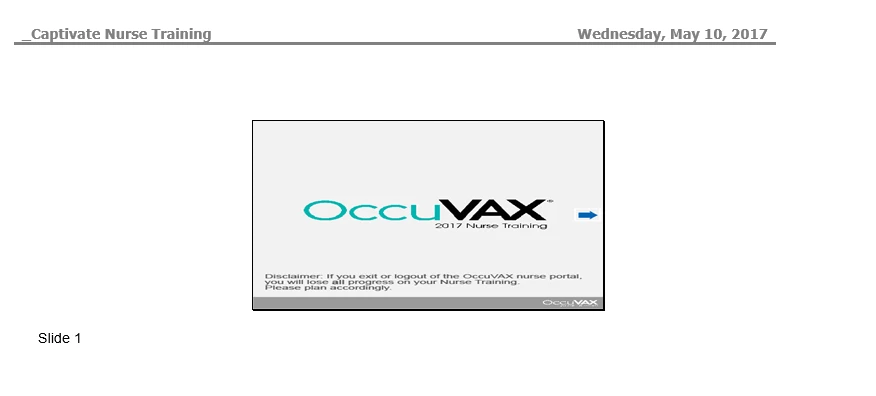
How do I fix this?

This is what my export looks like every time. How do I get this to display normally? Sometimes, elements are missing as well.
How do I fix this?
Already have an account? Login
No account yet? Create an account
Enter your E-mail address. We'll send you an e-mail with instructions to reset your password.


 AdChoices