
Captivate 9 Text-to-Speech Advanced Actions
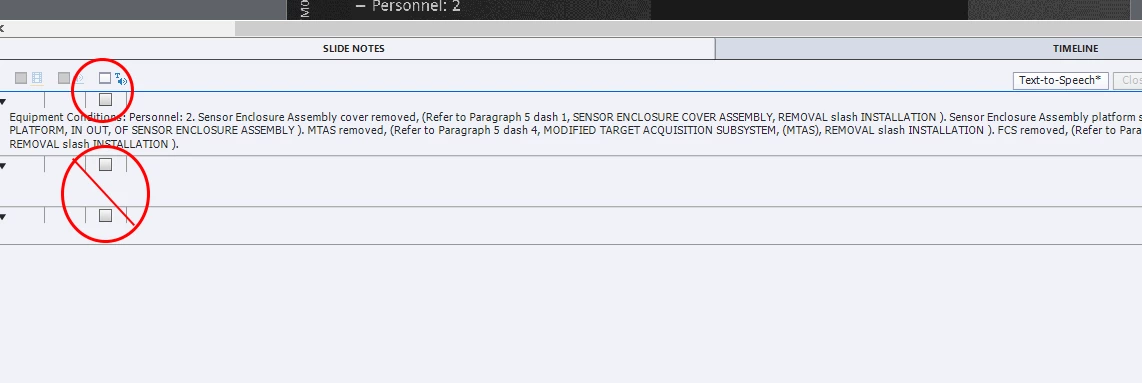
I need to find a way to script an advanced action in Captivate 9 that would automatically click those checkboxes in Slide Notes for text-to-speech. The first line is what I need checked off - I don't want the extra lines at all.
What I am trying to do (if I am making any sense) is to take slides in a PowerPoint presentation that I 'convert' to Captivate, and have that "text-to-speech" checkbox on the Slide Notes tab of my Captivate slides clicked off and the text loaded into Speech Management with an advanced action. Is this possible? Or is it possible to simply check off the boxes in each slide with one action? It's entirely too tedious to click and click and click my way through 90+ slides in a presentation. Right now my team has about 100 of these presentations to convert. That's too much clicking.
There has to be a more efficient way of utilizing the text-to-speech option. Are there any suggestions?


 AdChoices