Captivate 9 theme causing issues with smart shape buttons in Captivate 2017
Hi
I'm trying to create my own navigation buttons (using smart shapes) for a project in Captivate 2017. I initially tried adding them to the slide master, but when I preview the project, I just get a flickering screen, with no background, graphics or buttons.
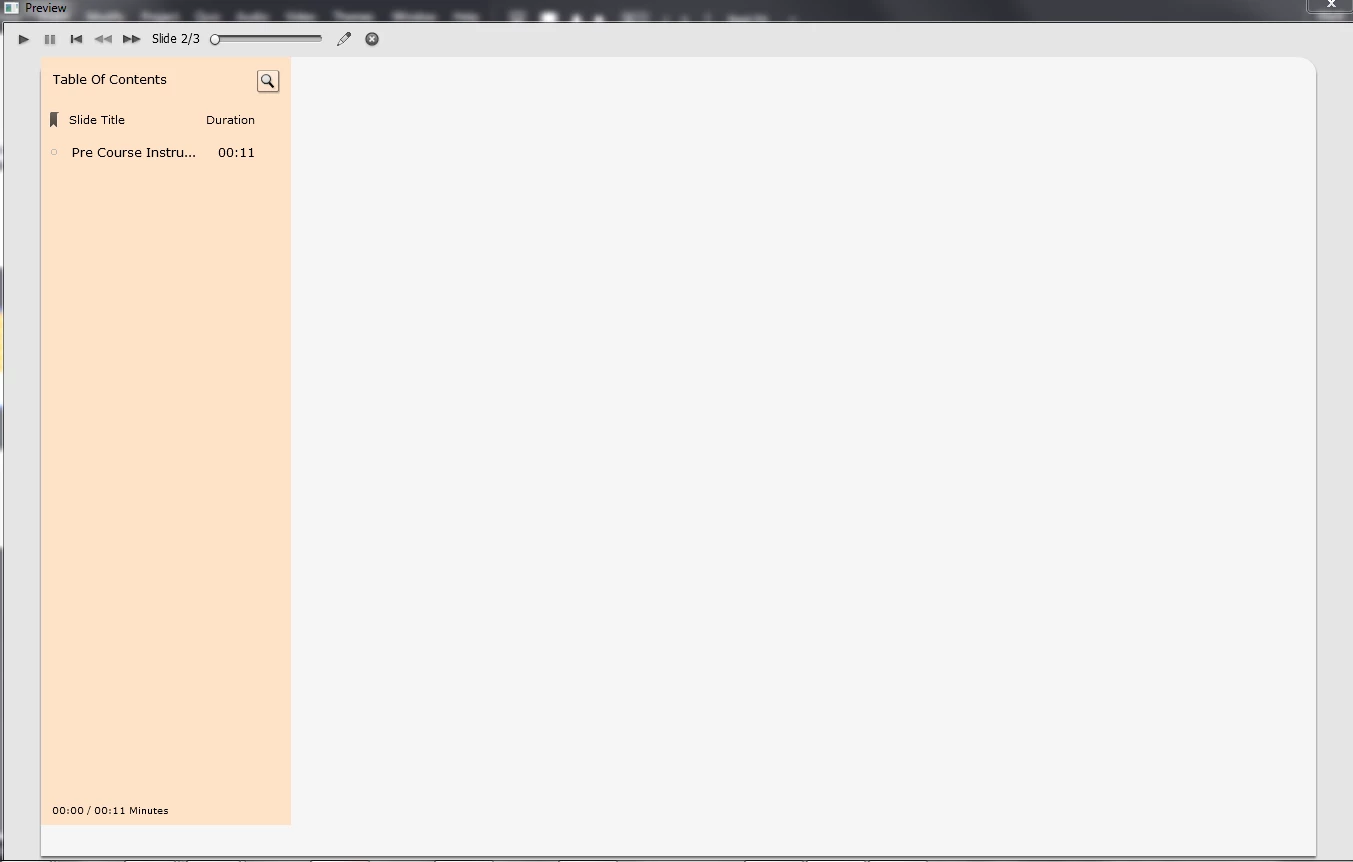
As this wasn't working, I created them on the first slide instead, and they work perfectly fine, until I select Display for Rest of Project, at which point I get this:
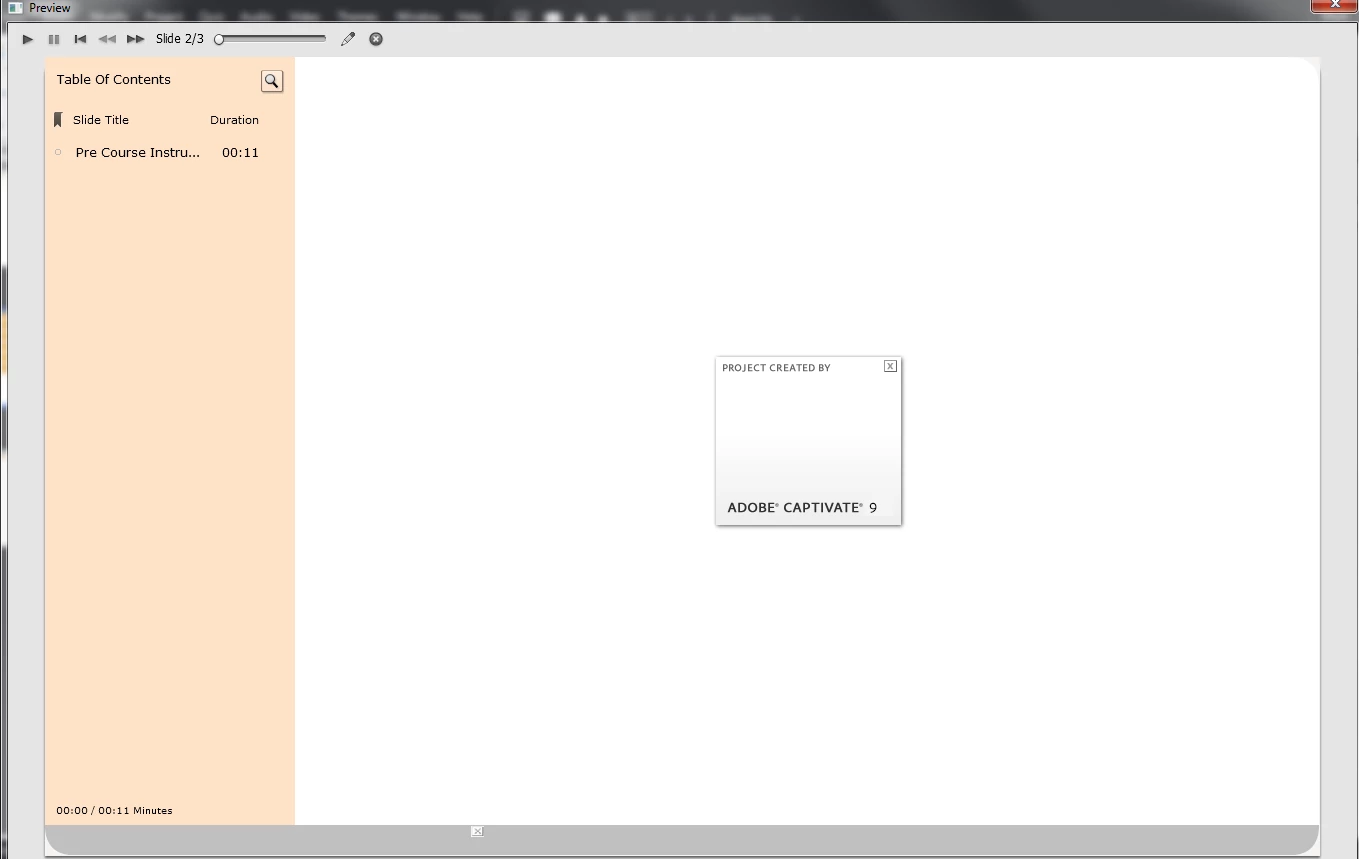
I'm using a theme that was created in Captivate 9, but has been opened in Captivate 2017, and re-saved as a theme there. The same theme has been used successfully on other projects in Captivate 2017, but none of them are using either buttons on the master or the Display for Rest of Project option anywhere.
To confirm it wasn't my install, I checked with a colleague, and he has exactly the same issues when he uses the same theme. Both of us tried recreating it in the default Captivate theme, and that works successfully.
My assumption therefore, is that this is some kind of issue with the theme, but I really don't want to have to recreate my theme from scratch in Captivate 2017 if I don't have to! Has anyone else experienced this, and/or does anyone know a way to resolve it?
 AdChoices