
Captivate 9 using Win 10 & Office 365 - cpvc file has a black box in preview project or publish
Hello,
I've tried to research this in the community and general google search but still don't see anything on the topic.
Issue: I've recorded a short .cpvc file (video demo) as a screen capture to publish a simple .mp4. The length of the video is less than a minute but I don't think that is the issue as the slide shows in full so it's not a case of captivate not capturing the screen. The image captured is Internet Explorer 11.
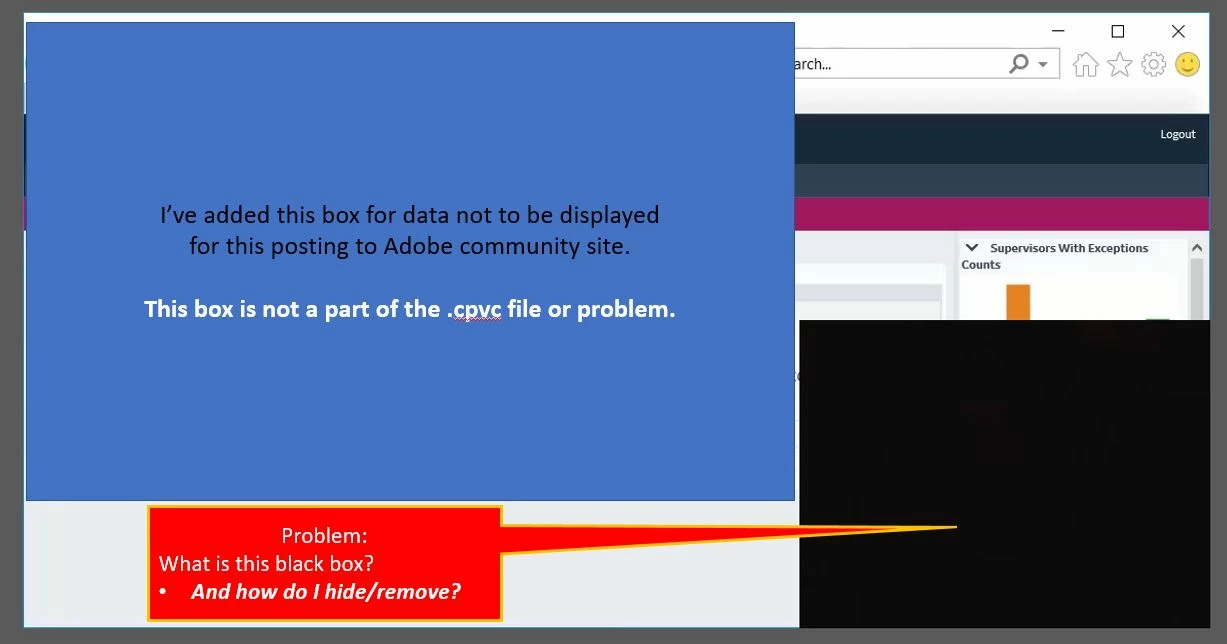
Problem: When I go to preview as a project, I see a black box in the lower right (maybe 15-20% of the video area). I do not see this when I go to preview the slide. I do not see an option to remove and I don't know what it is. I initially thought it was the project narration but I was able to remove the audio and the box is still there. I've saved this to my desktop and published instead of to a shared foler. This also did not help.
Please ignore the blue boxes in the images below which I've added for confidentiality reasons. The problem is the black box being pointed to with the red/yellow arrow.
Preview Menu
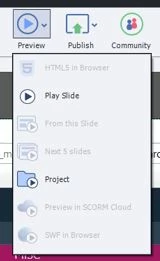
Image when previewed as a slide
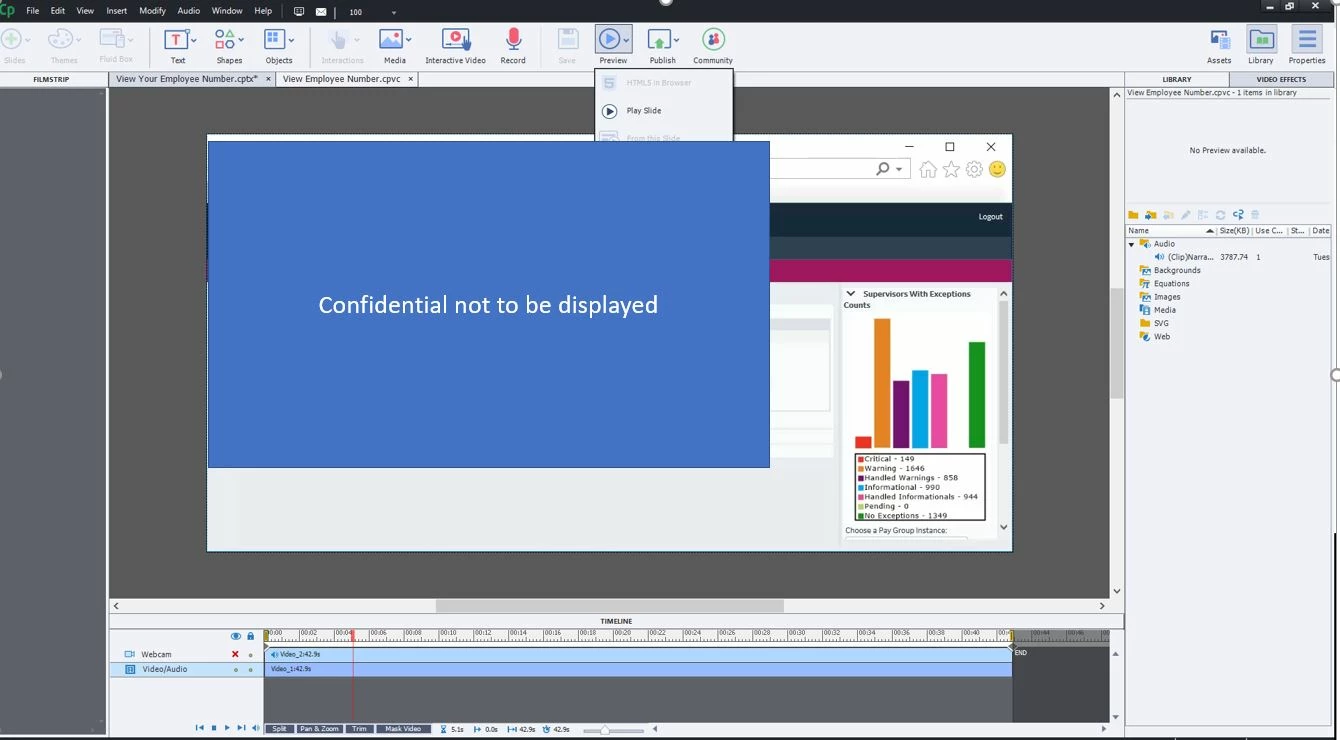
Image when previewed as a project (or published to MP4)


 AdChoices