Known Participant
June 11, 2024
Question

Captivate basic button suddenly not working

  • June 11, 2024
  • 1 reply
  • 336 views

Hello

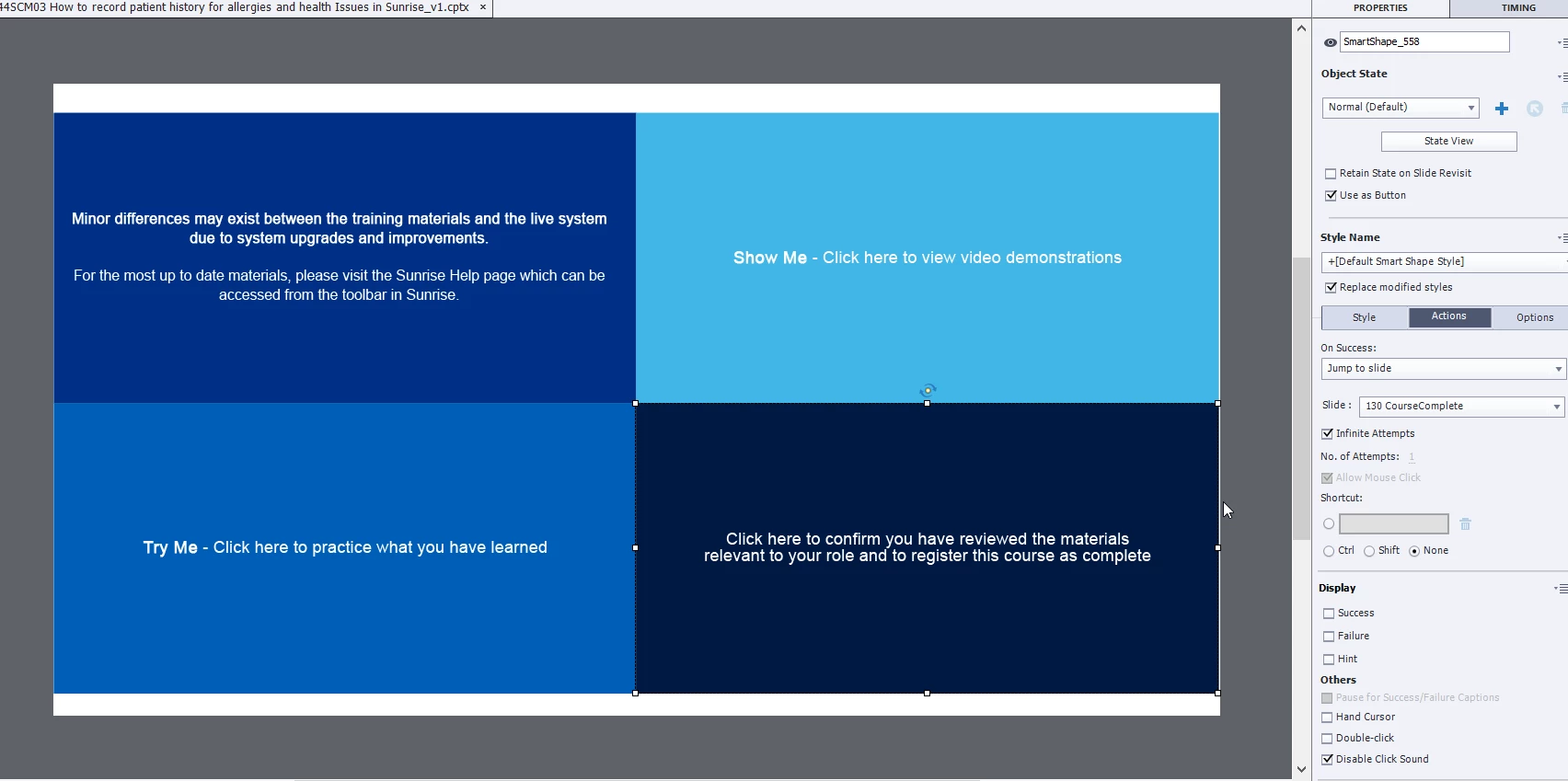
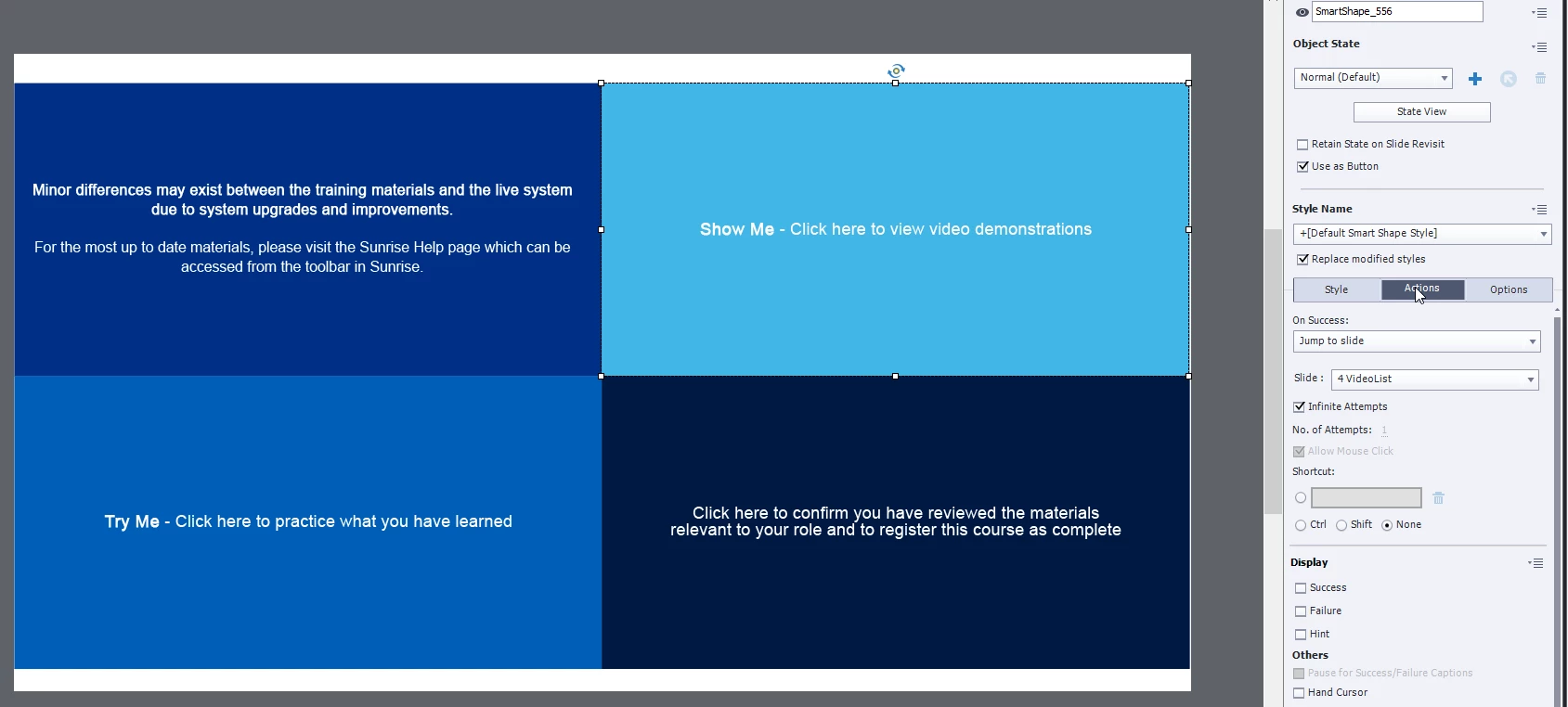
I have a dashboard of basic navigation buttons. 

I have used this for a number of courses, but in the last  few days - using the same template- they just suddenly decide not to work. 


Even when I delete the side, remake it, it only works for a few previews then won't click through anymore.  The only one which consistantly works in the bottom right tile...but they are all set up the same...and always have been on every one of my other courses which work.

Can anyone help?


Each button is just a shape, made into a button (No states) and a Jump to action.


Am I going mad?  Thank you 🙂


    This topic has been closed for replies.

    1 reply

    Lilybiri
    Legend
    June 11, 2024

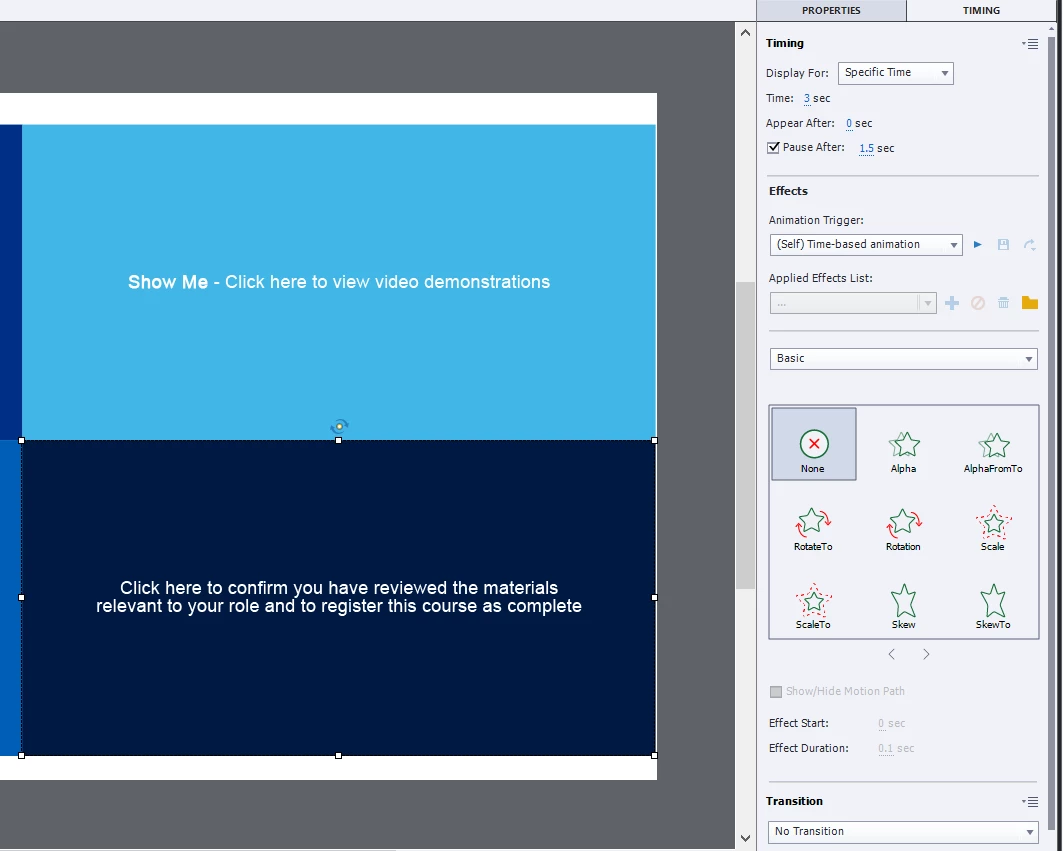
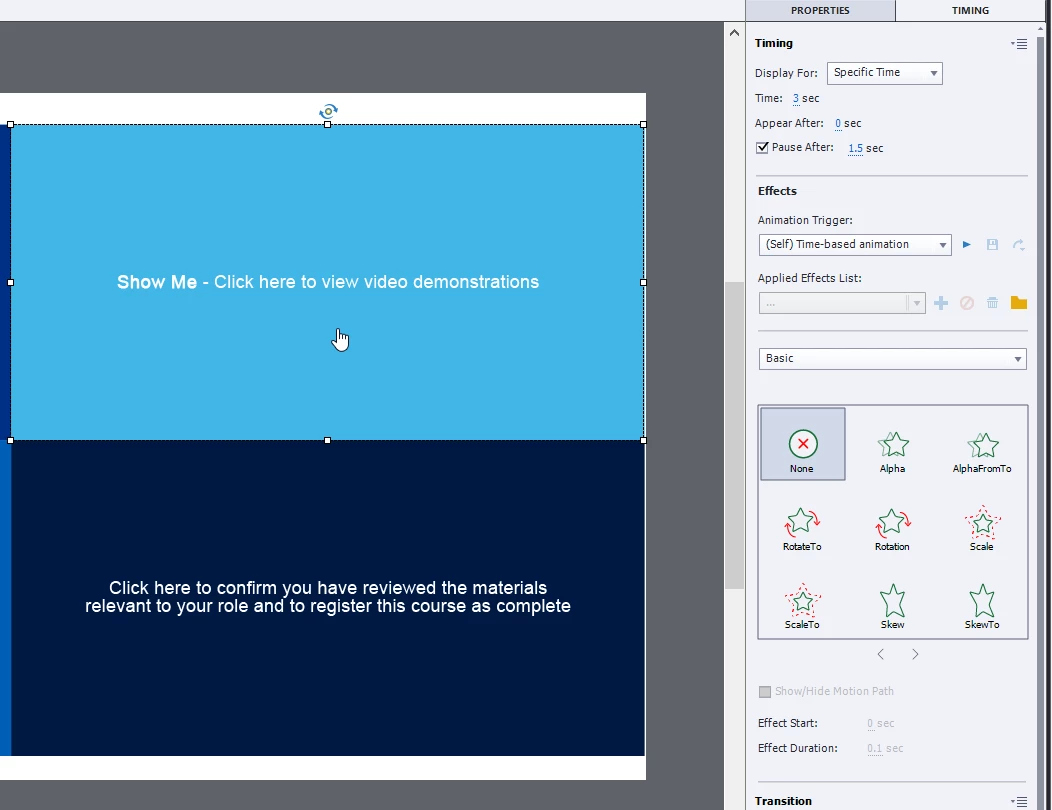
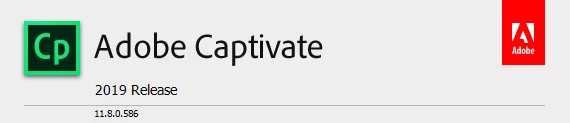
    Thanks to the screenshots I know that you are using the first (buggy) release of 11.8. However I can only guess that you are working in a responsive project? Do you use Fluid Boxes? Can I see the timeline of that slide. You did override the object style for the shape buttons, but did you create a dedicated master slide for this slide? You talk about a 'template' but I doubt that your project is based on a cptl-file which is the only template I know in Captivate Classic.

    Known Participant
    June 12, 2024

    Hi Lilybiri


    No not a responsive as only viewed on Moodle and ESR web.  No I have no master slides.  we tried this be it made it tricky for those who don't use captivate regularly to understand it, so I just made each slide with placeholders for them to add in the correct text. So no, not a "Template" in its official form, more of a shell that can be updated with different content (Videos and SIMs)

    Lilybiri
    Legend
    June 12, 2024

    I was confused by the screenshots because they seem to indicate a responsive project.

    Terminology is so confusing in Captivate. Normally placeholders are on master slides, you must mean something else. You can have shape buttons on master slides.  I understand your wish to make it easier to use, but in that case I would have created one or more dedicated object styles for those shape buttons, and a set of master slides. Than you could have saved this as a custom theme, even if you create a 'model' cptx file with a number of slides. Do you lock that cptx model project so that the users need to save a copy? 

    It is possible that theme feature changes have messed up what you did set up. It is always important to keep themes updated whenever you install an update.