tpj2015
Participating Frequently
July 7, 2015
Question

Captivate crashes/freezes when opening Tab Order options

  • July 7, 2015
  • 4 replies
  • 903 views

When I attempt to open the tab order pane in Captivate 8, the panel never finishes building on the screen. It simply displays what looks like an empty preloading bar. At the bottom of the panel is a status bar with "Error #2032" in it.
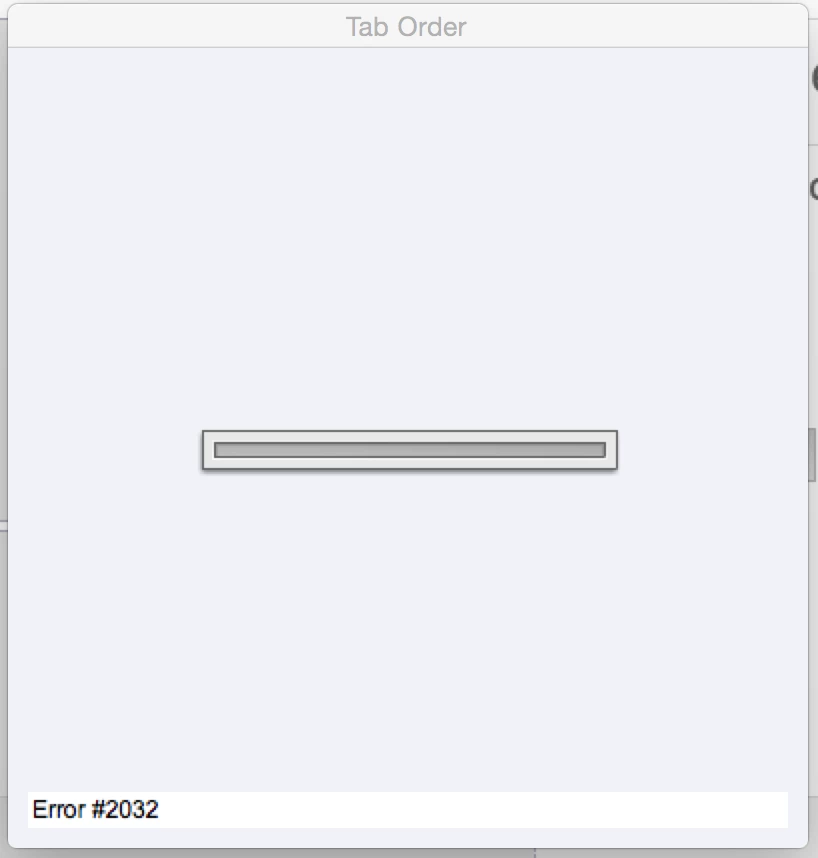
I need to adjust the tab order, but I can't keep restarting Captivate every time I try. I've tried the following:

  • restarting Captivate
  • creating a new blank file with buttons and attempting to set tab order
  • restarted the computer

Each produced the same results.

Any help would be appreciated. In the meantime, I will be scouring the boards for Error #2032 references.

Thanks,

Tim J.

    This topic has been closed for replies.

    4 replies

    Participant
    September 1, 2015

    If you're using a Mac you need to replace an SWF component. Clearly this is an issue for Mac users. I called Adobe and them emailed this:

    Step 1:- Please make sure that Captivate is closed.

    Step 2:- Open ‘<Captivate installation folder>/SWF_Components’ folder, rename ‘AccessibilityDialog.swf’ to AccessibilityDialog_old.swf’

    Step 3:- Download the swf from the following location :-  https://files.acrobat.com/a/preview/9a79474d-11dd-424e-9a2d-40bb846546c1

    Step 4:- Paste it in <Captivate installation folder>/SWF_Components.

    Step 5:- Launch captivate , Verify ‘Tab order’ dialog.

    tpj2015
    tpj2015Author
    Participating Frequently
    September 1, 2015

    Thank you so much! That fixed the issue.

    Participant
    September 1, 2015

    you are welcome. I don't quite know why Adobe doesn't put this out there. It's an issue I see all over the forums.

    audsterj123
    Participant
    September 1, 2015

    I am having this problem too. An internet search suggests quite a few users are. Is there any answer yet please?

    Inspiring
    July 28, 2015

    I'd love to know a fix for this as well. I've run into the exact same problem, and preferences doesn't seem to do the trick.

    Keep me in the loop if anybody has an answer. I need to make my projects as accessible as possible.


    Thanks,

    Rob.

    Captiv8r
    Legend
    July 7, 2015

    Hi there

    You may need to reset Captivate's preferences. Basically, you delete a folder with some files in it.

    My favorite way to accomplish it is this:

    Right-click the shortcut that launches Captivate.

    Choose Properties.

    Click the Open File Location button.

    Find and open the Utils folder.

    Double-click the CleanPreferencesWin.bat file.

    Restart Captivate and hopefully the issue is resolved.

    Cheers... Rick

    tpj2015
    tpj2015Author
    Participating Frequently
    July 7, 2015

    Thanks for the speedy response!

    I forgot to mention I am using a Mac. Still, everything was where it is on a PC (relatively speaking).

    If using a Mac, go to Applications > Adobe Captivate 8 > utils. Double click the CleanPreferencesMac file. The .bat file for PCs is there as well, which is how I knew I was in the right place. Thanks, Captiv8r!

    Unfortunately, that didn't fix my issue. I'll keep digging for additional options. But this was a great tip for future issues.

    Respectfully,

    Tim J.