



Question
Captivate CSV format Issue
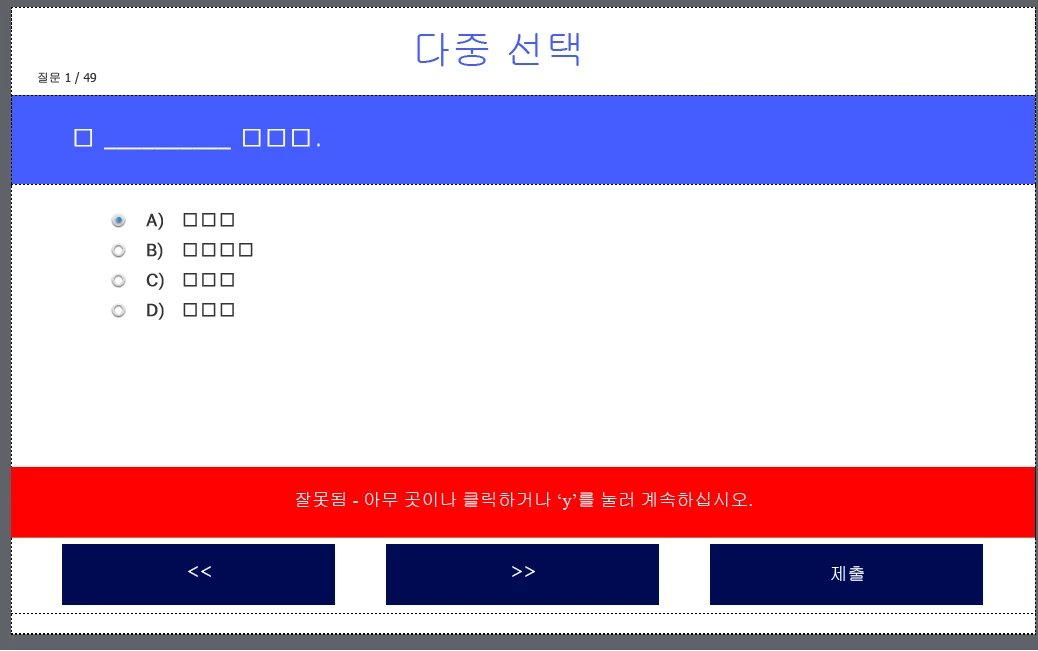
Hello, I am using Captivate 2019. I have a problem. When importing quiz questions in CSV format in languages other than English, such as Russian or Korean, the font appears corrupted and the quiz questions are not displayed correctly. I believe this is a font issue, but no matter how much I search, I cannot find a way to change the font after importing the CSV file. In this situation, changing the font does not correct the text. Is there a way to change the default font to another font entirely?
 AdChoices