


Question
Captivate does not leave the Adobe Software License Agreement screen!
I purchased a new license for adobe captivate, logged in... and the adobe license agreement appeared.
I click accept, but it closes the app and goes back to the contract screen, looping all the time.
Already tried:
- AppData\Local\Adobe\OOBE and delete _LicenseAgreement
 - Uninstall all adobe apps, clear registry keys, clear temp, clear userdata, restart and reinstall..
 - When installing , it asks for a login and password... it validates and returns to this screen...
I click on accept... it closes the application and returns to this screen.
nothing worked! Need help!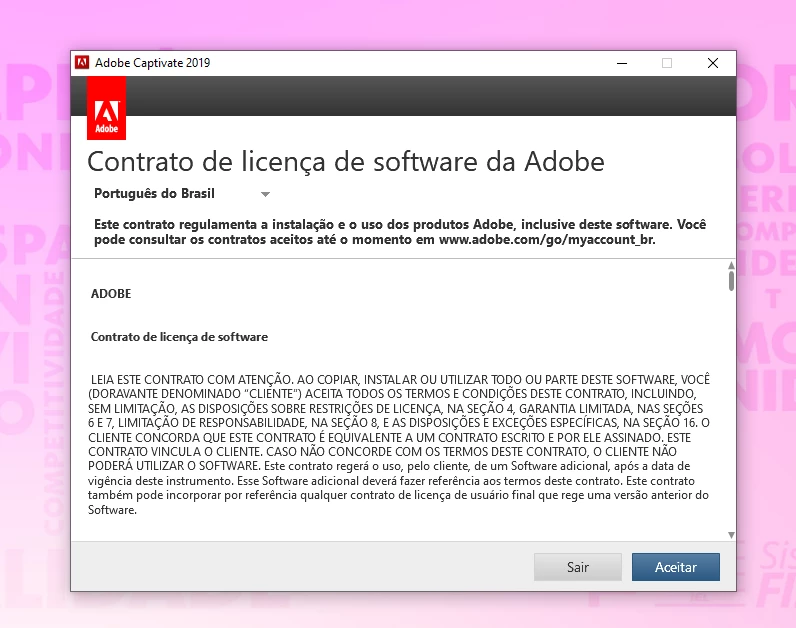
 AdChoices