
Participant
March 4, 2020
Question

Captivate in-browser problems

  • March 4, 2020
  • 1 reply
  • 439 views

Hi,


I'm having problems with the build-in browser in Captivate. It's near impossible to use. Have Edge (Chrome buildt) as default browser on my computer if that has anything to say.


Any proposed solutions?


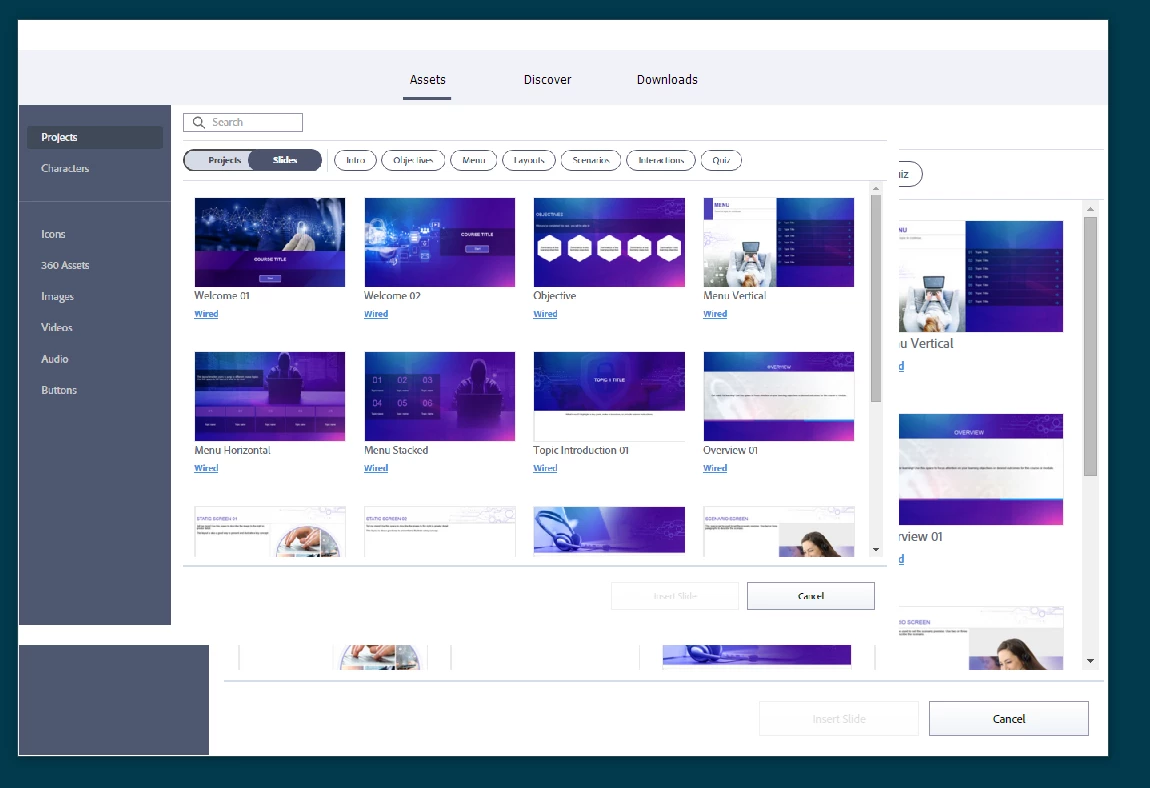
Screenshots:

Assets-page
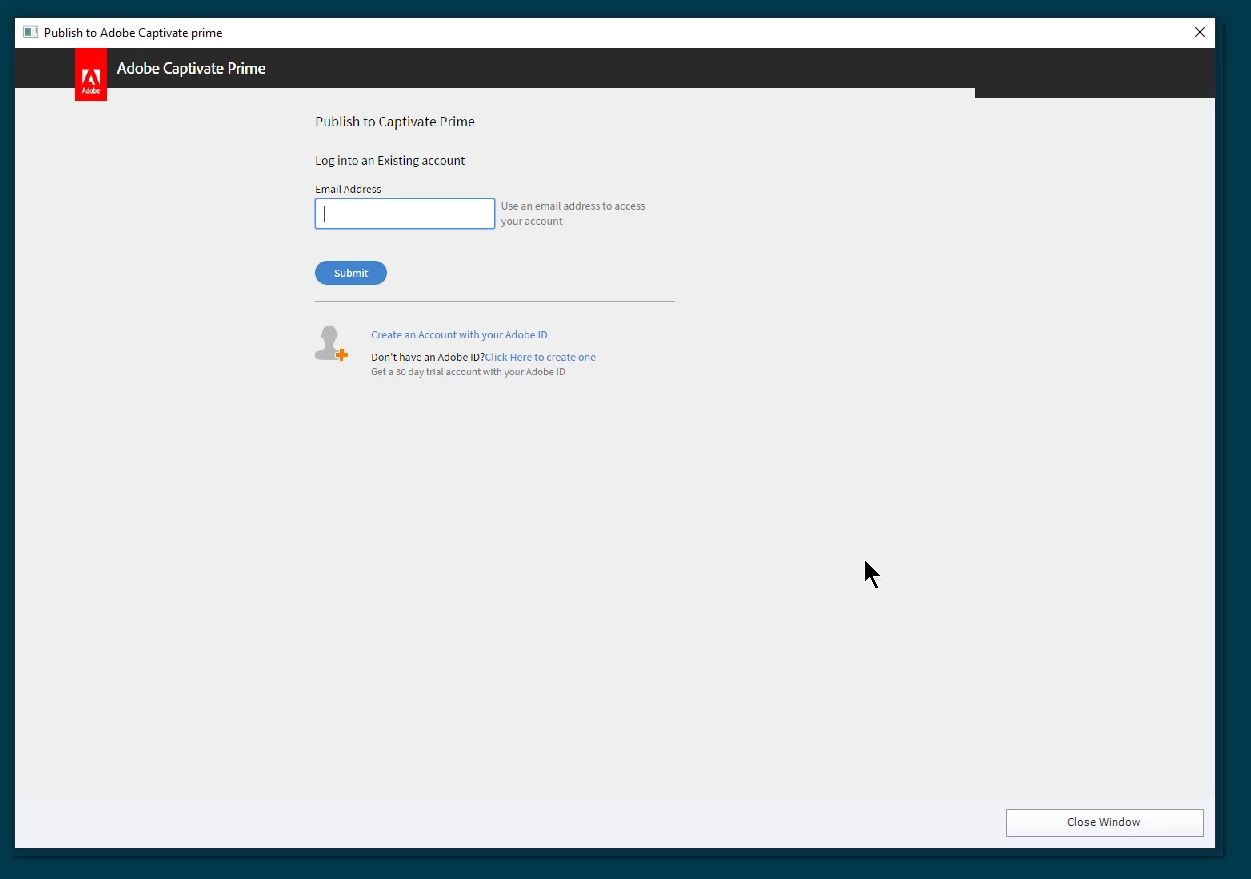
Connecting to Captivate Prime-account from Captivate (does not work at all)
 

This topic has been closed for replies.

1 reply

Lilybiri
Legend
March 4, 2020

Wonder if you do have to post this in the Prime forum, instead of in the Captivate forum?

Gl3nnAuthor
Participant
March 4, 2020

Sorry, my mistake. I use Captivate and Captivate Prime, mixed up the product in the original post. Corrected now.

This issue is in Captivate, not Prime.

Lilybiri
Legend
March 4, 2020

I do not understand your question in that case.  What is the link between the browser problem and the Assets panel or Prime?  Captivate has no built-in browser AFAIK. It will use the browser for Preview, either with F12 (obsolete, creates a temporary SWF output) or with F11 (Preview HTML in Browser). You can use set any browser to be the default browser. Do not use Edge for F12 because it has never supported SWF. But it should show the output with F11.