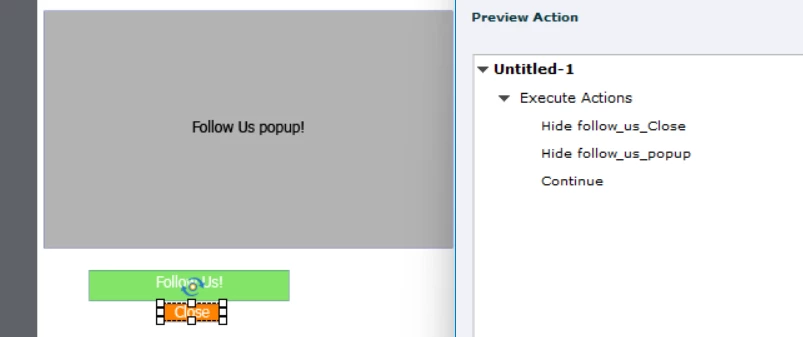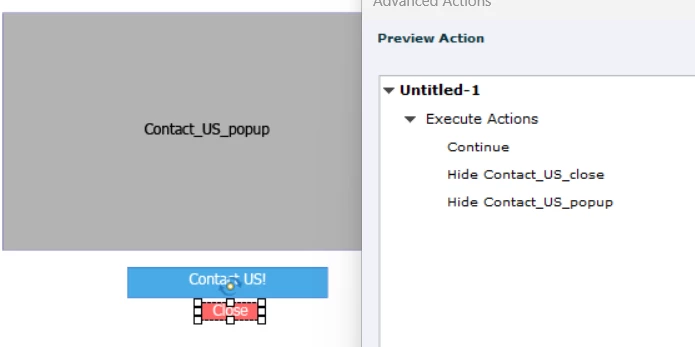
Phoenix_Leo
Known Participant
March 19, 2024
Question

Captivate: Is it possible to pause the slide & stop it from jumping from one slide to another slide?

  • March 19, 2024
  • 1 reply
  • 5561 views

Hello!
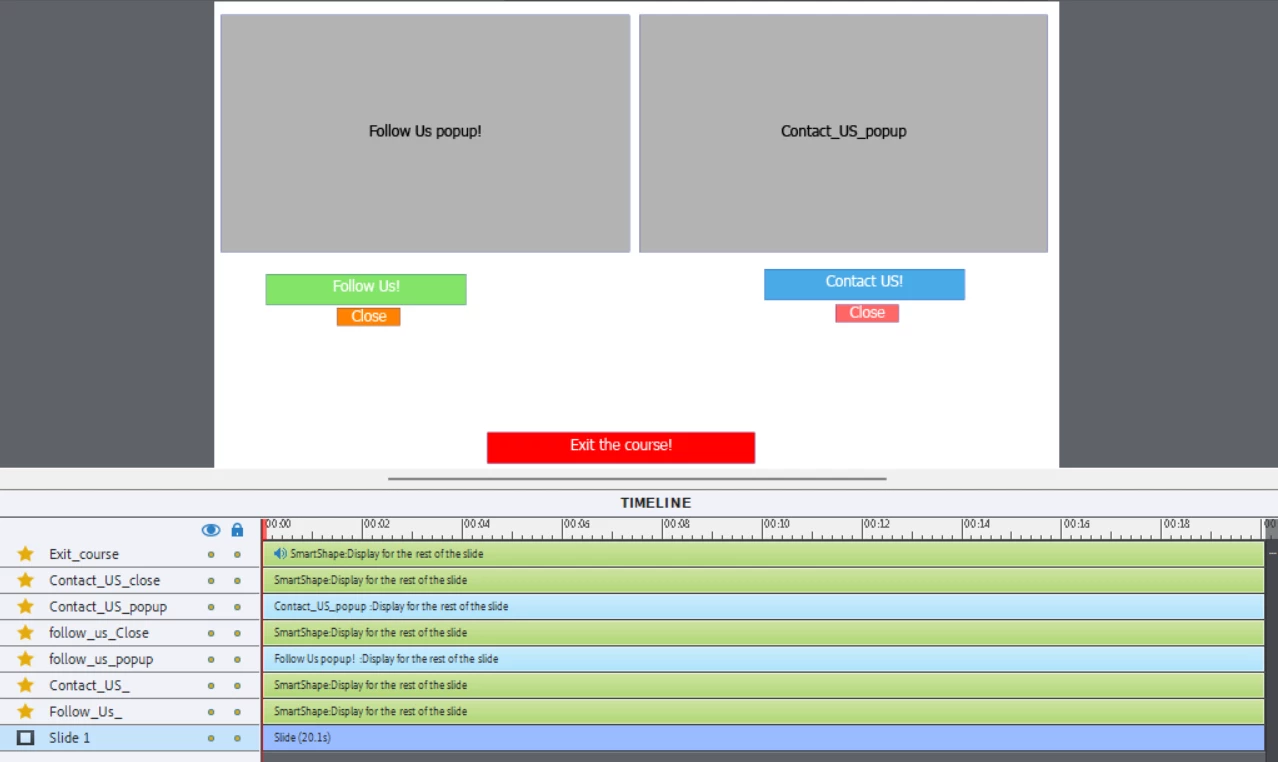
1) In my Captivate test project, there are two buttons and the two buttons have their own popups and close buttons.


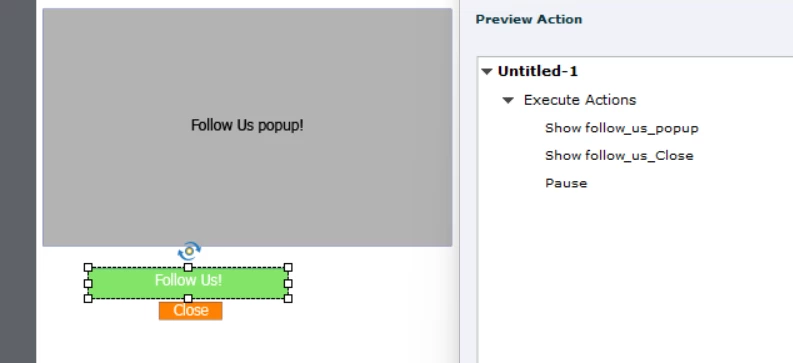
2) The popups are initially hidden and will only appear if the buttons i.e. "Follow us" or "Contact us" are clicked


3) There is a smart shape used as a button called "Exit course" and it has audio inserted into it.


4) While the audio is playing if the learner clicks the "follow us" or "contact us" button, the "Exit course" audio should stop, and when the learner clicks the close button the audio should continue from where it stopped and it works fine.


5) When the whole audio from the "Exit course" smartshape is done playing, the learner clicks the close button which appears after clicking the "follow us" or "contact us" button. The slide jumps to the other slide and how to stop the slide from jumping to the next/another slide.


Screenshot of the slide and timline:
*Advanced action of the Follow us buttons*: 
 

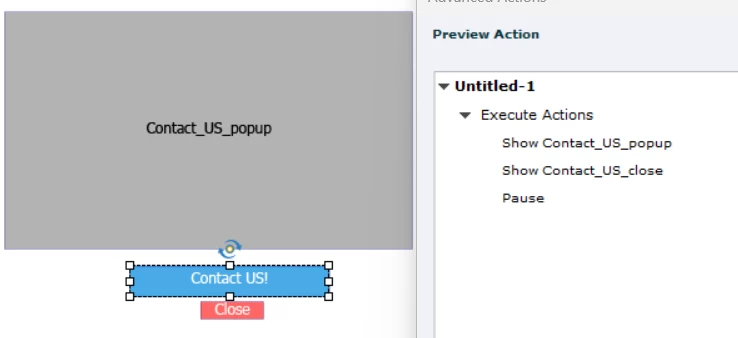
*Advanced action of the Contact us buttons*: 
Thank you,

    This topic has been closed for replies.

    1 reply

    Lilybiri
    Legend
    March 19, 2024

    The screenshot of the timeline is not complete: is this audio slide audio, it should appear below the slide timeline? Horizontally it is not complete neither, please move the slider to zoom out, so that it is possible to see the complete timeline. At this moment all visible interactive objects have no pausing point. It may be as simple as adding the pausing point to the Exit button. That Exit button has object audio attached, why? If that is the only audio, there is no need whatsoever to make that slide so long.

    Can you please post a screenshot of the Advanced Interaction panel (F9)? Make sure to increase the width of the columns 'On Success' and 'On Failure' to allow me to see the links between the events and the actions. 

    Phoenix_Leo
    Known Participant
    March 20, 2024

    Mam the actual scenario of this slide is it has 6 buttons after completing the six buttons the "End Course" button with the audio inserted should appear. But that 6 button part is working fine so didn't post that part.


    The issue is after the 6 buttons are clicked and after the "End Course" button has appeared.


    When the "End course" buttons audio is done playing and that time if we click any 1 Close buttons which belongs to the "Contact Us" or "Follow Us" buttons, the current slide jumps to the "Next Slide".


    So how to stop the slide from jumping to another slide?


    Timeline:

    Advanced Interaction:


    Lilybiri
    Legend
    March 20, 2024

    Is it not possible/wanted to disable buttons that you don't want to be clicked? You can include that with actions checking the completion of the six buttons. If you want to revisit the slide, use the On Enter event of that slide to enable all buttons.