Participant
May 20, 2020
Question

Captivate Keeps Crashing Due to Adobe Font

  • May 20, 2020
  • 1 reply
  • 310 views

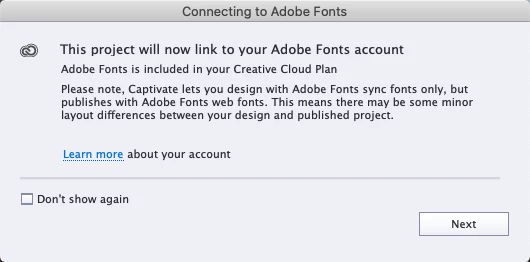
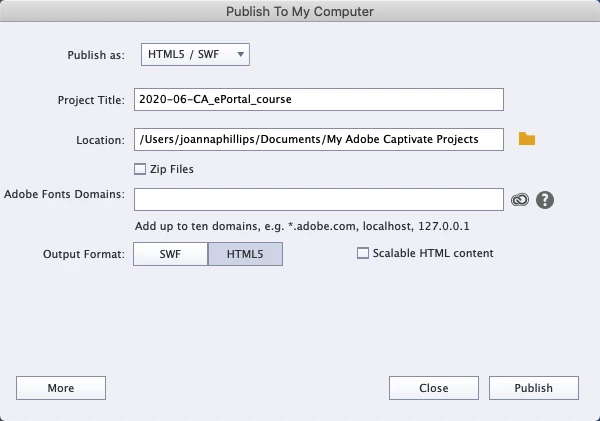
I just finished a project and all I need to do its publish the darn thing. Unforunately, there is this new Adobe Font domain thing I have encountered? I tried putting in "adobe.com" or "localhost" but that seems to do nothing.

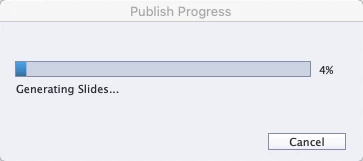
I have no idea what I should be putting in this field because I don't use any unusual fonts. I do have a subscription. All I can find in the community is about TypeKit. And no one says anything about their Captivate crashing at 4%. This is really frustrating.
 

Thanks.

    This topic has been closed for replies.

    1 reply

    Lilybiri
    Legend
    May 20, 2020

    Workflow for Adobe fonts is identical as for Typekit fonts, it is just a name change.

    If you do not have a CC account, your fonts plan is limited to one domain to add. Choose the one to which you'll have to upload the course.

    However, I see seveeral '-' in the project name, please replace them by an underscore.

    MerakiMCEAuthor
    Participant
    May 20, 2020

    I haven't had to use the TypeKit process either so I'm not even sure what that is. That field is new to me. I'll try one domain.

    Lilybiri
    Legend
    May 20, 2020

    If you are inviteed to indicate a domain, it means that you have used an Adobe font IN your course. Replace that font by one of the websafe fonts and you'll not have to indicate any domain.

    You need to have the CC application open.