
Participant
July 1, 2016
Question

Captivate not playing in IE

  • July 1, 2016
  • 1 reply
  • 129 views

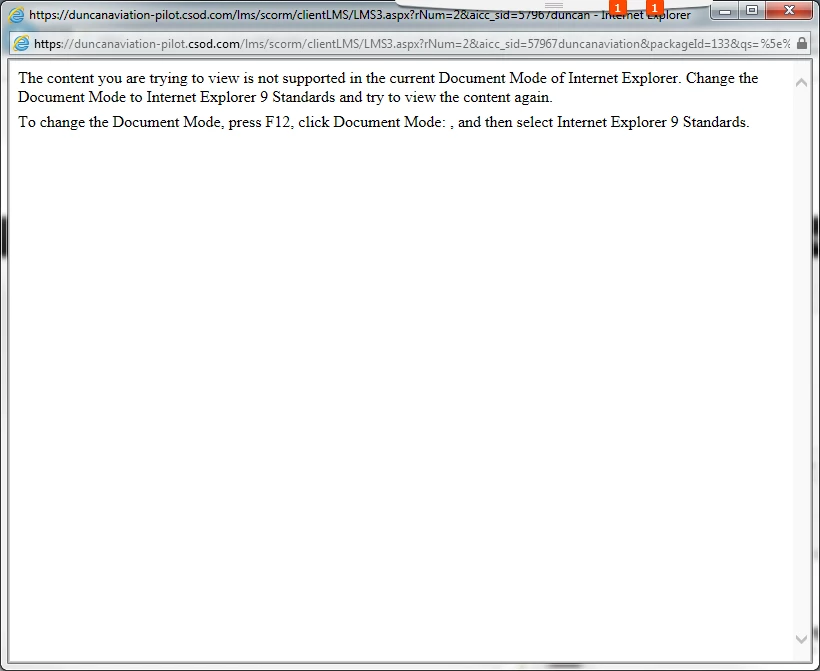
I am testing a module and when launching in IE I get this notice....  I follow the instructions and it will work, but our end users will have difficulty.

Is there a setting in Captivate I can change, and where can I change it?
    This topic has been closed for replies.

    1 reply

    BDuckWorks
    Inspiring
    July 1, 2016

    This isn't a Captivate option, but an Option within the LMS.

    And, I see you're using Cornerstone (CSOD), in the Cornerstone LMS this option is buried in the Course Details screen

    Admin -> Catalog -> Course Catalog -> Select your Course and scroll down (on the general tab):

    You've been told that it needs to be IE 9, or 10.

    Then click save!