


Question
Captivate Screen is an Undocked Mess
I logged into Captivate this morning and found it looking like this:
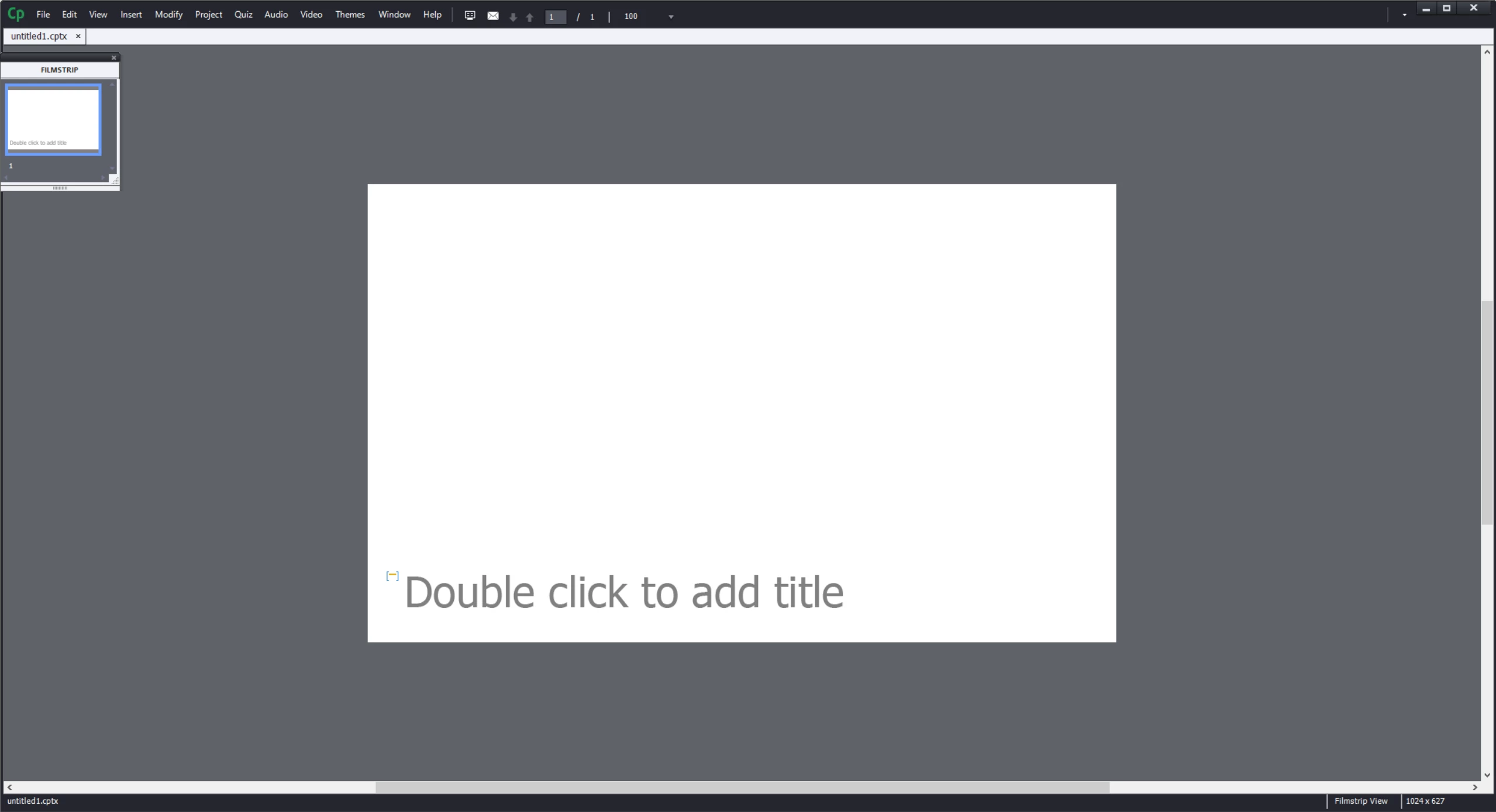
Nothing is docked where it is supposed to be and the row of icons across the top is missing. When I drag the filmstrip window to the left, I do not get a shaded area for me to drop it to dock. I can open the timeline and properties, but they appear in tiny boxes that also do not let me dock them. I have custom workspaces checked in preferences (and have rebooted) and resetting to my saved workspace that should have everything nicely docked for me does nothing.
How do I fix this?
Thank you.
 AdChoices