Captivate: Scroll bars with new SCORM package
I'm having an issue with SCORM publishing settings in Captivate 8. The SCORM packages I made last month or earlier display perfectly when launched in Moodle, but all my new ZIPs (the last two weeks), launch either oversized (in Chrome, IE) or inside a window within a window with two vertical scrollbars and one horizontal one (Firefox).
I've tried multiple varieties of publishing settings, and cannot seem to resolve this issue. The issue is not Moodle related. If I attach a ZIP package file from August, it displays perfectly in all browsers. If I switch to a September one, the issue occurs. Switch back to August, fixed. Switch back to September, broken.
Any clue as to what settings or toggles I need to change to resolve this issue?
I appreciate any help or suggestions. See below for some screenshots.
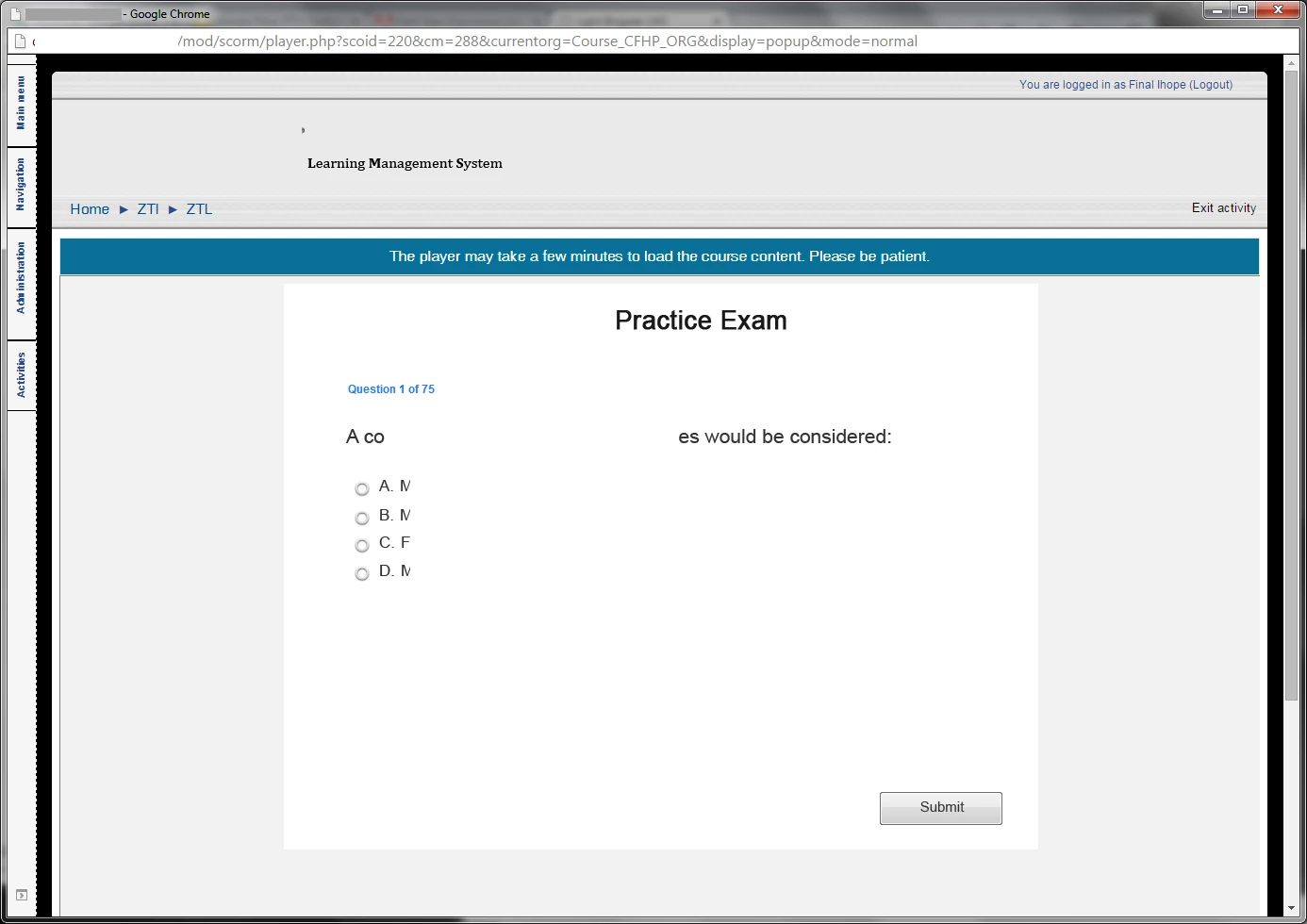
How an August package displays:
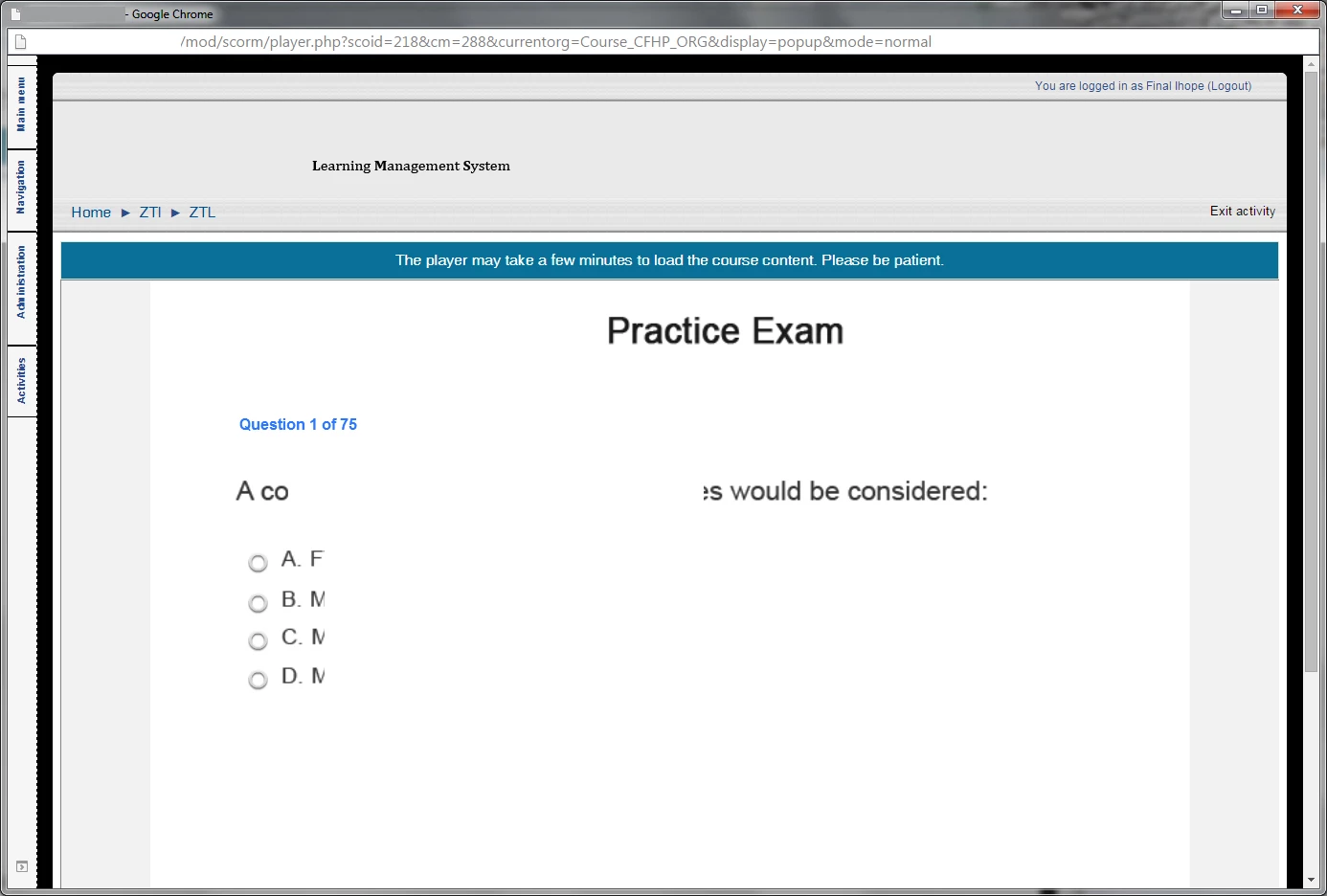
How a September package displays in Chrome and IE:
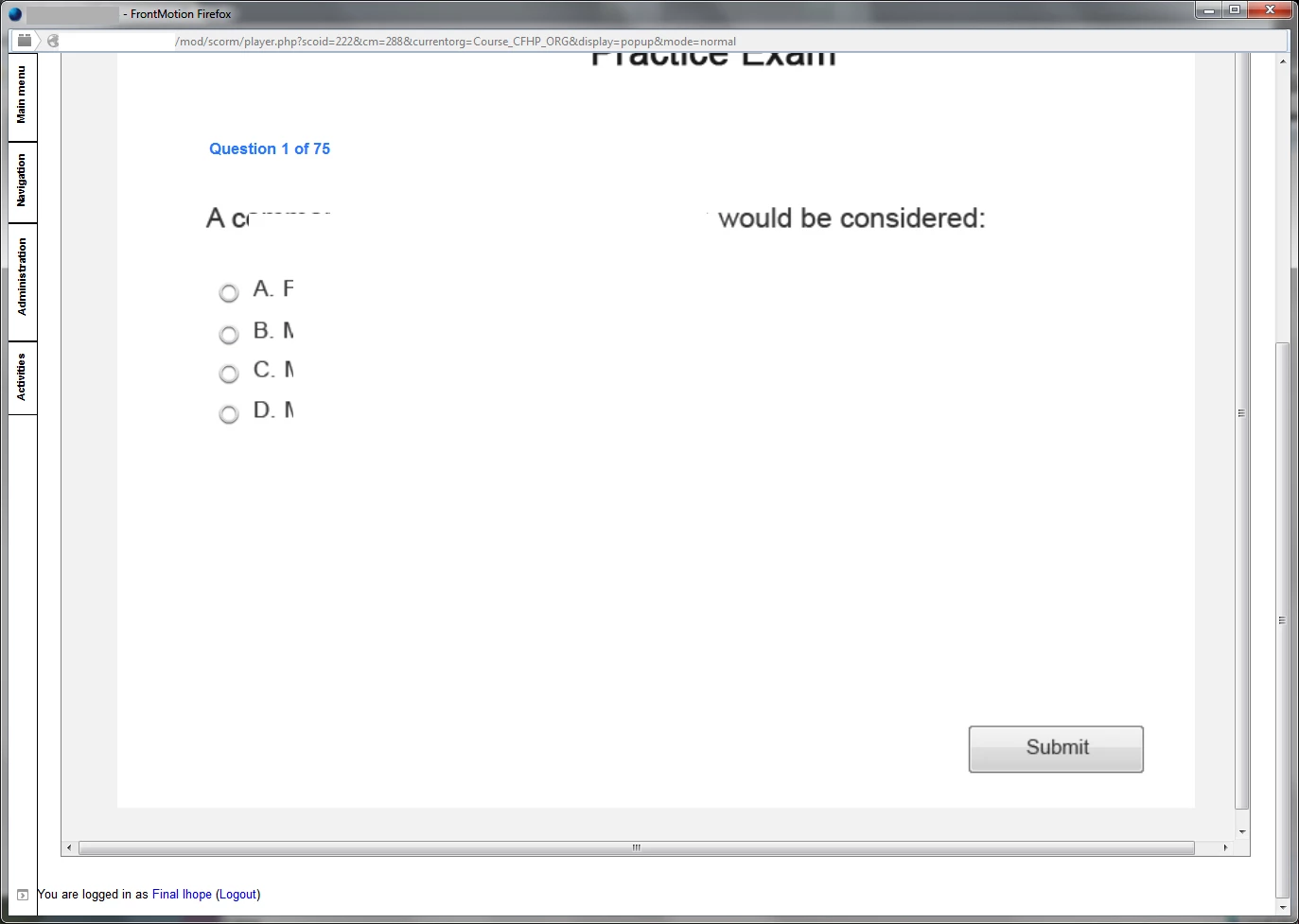
How a September package displays in Firefox (FrontMotion):
 AdChoices