antons87216159
Known Participant
October 21, 2020
Answered

Captivate thinks I am using a trial version

  • October 21, 2020
  • 1 reply
  • 774 views

I've been using Captivate since early this year. Now I started working on a new project but upon opening Captivate it's asking me to register my serial number, which I was never given, or start my 30-day trial. Upon searching the forum and google, I only found the solution to start the trial again and it would then register my Adobe Account. But it doesn't seem to be doing that. Does anyone have an idea of how to make captivate realize that I do have a proper license?

    This topic has been closed for replies.
    Correct answer Lilybiri

    Captivate is not in the CC, but can use Adobe fonts (and Stock images). For that reason the CC app needs to be open.

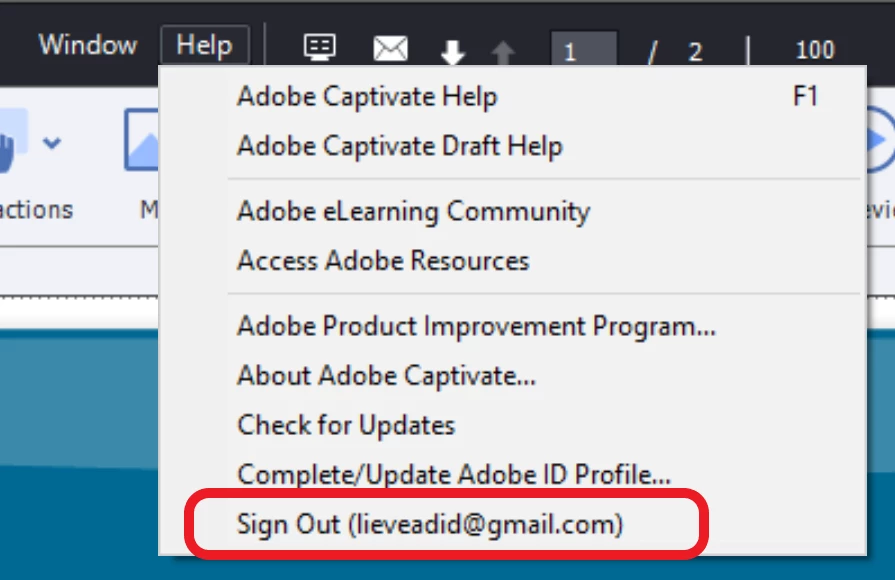
    Sign out in Captivate is under the Help menu:

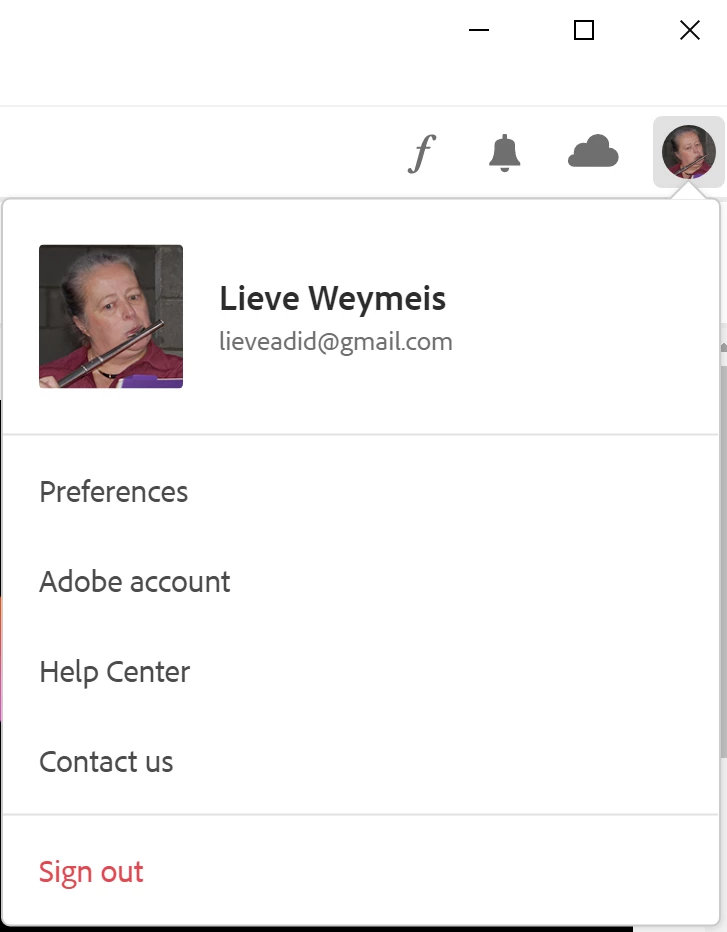
    And in the CC app:

    1 reply

    Lilybiri
    Legend
    October 21, 2020

    Did you try to sign out of Captivate, then sign back in? Same for the CC app, log out and back in with the Adobe ID linked to your license.  You are on a subscription license, I suppose?

    antons87216159
    Known Participant
    October 21, 2020

    This might be a stupid question, but where do I sign in and out in Captivate? It doesn't have the Adobe Account circle in the top right as the Creative Cloud applications and I can't find anything in the menu. The only place I found is when I access the Captivate Community through the programme.  I did try loggin in there, but it didn't change anything. I also signed out and back in on the Creative Cloud, but as Captivate isn't part of the cloud, does it even communicate with CC?

    antons87216159
    Known Participant
    October 21, 2020

    And yes I am on an annual subscription