
Answered
Captive 2017: Strange behaviour when previewing "In Browser" vs "HTML5 in Browser"
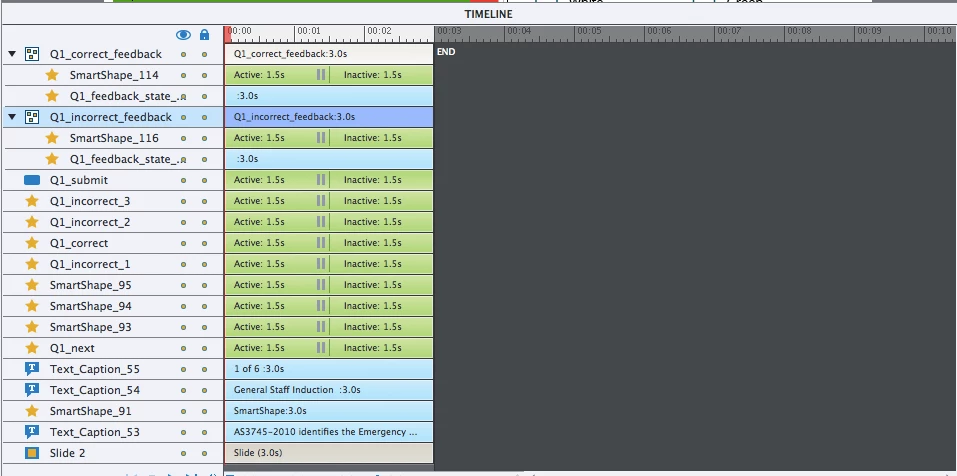
I made a custom quiz using advance action. Radio buttons are multi-state objects (normal and selected). Correct answer is yellow which is equal to 1 and all others are 0's. Works perfectly if I preview is with "HTML5 in Broswer" but "In Browser" it stop responding after selecting 2 of the answers. Has anyone had experience with this before? I am using the trial version of Captivate 2017 release at the moment will purchase it later.
I think it's something to do with slide duration. It moves to the next slide automatically and the buttons is not stopping it. It works great in html5 browsers preview.
 AdChoices