widgityvicky
Known Participant
June 21, 2017
Answered

Captivte 2017 Responsive projects and hot spots

  • June 21, 2017
  • 1 reply
  • 508 views

Hi, another question from a beginner.

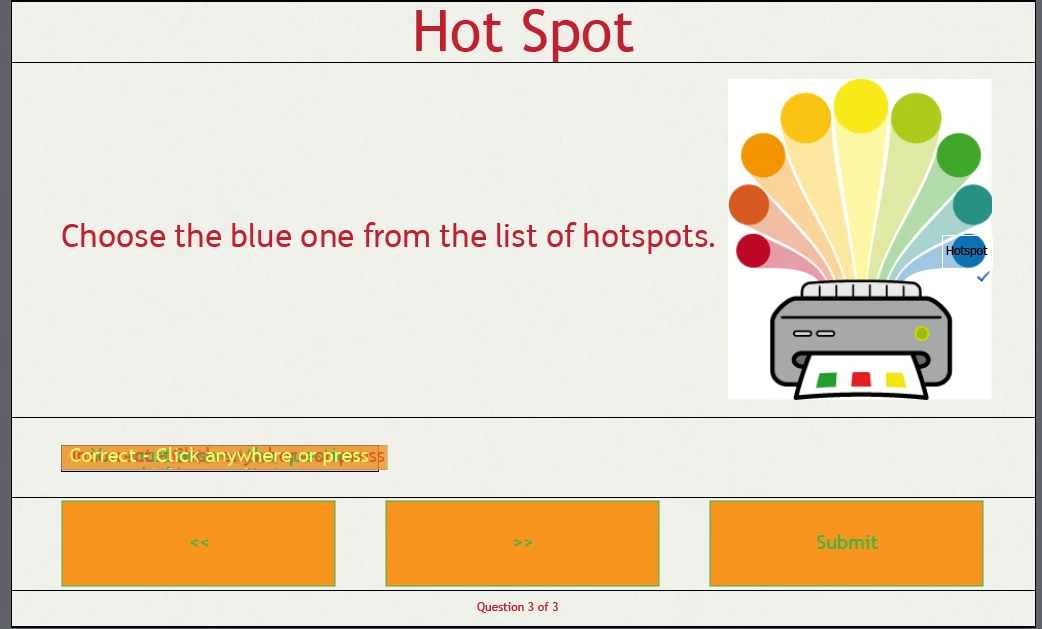
Quiz in a responsive project.... I want the learner to be able to click on a specific PART of an image..... but when i change the preview to iphone etc it moves! Is there anyway of "locking" the hotspot to a specific part of a picture? (as eg)

This topic has been closed for replies.
Correct answer Lilybiri

We've built a course using Fluid Boxes, which we love. The end-of-course quiz has a short series of Hot Spot questions that won't play nice in responsive views... or even if designed in the responsive view, it will break when going back to the desktop view. I've taken items out of the fluid boxes. We cannot switch back to Beakpoint for this one slide. Thank you for the link to the Captivate blog, I did find some great info in there on other topics.


I checked the master slide for hotspot: it is using a static fluid box, which is logical since objects are stacked in a location (hotspot over something else). I suspect the problem is linked with it. Custom hotspot question is probably the best choice. I am aware o the fact that you cannot have one breakpoint views slide in a Fluid boxes workflow.


1 reply

Participant
February 14, 2018

We would also very much like advice on this topic. Many minds, many tutorials, and much trial and error has not produced effective responsive results. 

Lilybiri
Legend
February 14, 2018

I suspect you have tried to achieve this with Fluid Boxes?  SInce I rarely use the default Hotspot question even in non-responsive projects but create custom hotspot questions, I haven't explored this type of quiz slides extensively as I did with the other types in: Tips for 'Fluid' Quiz Slides - Captivate blog

My bad. First idea would be that I would prefer Breakpoint Views workflow in this particular case because you have full control over the position and the size of each hotspot.

Participant
February 14, 2018

We've built a course using Fluid Boxes, which we love. The end-of-course quiz has a short series of Hot Spot questions that won't play nice in responsive views... or even if designed in the responsive view, it will break when going back to the desktop view. I've taken items out of the fluid boxes. We cannot switch back to Beakpoint for this one slide. Thank you for the link to the Captivate blog, I did find some great info in there on other topics.