


capture size when inserting a slide simulation not consistent
HI
I created a customized project using software simulation. I captured a number of slide of our online site. There are a couple of slides that i want to replace but i can't remember what size i used to capture the slides. When i used the Slides button -> Software simulation to insert the new slides, i noticed that i'm not given the option to choose the size of the slide. The red border is auto set. Assumed that this is auto set to the existing file's capture size; however, when i record the new slides, i can see that the size is incorrect.
So... how do i ensure that the new slide capture size is the same as the original capture size of the file?
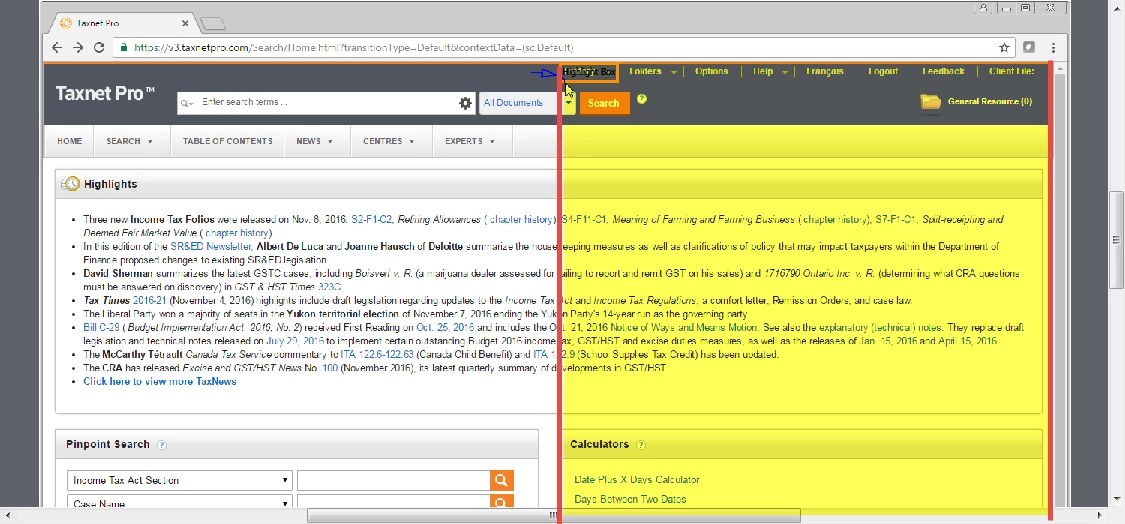
notice the difference between the yellow sections in these two slides?
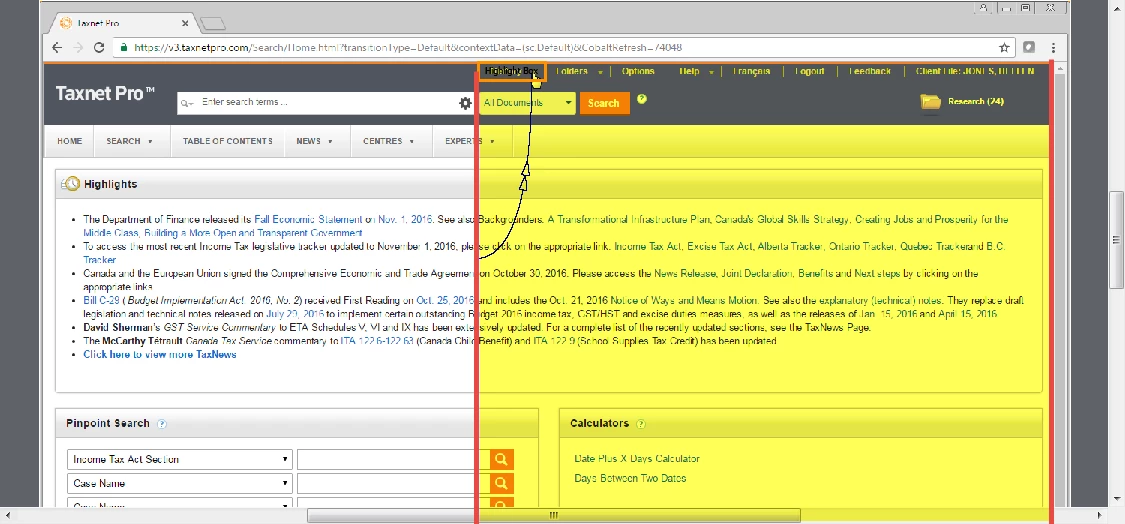
Clearly the first slide above is recorded in a bigger size and the slide below in a smaller size. so how do i get them to be the same.
thanks, Marion
 AdChoices