Disabling a button only results in keeping the Normal state, not in changes in color.
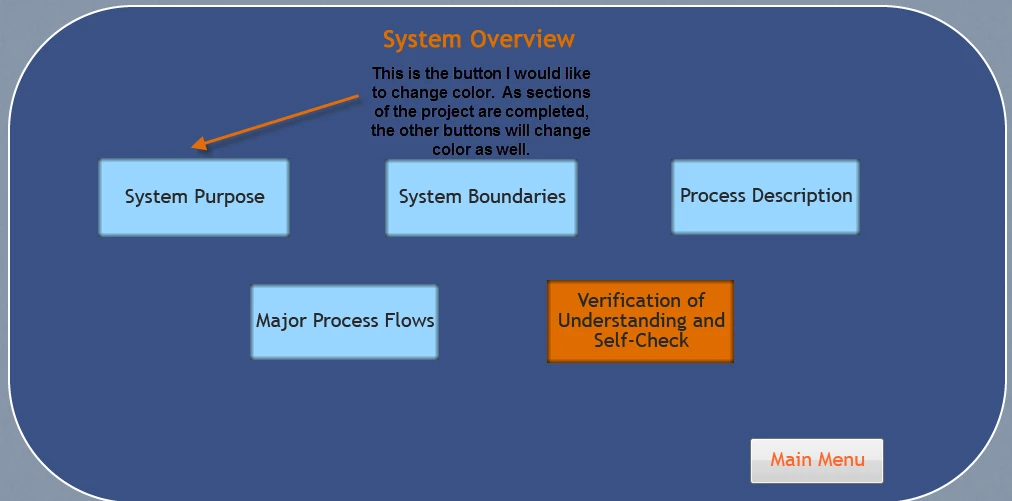
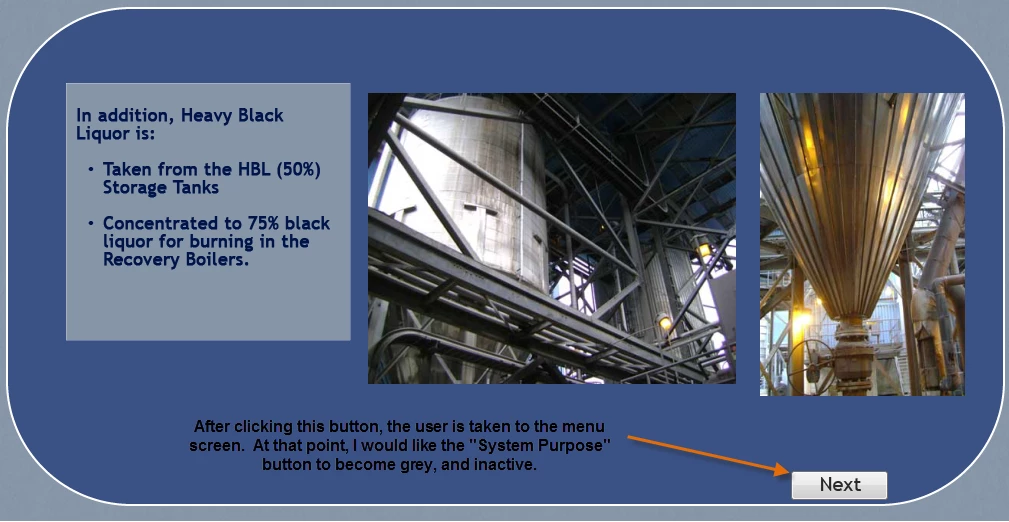
Since you are navigating immediately to the Next slide, you can use the second approach, no need for user variables, nor for a conditional action with several decisions. You have to create the custom state (use State View) with the color you like, name it 'Done'. I recommend a shared action like this for the button (do not change the sequence, you first have to change the state):
Change State of Btn_one to Done
Go to Next slide
The italicized words will be your parameters, sorry but even if you label all the 4th states to the same name Done (which is allowed), you'll have to enter that parameter. If you want to disable the button, you can add that command as well.
Do not forget to check 'Retain state'!

 AdChoices