karger
Participant
January 24, 2019
Answered

Changing Closed Captioning in a Responsive Project

  • January 24, 2019
  • 1 reply
  • 460 views

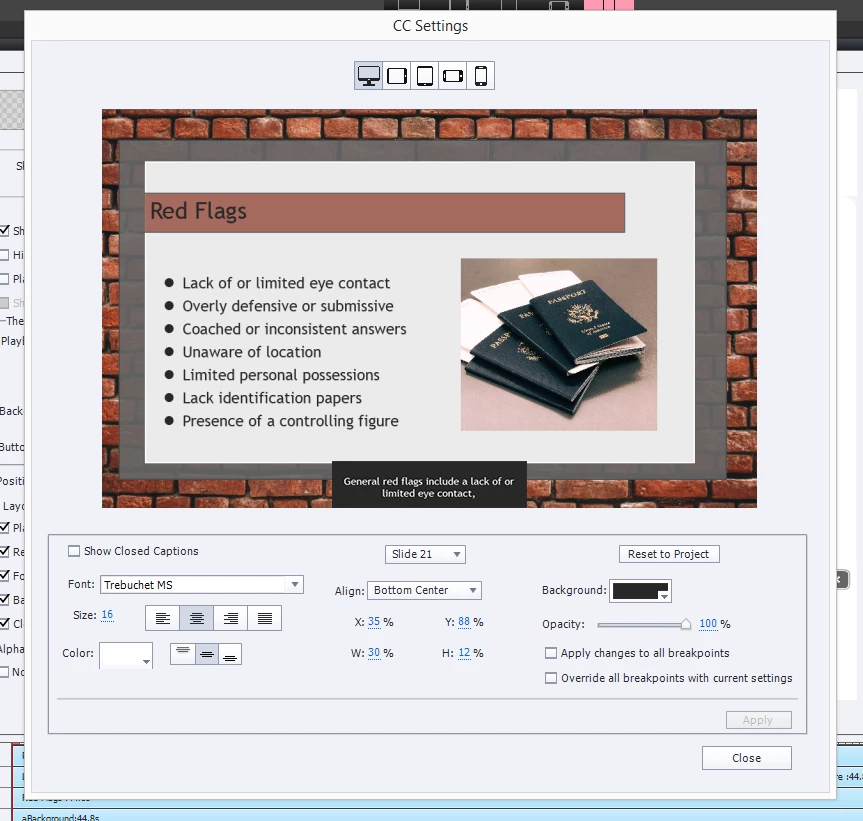
I am having difficulty changing the closed captioning in the responsive project I have made. I set the project cc background to black and to white text, but when I switch to the iPad, iPhone, or Android view, the project cc is not there. Instead, the background is white and the text is black.

The cc for the PC view changed to the project mode and looks fine, I am only having an issue with the other viewing modes.

Thanks in advance for your help!
This topic has been closed for replies.
Correct answer TLCMediaDesign

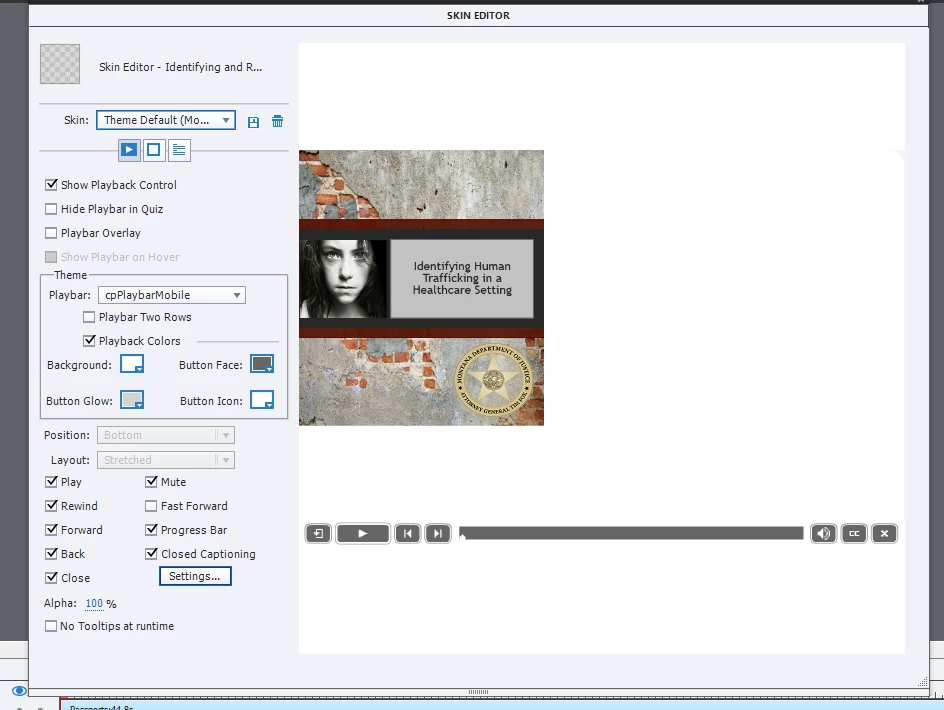
I went under Project and selected the Skin Editor.


Notice that you have the PC Icon selected at the top of the CC settings. Try selecting the other breakpoints and see what the settings are.

1 reply

Paul Wilson CTDP
Community Expert
Community Expert
January 24, 2019

Have you set the Closed Caption settings on the Project level? Perhaps you have set the colour settings for only one or just a handful of slides. I've always seen this feature provide the same experience for Closed Captioning across many slides. When setting your visual settings for Closed Captioning, make sure you select the Project level and not just the current slide. See the screenshot below.

Paul Wilson, CTDP
karger
kargerAuthor
Participant
January 24, 2019

Yes, I have. That was the first thing I did, but for some reason the project setting only changed the PC view, not the others.

RodWard
Community Expert
Community Expert
January 24, 2019

Are you using the Mobile Skin and Mobile Playbar? If not, choose these in the Skin Editor and see if that makes a difference to the way things look for mobile devices.