


tman22
Participating Frequently
November 4, 2022
Question

Changing default auto-populating text for failurebox on software sim clickboxes.
  • November 4, 2022
  • 1 reply
  • 99 views


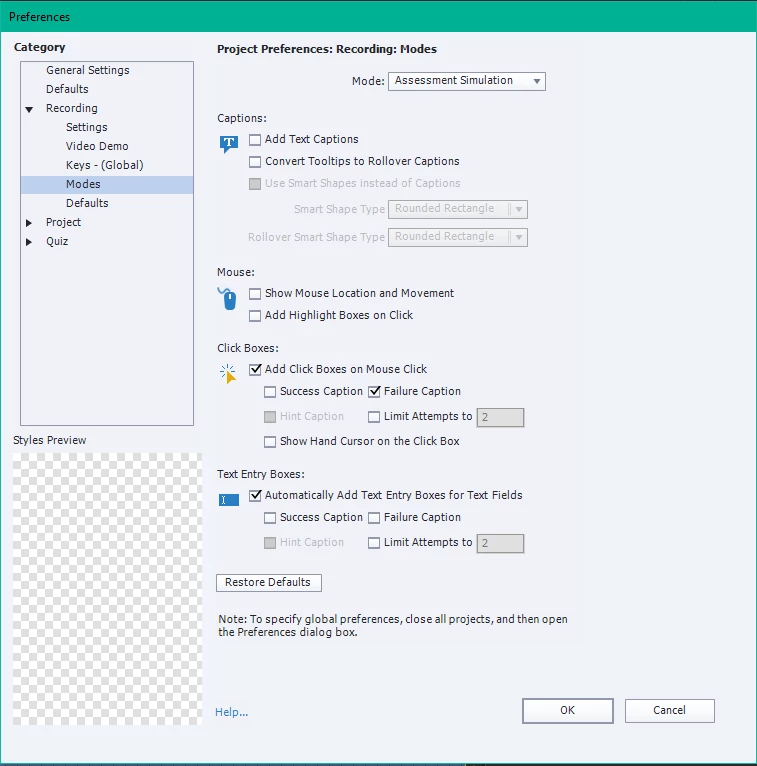
When recording a software sim, I have it so that it makes clickboxes upon mouseclick. I want the failure caption, but I don't like the auto populated text in the failure captions. The Quiz > Quiz Preferences> Quiz > Default Labels do NOT affect the text of the clickbox's failure caption. There must be a way to set it as Adobe is populating them with a dynamic something-or-rather, but I can't find threads that fix THESE failure boxes spefically.

Again this is the Standard Objects failure captions, not the Quizzing Objects failure captions.


Most up to dates vers, 64 bit, not fluid workspace.

This topic has been closed for replies.

1 reply

Lilybiri
Legend
November 6, 2022

This is a weird problem, I never have experienced that the Failure caption embeds the correct answer. Have a look at this assessment example which I posted in the eLearning community recently:

Simulation assessment to test Captivate skills - eLearning (adobe.com)

I always change to 'shape' instead of 'caption', and later on decided to take the Failure messages out completely but I don't remember ever having seen the AutoFill leading to embedded hints in the messages at all. Click boxes nor Text Entry Boxes have a default label in simulations and you are correct, the messages in Quiz Preferences are not at all used in simulations. Did you use the Assessment or the Training mode? I may try to double-check your problem, but you need to turn off Autofill in the application you are capturing (not for the Failure message however, it is always a recommendation).


Can you tell the exact version of Captivate you are using please? You find the full version number under Help, About Captivate. I am stil on 11.5.5.553 because the recent version 11.8 has too many bugs from what I read in this forum.