
Clear Cache Question
I know the settings I currently have for Default Locations is wrong in that they are the same location:
Publish At: C\Adobe Projects
Project Cache: C\Adobe Projects
So, now I am getting the error message:
Free Diskspace is getting very low. Recover some hard disk space by clearing the project cache. To do so, click the Clear Cache button in project preferences (Edit>Preferences>Global>General Settings.)
I've read some of the issues (AKA horror stories) with clearing the cache, so I'm very wary.
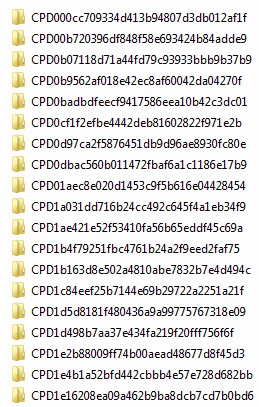
I store my project files (cptx, image files, doc files, etc.) in a project designated folder on my c:drive (also backed up to a network drive). I've looked randomly at the files in C\Adobe Projects and they seem to contain db folders with thumbnails.cpth files.
How should I proceed to free up diskspace and eliminate the error message without risking my current project ? Do I use the Clear Cache button, or would it be safer to manually delete the db folders and cpth files?
Please help!
 AdChoices