


Known Participant
March 23, 2016
解決済み

Clearing quiz slide of feedback answers when user re takes the final quiz

  • March 23, 2016
  • 返信数 1.
  • 300 ビュー

I have created a final quiz with advanced actions
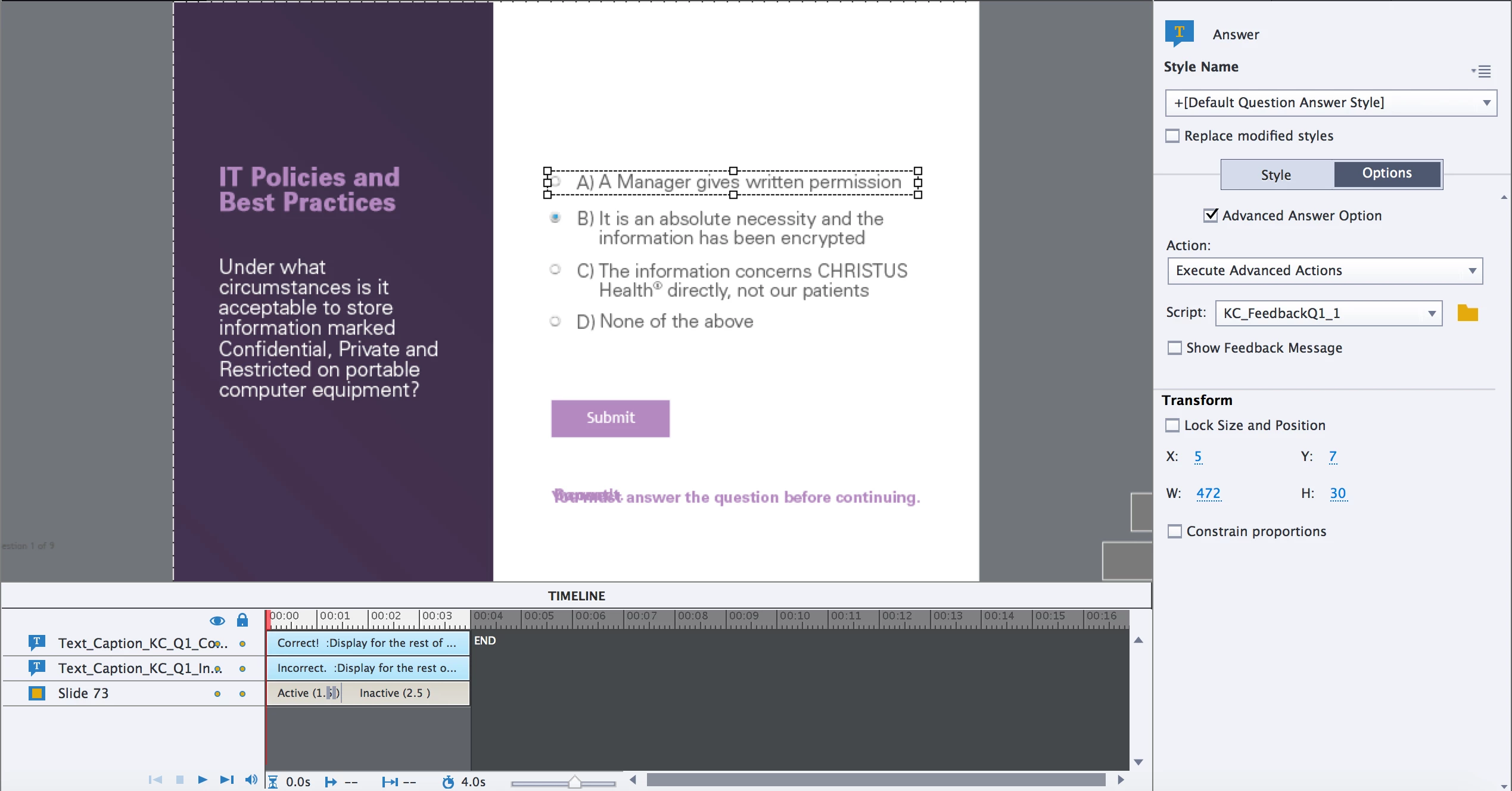
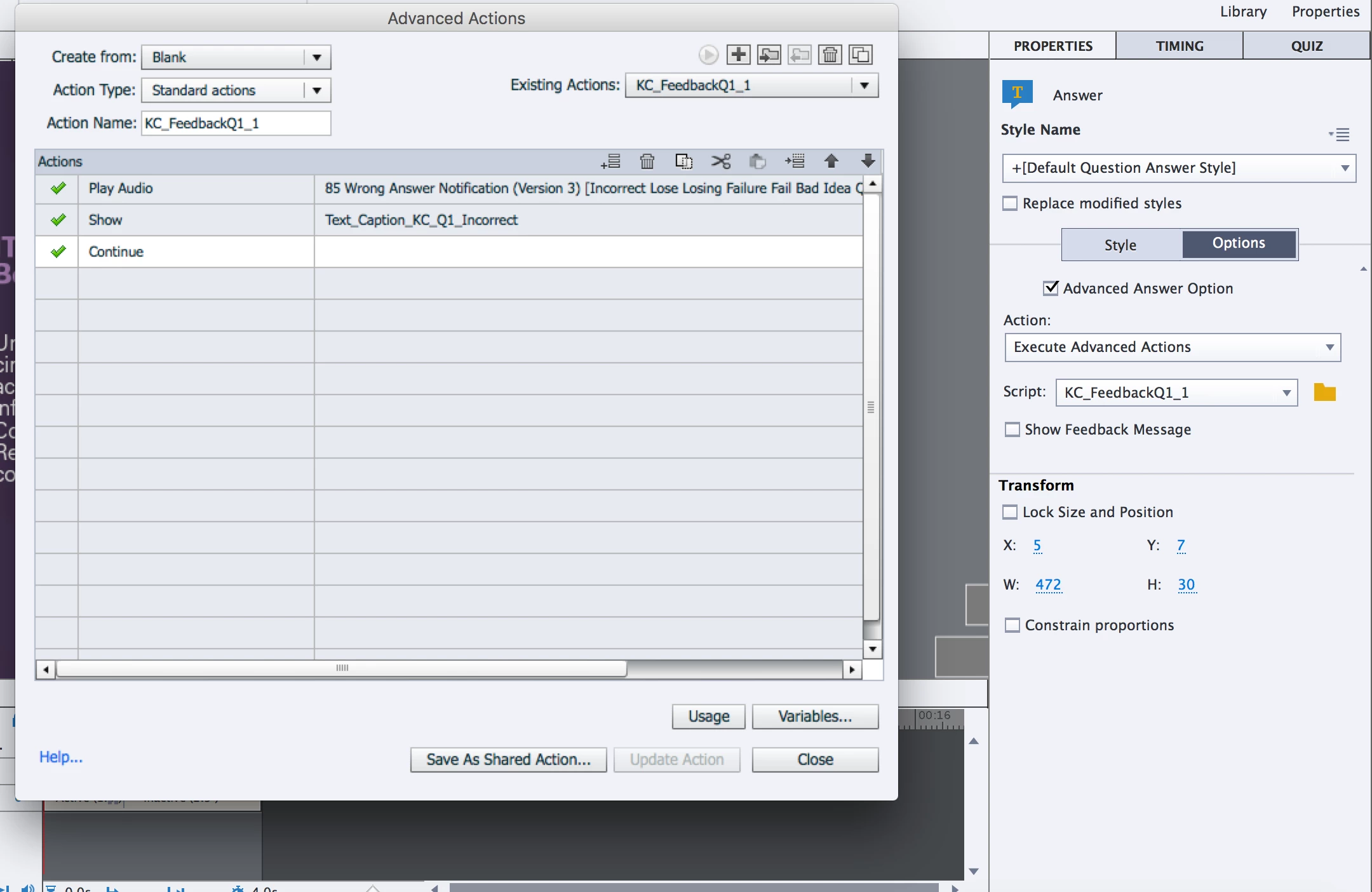
For the 3 incorrect answers, when selected - a "wrong answer" sound plays AND it shows on screen text simple saying "Incorrect, the correct answer is..." and then it auto continues to the next slide. The text was simply created right on the timeline and was HIDDEN so I used the "show" action to make the correct text box appear depending on which answer they select. Same thing happens when the user selects the correct answer. A "correct answer" sounds plays, and it shows the text that says "Correct" and it advances after a few seconds to the next slide.
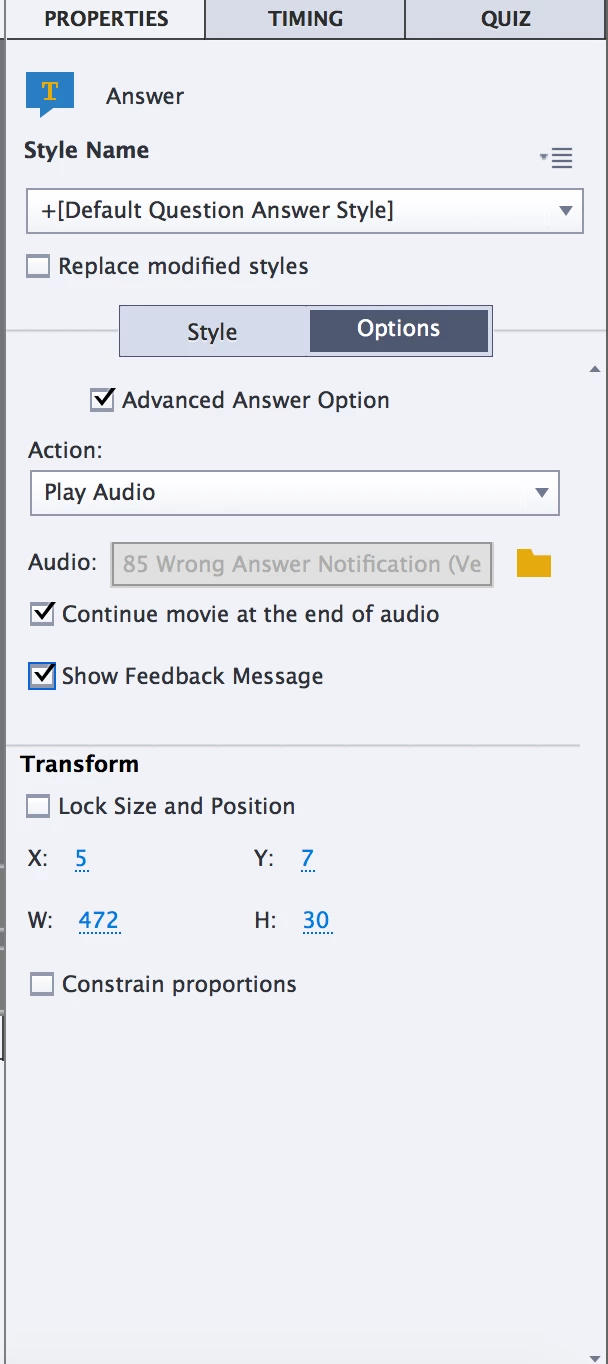
I had to do it this way. I did try using the advance answer options to play the audio and show the feedback message(see below) BUT doing it this way presents a problem. The audio plays first THEN the user has to click the screen for it to show the feedback. So I went with using advanced actions like above. But that has just presented me with ANOTHER problem.
At the end of the quiz there is a "Retake quiz" button but when the user goes to retake the quiz question.

The problem lays here because of the "SHOW" action when the user goes to retake the quiz - the text boxes are still on the screen

Does anyone know a way to make it so those text boxes are "HIDDEN" again when the user retakes the quiz?

    このトピックへの返信は締め切られました。
    解決に役立った回答 TLCMediaDesign

    On slide enter execute a hide action to hide the caption or execute an advanced action.

    返信数 1

    TLCMediaDesign
    Inspiring
    March 23, 2016

    On slide enter execute a hide action to hide the caption or execute an advanced action.

    kurazi作成者
    Known Participant
    March 23, 2016

    Perfect, that worked like a charm.

    I am now running into the same problem on the quiz results slide.

    It works a little differently but maybe you have a solution.

    I have 2 hidden text boxes on the quiz slide and on enter it executes a conditional statement

    Th statement says if cpQuizInfoPassFail is equal to 1 then show the quiz_passed text box(it just says to exit the module)

    ELSE show the quiz_failed text box (which tells you to retake the quiz)

    This all works fine the first time around, but when the user redoes the quiz, but of the text boxes are there.

    I did try to put a "Hide" action before the "Show" action so it should hide any boxes that are still there, but that didnt seem to work.

    Any other ideas?

    Lilybiri
    Legend
    March 23, 2016

    As David points out, for such scenarios you always have to use the On Enter actions of the slides to RESET everything in the start situation. For the score slide, this means that you will have to combine your present conditional action with the hiding commands. That means you'll have to use two decisions instead of one:

    First decidsion 'Always' will mimick the standard action by using the special condition:

    IF 1 is equal to 1

        Hide Gr_feedback                      I recommend to group all the feedback messages and eventual other objects that need to be hidden

    Second decision "CheckResult"

      Put here your present conditional action