Open the Advanced Actions dialog box from Project menu. Top left you'll see a dropdown list with Blank on top, those are the templates. Open that dropdown list, and you'll see the shared action as one of the templates. Choose it and you have an advance action based on that template, where the parameters have to be filled in.
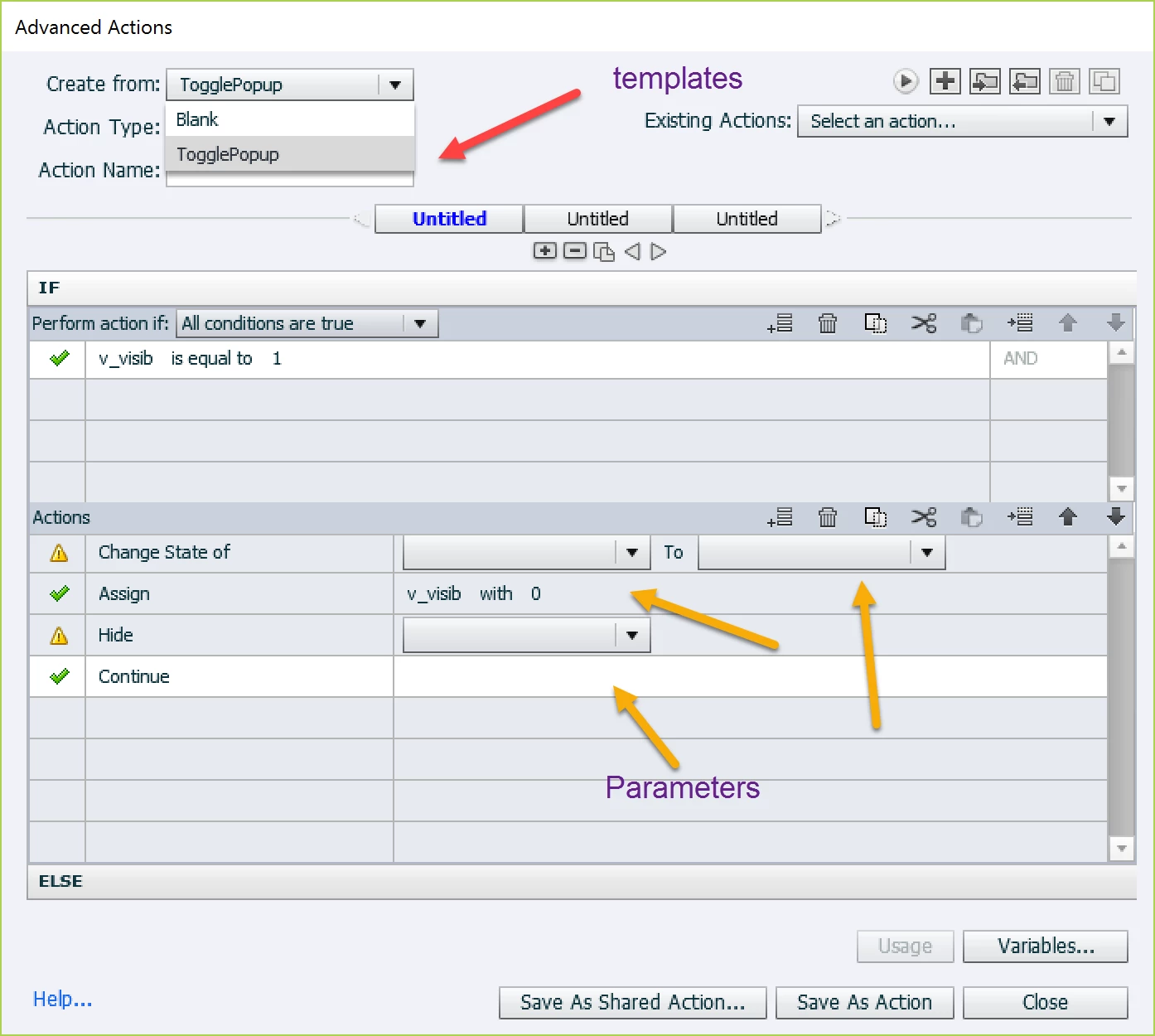
You'll see those parameters as well, hopefully with a clear description, when applying the shared action to an event with 'Execute Shared Action'. That event can be the Success event of the button or click box which you use to 'reveal'.


 AdChoices