


Global Recordings
Known Participant
August 24, 2021
Answered

Click and reveal slide that images disappear on slide

  • August 24, 2021
  • 1 reply
  • 572 views

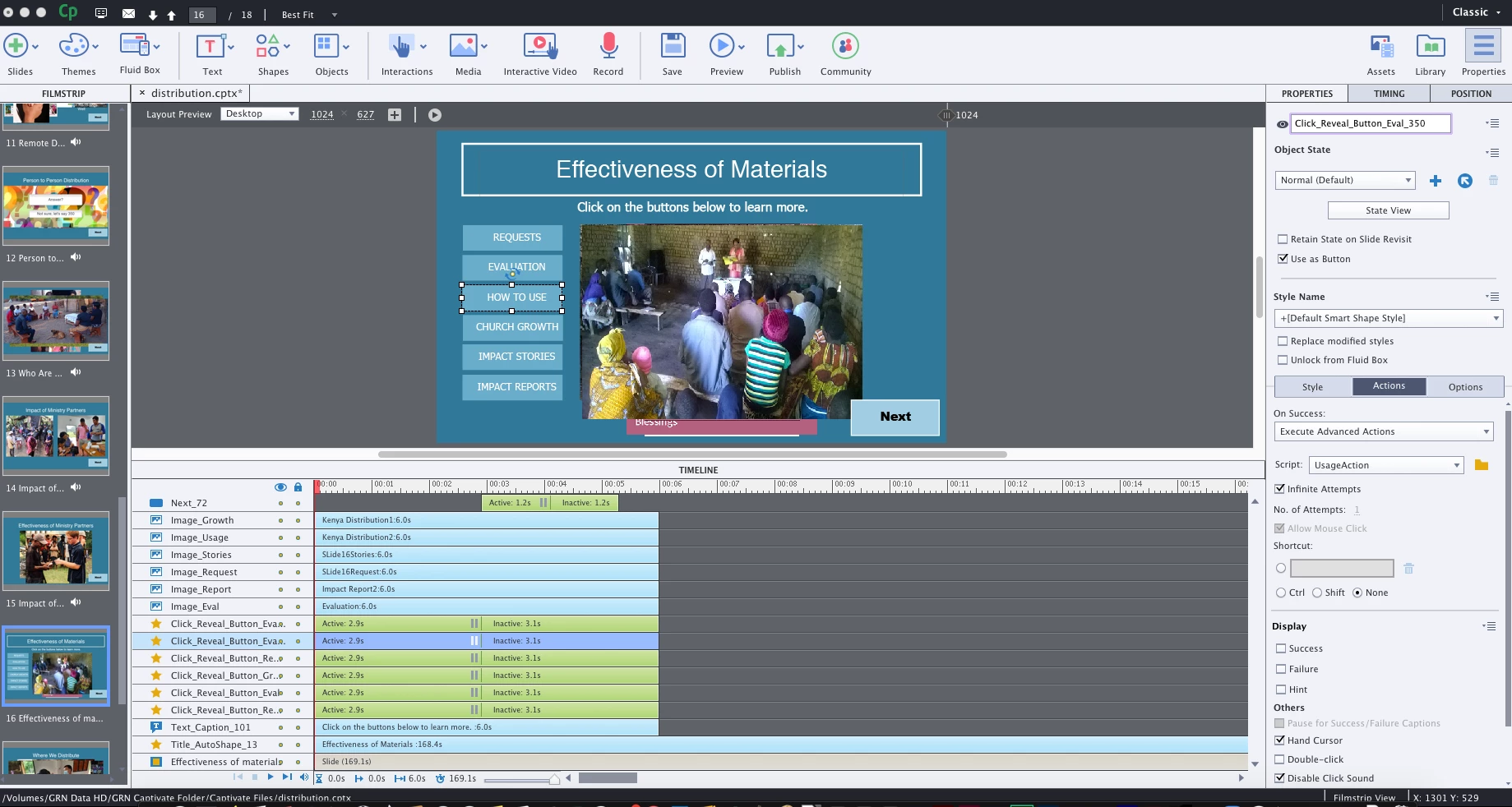
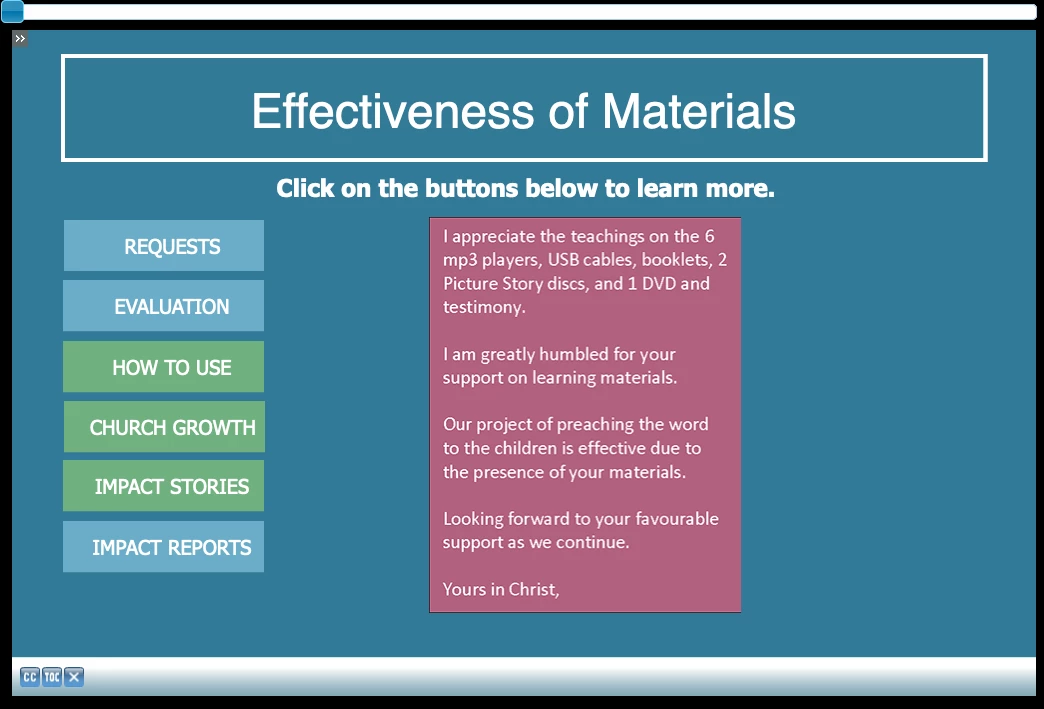
I have created a six button click and reveal. It is a progressive project and I am not using fluid boxes. I created the first button and then copied it six times. I have an image that I want to reveal and audio that I want to have played. The first two buttons work. But when I click on the third one, the image comes up, the audio plays, and then the image disappears, with the audio continuing. When the audio is finished the slide is a blank video screen with only the title s

howing. There are no additional variables that I am using. There is an audio file that plays upon entering the slide.


I am at a total loss as to what I am doing wrong with this. I am attaching some screen shots to show.


Program Screen
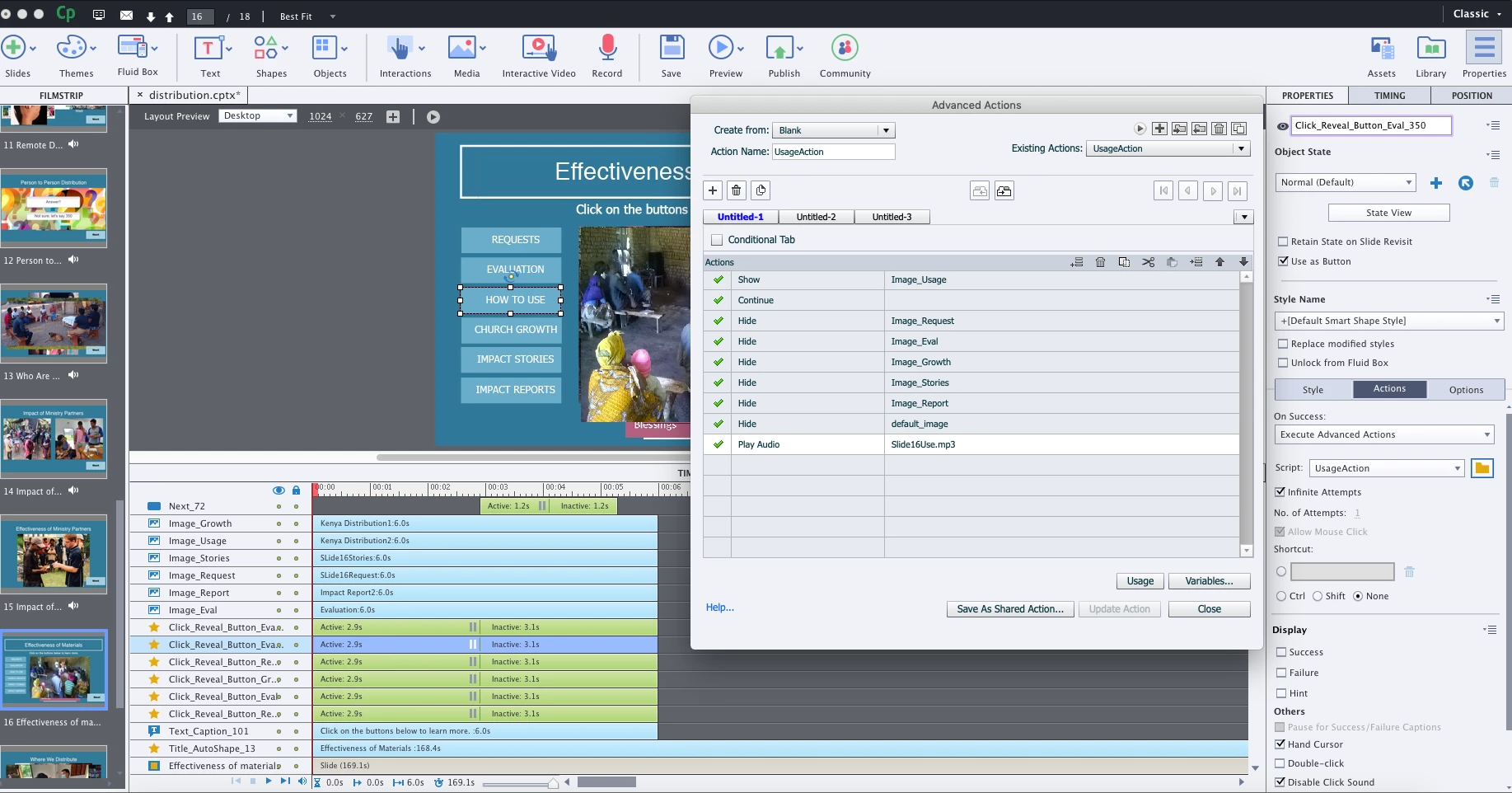
 Advanced Actions
Button that works
 Third Button
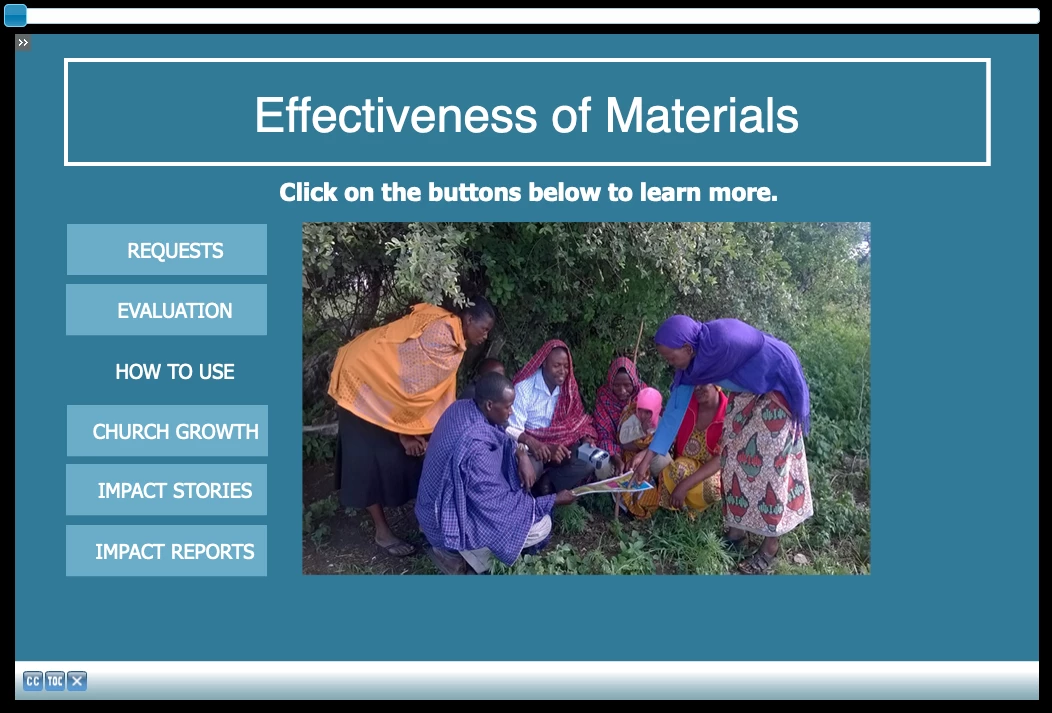
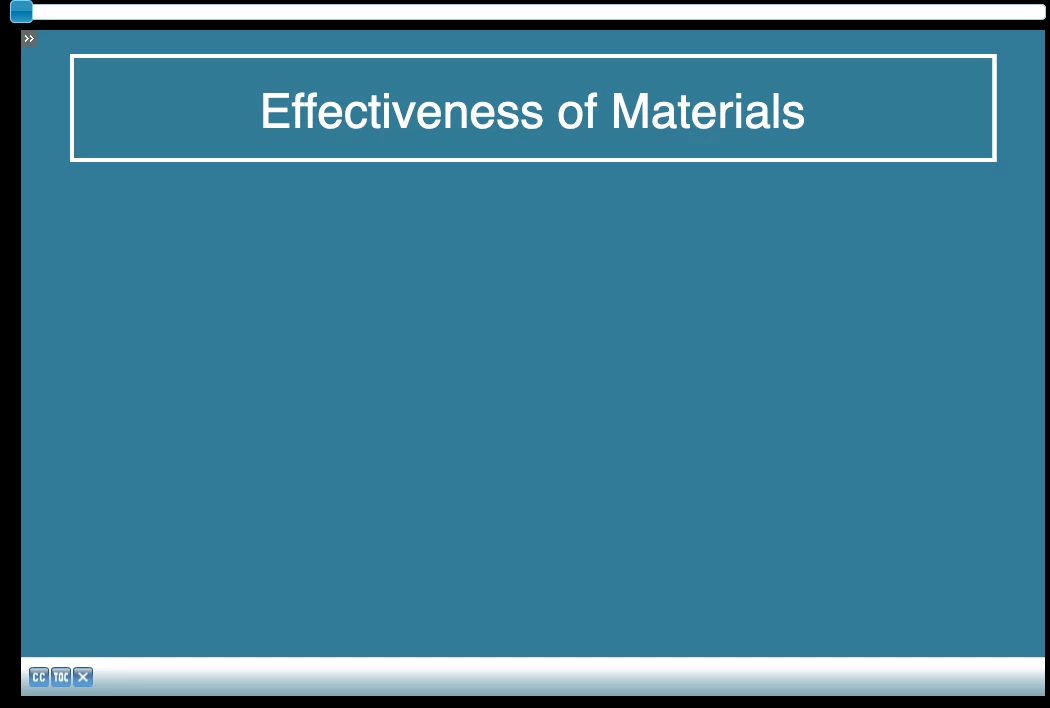
 Blank Screen
Is it possible when I create the preview that this will cause an issue with this? I did not think it would, but wanted to ask.

Diane

    This topic has been closed for replies.
    Correct answer Lilybiri

    The problem is due to the 'Continue' command in the advanced action. Take it out, you don't want to release the playhead at all, slide should remain paused at the common pausing point of the shape buttons.

    Another tip: group the images, so that you can replace all those hide command by one command 'Hide group', followed by a Show command. Moreover you don't need the play audio command, you can attach the audio to the image, using the Options tab of the image. That is optional, of course, because the Play Audio command has the advantage that if the audio clip has not fnished when another button is clicked, it will be muted automatically to give priority to the second audio clip triggered with the new click.

    1 reply

    Lilybiri
    LilybiriCorrect answer
    Legend
    August 24, 2021

    The problem is due to the 'Continue' command in the advanced action. Take it out, you don't want to release the playhead at all, slide should remain paused at the common pausing point of the shape buttons.

    Another tip: group the images, so that you can replace all those hide command by one command 'Hide group', followed by a Show command. Moreover you don't need the play audio command, you can attach the audio to the image, using the Options tab of the image. That is optional, of course, because the Play Audio command has the advantage that if the audio clip has not fnished when another button is clicked, it will be muted automatically to give priority to the second audio clip triggered with the new click.