Participating Frequently
December 3, 2020
Question

Closed Caption - Fonts changing

  • December 3, 2020
  • 1 reply
  • 270 views

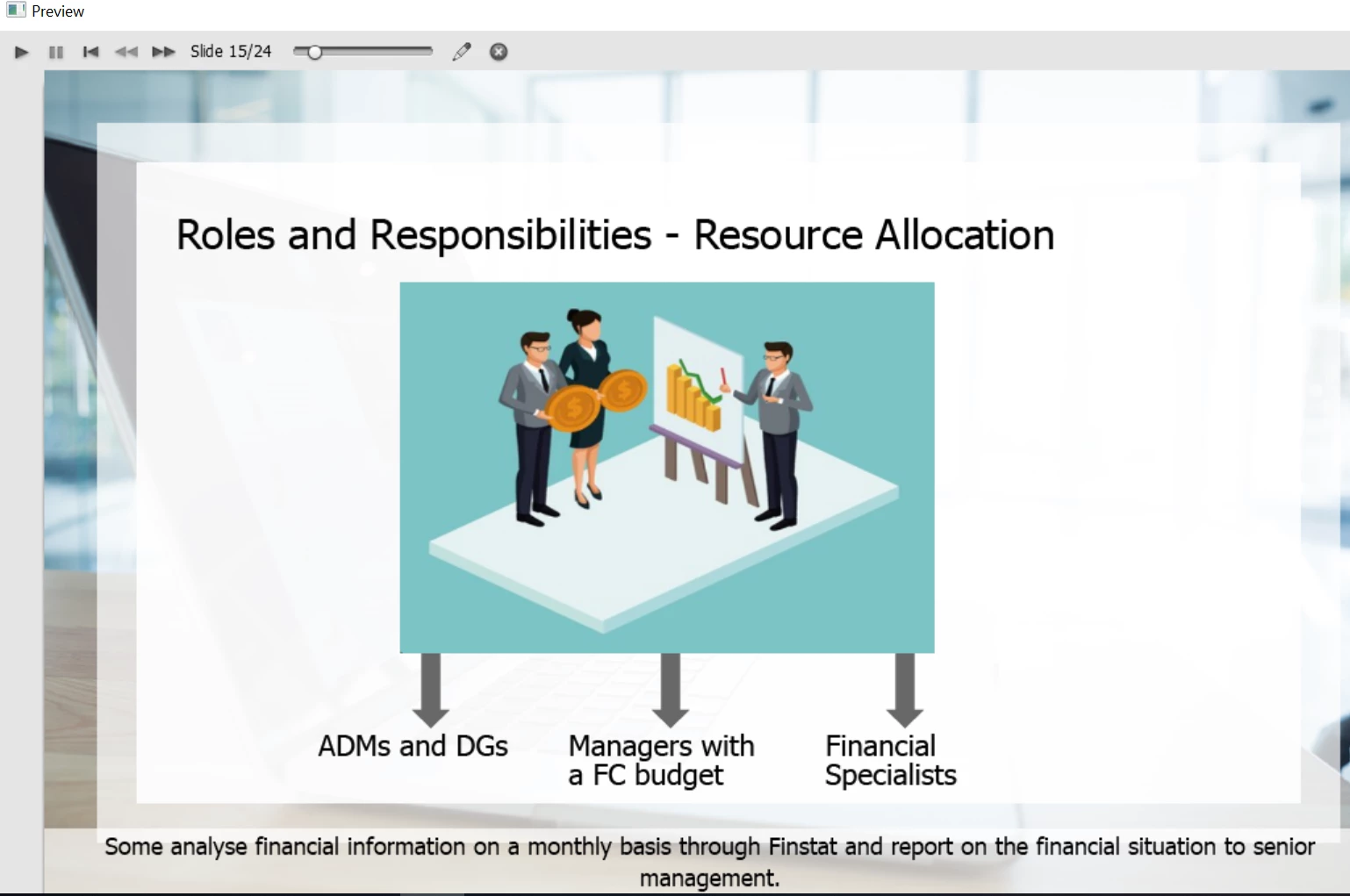
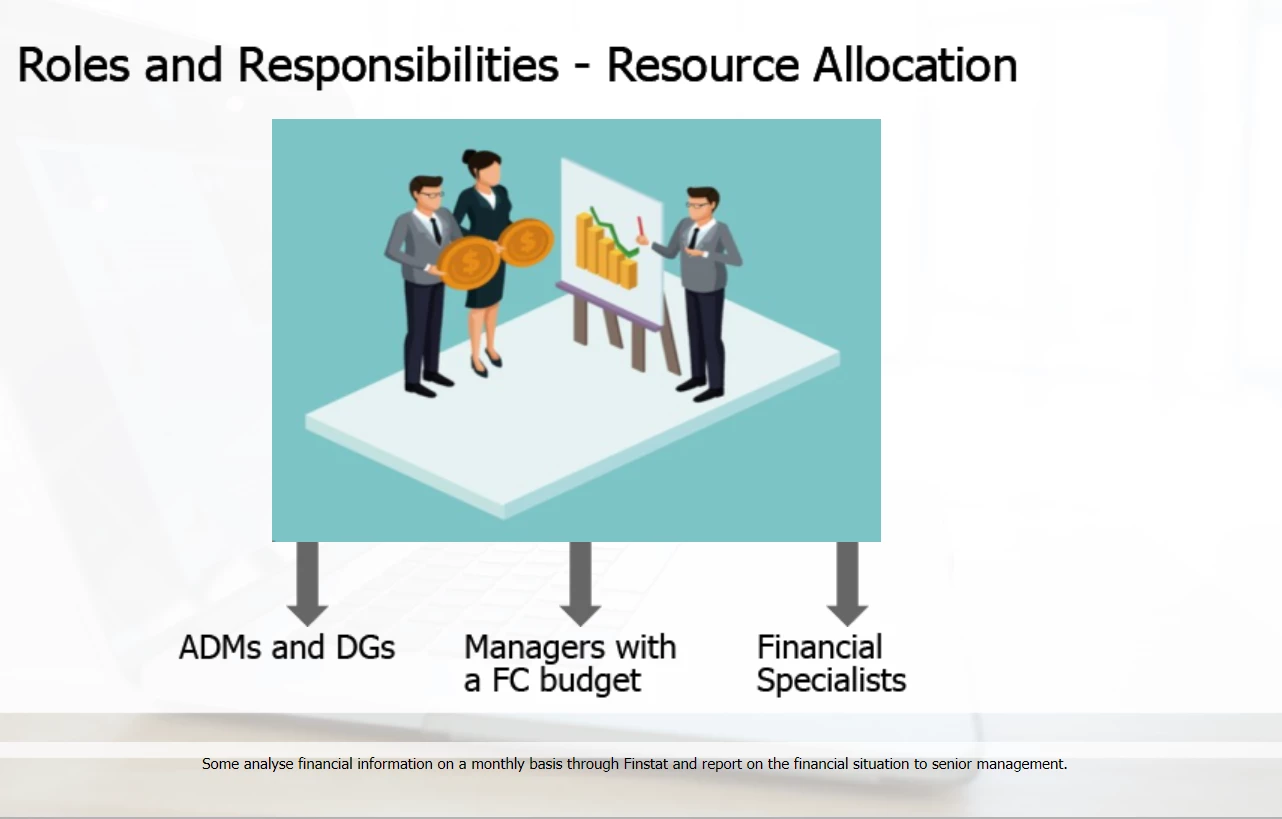
I need to add closed caption to training modules I have developed.  I made sure to create the cc parameters for the project before working on any slides.  For some reason I can't explain, on the same slide, captivate can change font a number of times.  And it has nothing to do with resizing because I have very short sentences that are appearing with a tiny font.  I've tried redoing the slides from scratch without any cut and paste in case some font settings were secretly copied, it still changes the font but not necessarily for the same sentences.  The only commonality I have identified between the problematic slides is that they contain alot of Text to Speech sentences.  When viewing the next five slides in preview mode, they are perfectly fine.  But the published version is a different thing.  You find screen copies in published mode below, as well as the preview mode.  On one of my slides, it even introduces italic at one point.  It is not a responsive project.  Help please. 

    This topic has been closed for replies.

    1 reply

    Lilybiri
    Legend
    December 3, 2020

    If it is not a responsive project, the ONLY Preview method which is showing a temporary HTML output is F11, Preview HTML in Browser. All other Preview methods use SWF output.

    Is that Preview from F11, Preview HTML in Browser?

    Did you define the object style? Is this a web safe font or an Adobe font?  Which Theme do you use? Is this a theme created in the same version as you are using? Can you check the full version number under Help, About Captivate please?


    For CC: did you set up for the whole project, or slide per slide?

    Participating Frequently
    December 4, 2020

    Version 11.5.1.499.

    I select Next 5 slides from the Preview button.  I use the theme called Dynamic that comes with Captivate 9. It uses the Tahoma font by default.  I've set the cc settings at the project and chose to overide the slides settings from the start. 

    Lilybiri
    Legend
    December 4, 2020

    Told you in my first answer to use ONLY Preview HTML in Browser (F11) because with your Preview method you are looking at the SWF output, which can be rather different from HTML output.


    Please update ASAP to the most recent version which is 11.5.5.553.