
Answered
Closed Caption project settings
Using Captivate 10.0.0.192. How do I set the background color, position, and font for Closed Captions for the entire project (as opposed to slide by slide)?

Using Captivate 10.0.0.192. How do I set the background color, position, and font for Closed Captions for the entire project (as opposed to slide by slide)?
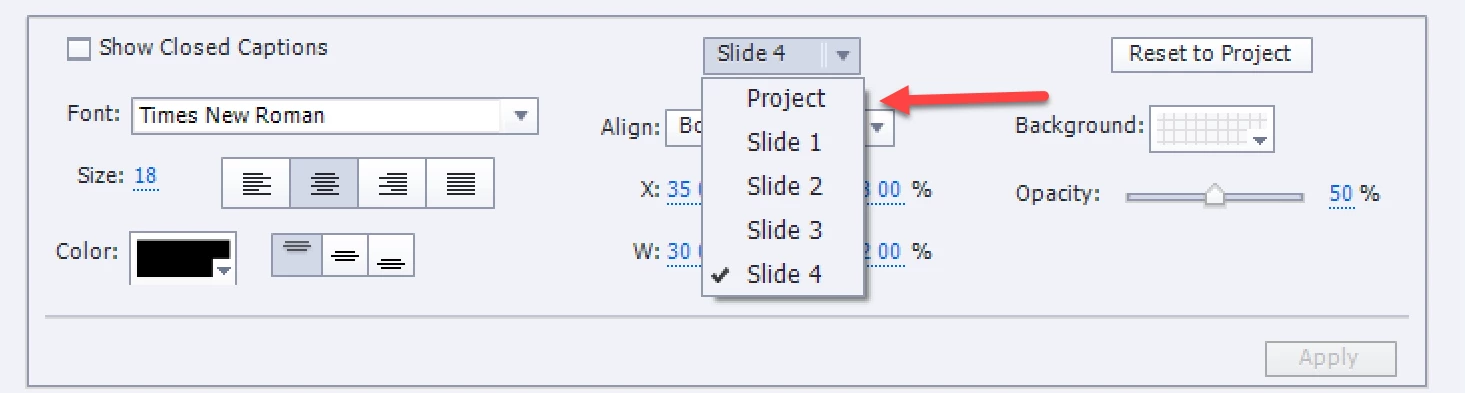
Look in the dropdown list: the option Project is there, as are all the slide numbers.
Already have an account? Login
No account yet? Create an account
Enter your E-mail address. We'll send you an e-mail with instructions to reset your password.


 AdChoices