Answered
Color Frames around Smart Shape in Properties Panel
When I work with a particular smart Shape sometimes the frame in the properties panel changes from green to red.
What is the significance of these colors (See graphic)
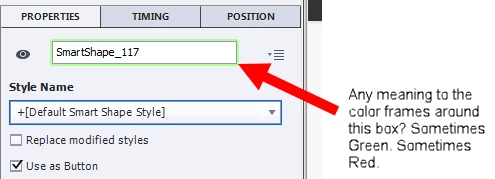

When I work with a particular smart Shape sometimes the frame in the properties panel changes from green to red.
What is the significance of these colors (See graphic)
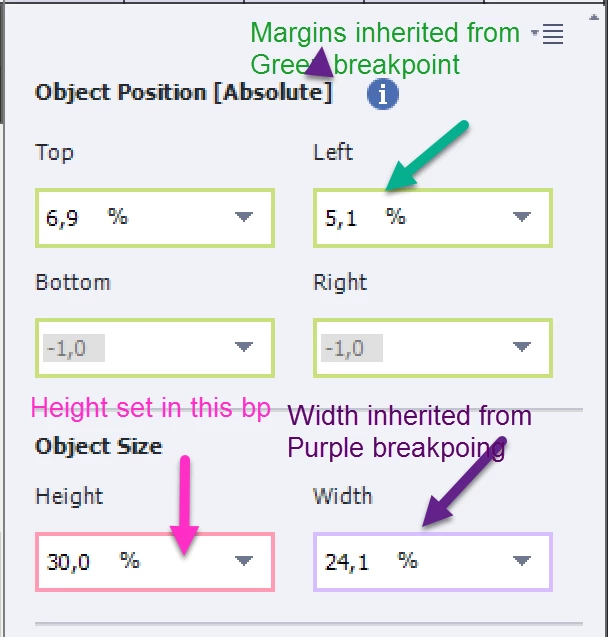
That is the color of the Breakpoint view (normally Green is the color of the Portrait Tablet). You can find those colored lines around a lot of items, not only around smartshapes. Look at the Position Properties panel, to the width/height fields.
Already have an account? Login
Enter your E-mail address. We'll send you an e-mail with instructions to reset your password.
 AdChoices