



Zaid Al Hilali
Community Expert
Community Expert
October 8, 2020
Answered

Corrupted Captivate 2019 installer for Mac

  • October 8, 2020
  • 2 replies
  • 2172 views

For over two months I've been trying to install Adobe Captivate on a Mac machine. I downloaded the package (dmg file) from Adobe Captivate page, however, it just won't expand on OS Catalina and shows an error, the same package would expand on a much older OSX, transferred the installer back onto the Catalina machine, yet the installer gives me an error almost immediately.
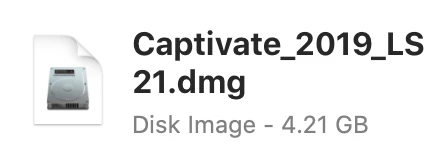
I contacted Adobe Support, and have escalated this matter already, I received a phone call from a Captivate support person but ended up giving me the same link shown above for downloading the installer, which didn't work!!

    This topic has been closed for replies.
    Correct answer Lilybiri

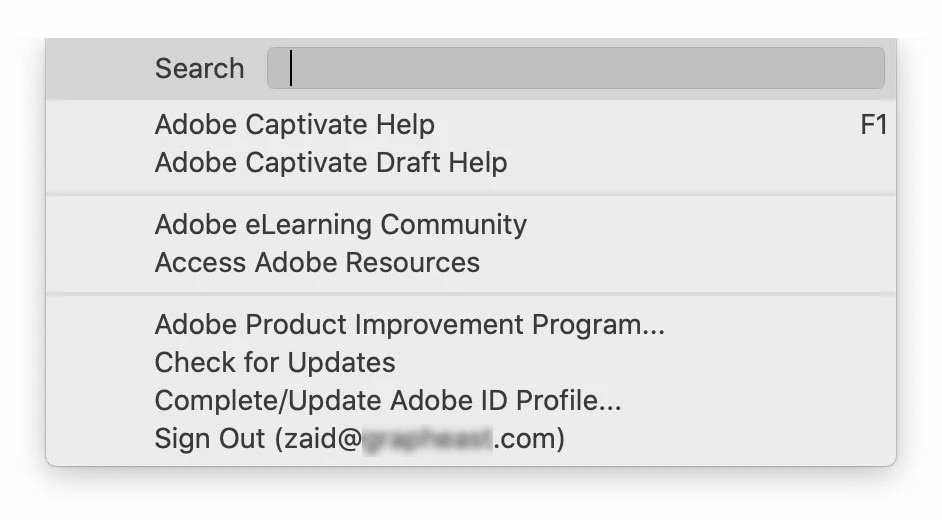
    Mayank is still in touch by email, he is basically providing the same suggestions like yours. I asked our Admin to assign Captivate License to another Adobe ID, Signed-out, then Signed-in, restarting my machine, however, Captivate still showing trial even though I can see that it recognized my Adobe ID as shown in the help menu!


    Sorry, Mayank.

    Did you sign out both in the CC app and in Captivate? Then sign in again?

    2 replies

    Community Manager
    October 8, 2020

    Hi,

    Can you try to install it under root user account and see if this works?


    Please refer: https://support.apple.com/en-us/HT204012


    Regards,

    Mayank

    Zaid Al Hilali
    Community Expert
    Community Expert
    October 8, 2020

    Hi Mayank,

    I haven't reached the installation phase as the disk image downloaded from Adobe website appears to be corrupted as the short video I included up here shows.

    Zaid Al Hilali
    Community Expert
    Community Expert
    October 8, 2020

    To explain my sitatuion further more. In a typical installation process for any Adobe application we go through below three stages:

    1. Download installer package from Adobe web portal/site
    2. Expand the installer package locally on the destination machine
    3. Run the installer


    I'm currently stuck in stage 2 as the video above shows.


    Lilybiri
    Legend
    October 8, 2020

    I am a Windows user, cannot help you, but will try to find a staff member to solve your problem.

    Zaid Al Hilali
    Community Expert
    Community Expert
    October 8, 2020

    So nice of you.

    Lilybiri
    Legend
    October 8, 2020

    Have sent a mail. Please be patient. They are very competent and friendly, you can be sure about that.