

Answered
Couse status shown "Incomplete" want to edit to "In progress"
Hi,
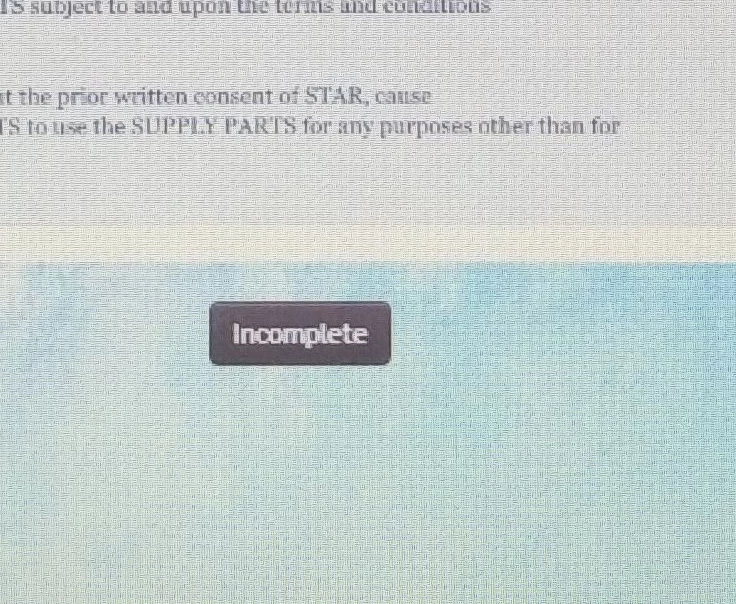
I have successfully uploaded the SCORM 1.2 output on LMS. Now when a candidate takes the course, Candidate sees a button Incomplete below the content/slide (Image below). Can we edit this work "Incomplete" to "In progress" or something?
I can see the there are three options to course template in preferences. But, Don'r know how to edit or customize it. LMS is TalentLMS. Don't know is LMS has that setting to change button name.
Tried to search topics but couldn't get it, so starting new discussion.


 AdChoices