



ArthurTLee
Inspiring
November 2, 2020
Question

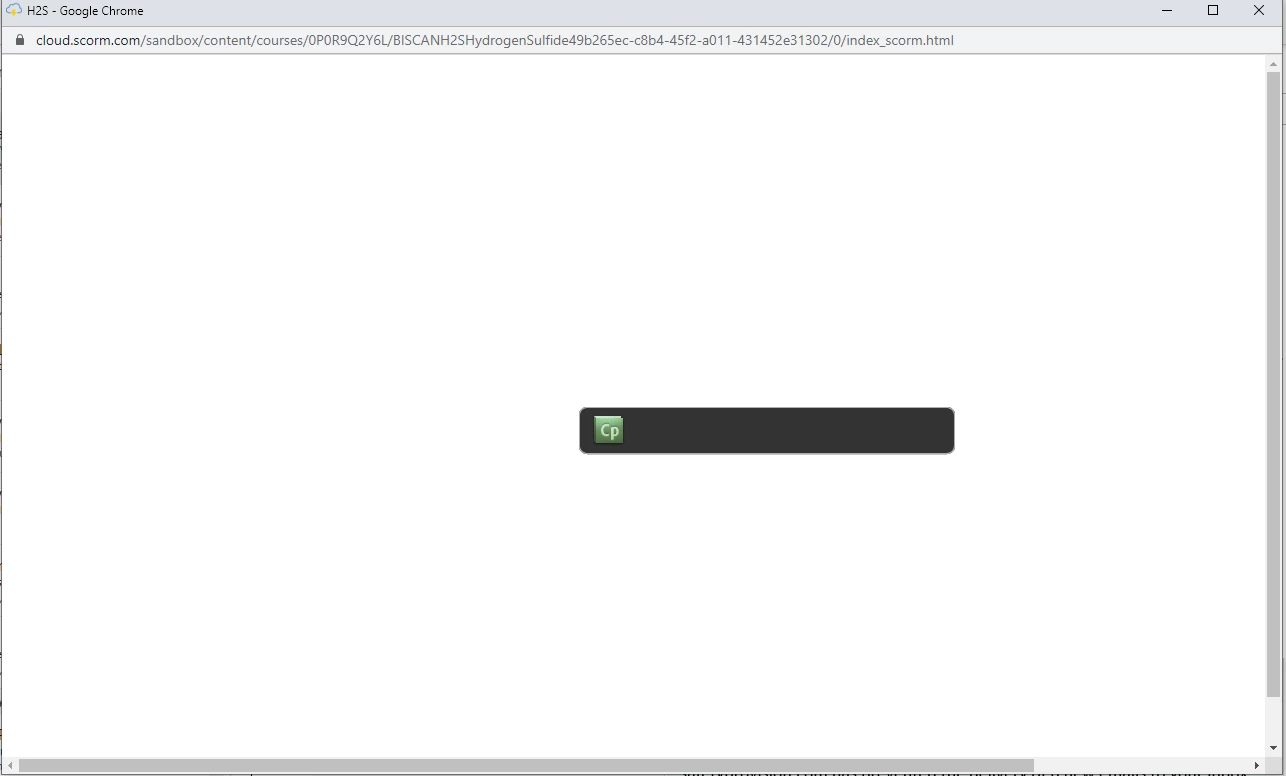
CP icon showing up on screen instead of course

  • November 2, 2020
  • 2 replies
  • 398 views

We have a few hundred courses we publish for customers at different times. But randomly, as of a few weeks ago, there are a few that are not working when we test them on SCORM Cloud. We get a CP icon on the screen instead of the course. The settings seem the same as the ones that publish and show up correctly. Any ideas on what this might be related to? 


    This topic has been closed for replies.

    2 replies

    Lilybiri
    Legend
    November 3, 2020

    You are using Chrome. Did you enable Flash Player plugin? Very soon (end of this year) you may even not be able anymore to activate Flash Player.

    Try the same in old Internet Explorer. It still supports Flash Player, if it is playing in that browser you are probably testing a SWF or dual (SWF+HTML) published Captivate project. You say that the settings are the same, but did you double-check?


    Paul Wilson CTDP
    Community Expert
    Community Expert
    November 3, 2020

    That's a very old Captivate icon. I suspect these older courses may have been published with SWF output instead of HTML5. While Adobe Captivate can technically still publish to SWF, it isn't recommended. Most modern browsers will not permit SWF content from playing. Adobe's own deadline for no longer supporting SWF and Flash-based content is December 31st, 2020.

    Paul Wilson, CTDP
    ArthurTLee
    Inspiring
    November 4, 2020

    Thanks for the reply, Paul. What is strange is that we only publish as HTML5. We haven't published as SWF since Chrome stopped supporting it a year or so ago. Is there another reason it would show up? 

    Paul Wilson CTDP
    Community Expert
    Community Expert
    November 4, 2020

    Beats me. I would reach out to Adobe and get their technical support. You can email them at CaptivateHelp@Adobe.com.

    Paul Wilson, CTDP