Answered
Creating a toc
What is the easiest way to create a TOC with a video presentation that was imported in?
Thanks,
Nick

What is the easiest way to create a TOC with a video presentation that was imported in?
Thanks,
Nick
Sorry for the confusion, I want to make edit breaks within the video. See the attached, without having to use another program to do so.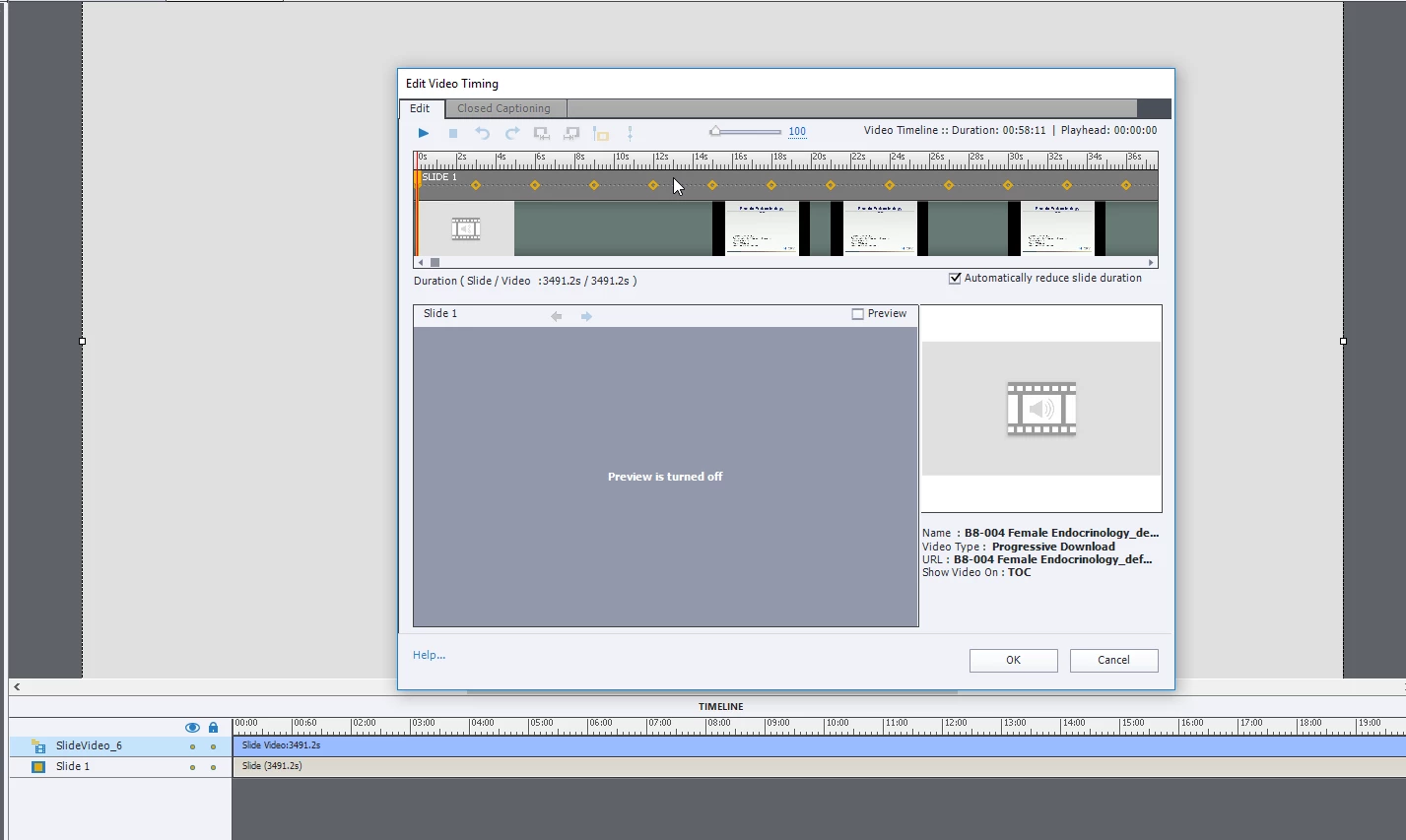
You are almost there with the Edit Video Timing window. What is missing is the you only have a single slide. Based on what you show as what is probably the table of content information on the slide in your post, you would need 7 slides one for an intro and 6 for the content. So add six blank slides to your project and then reopen the Edit Video Timing window. Once you have added the slides you will see number slide markers along the timeline in this window.(Generally, you find at the very right-hand side of the timeline and you begin by moving them to the left along the timeline) Move the markers along the timeline and apportion the appropriate content to a given slide. When you click ok Captivate will distribute the video over the six slides. You will see the video icon at the bottom each thumbnail in the slides panel. Then use the properties panel and add slide titles (found at the top of the slide properties). You can then use the TOC in the skin and generate a TOC or you can create links from the first page to the appropriate slide.
Already have an account? Login
Enter your E-mail address. We'll send you an e-mail with instructions to reset your password.


 AdChoices