Participant
September 5, 2016
Answered

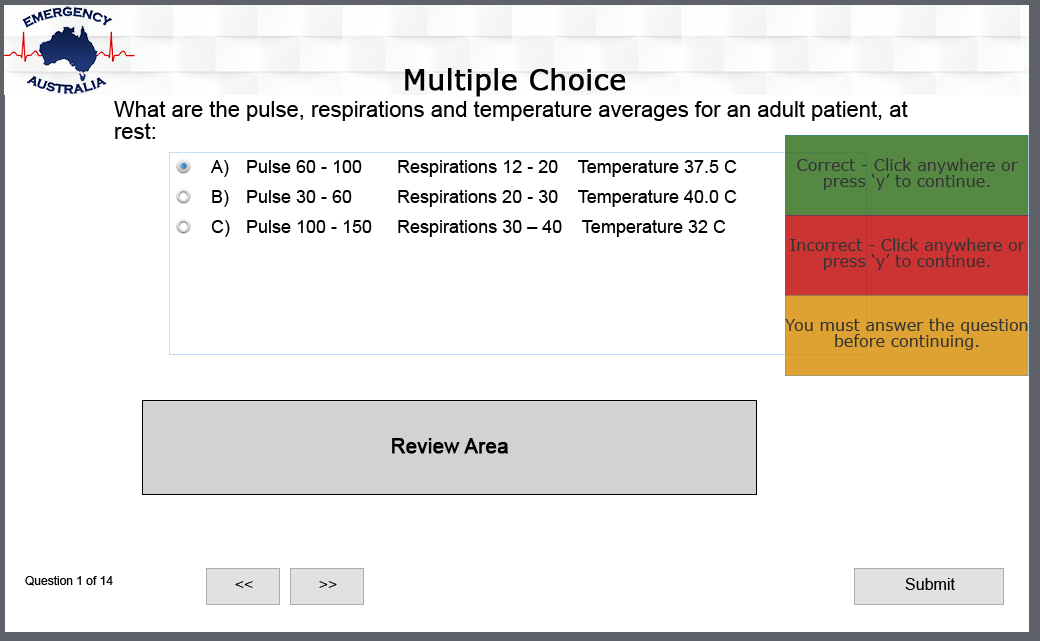
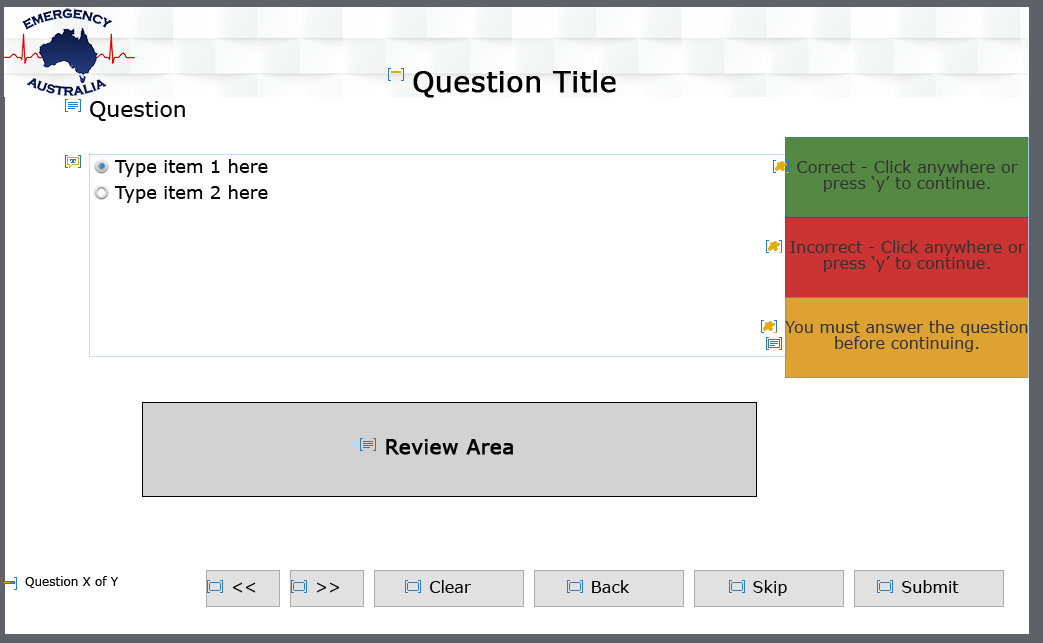
Custom theme losing Submit buttons in quiz

  • September 5, 2016
  • 1 reply
  • 249 views

Hi,

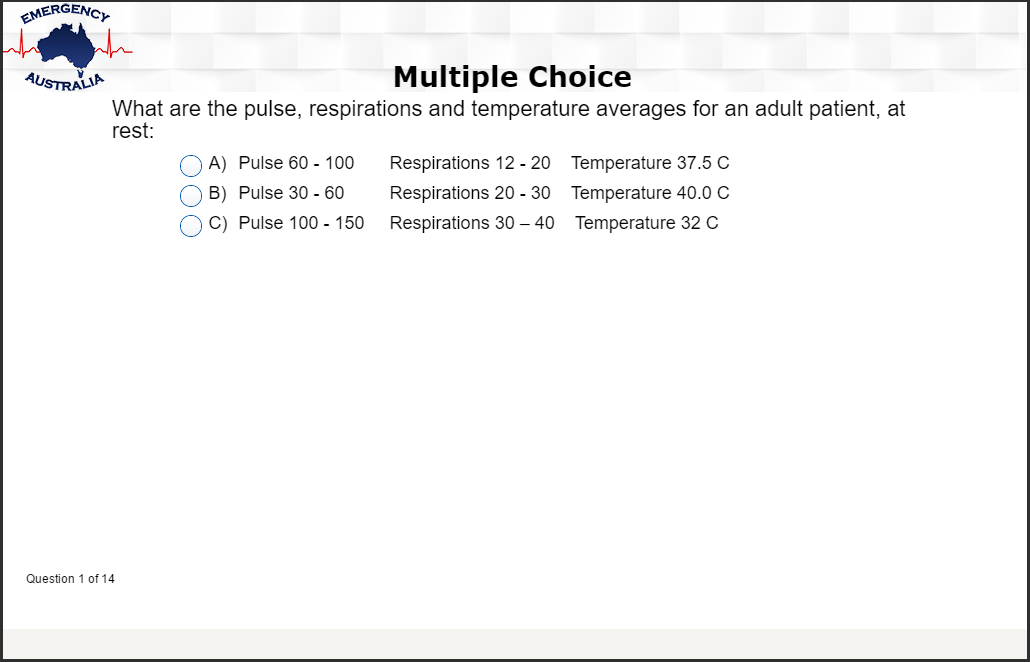
I have a theme I made for a client and only altered the the master slides that they were using. The publish button (along with the skip buttons etc) are all there in the master slide, and they show on each question slide they have, however when I click Preview from this Slide, or Publish, as soon as you get to the quiz, there is no Submit button. The theme and projects were created on one computer, then uploaded to a Google Drive folder. The client bought Captivate and downloaded the files (originally he did not download the theme, but has since started from scratch- downloaded all project and theme again) from the Drive, edited them and sent them back; when I open the projects, the quiz slides and master slide has the Submit button, yet previewing the project (or Publishing for that matter) the submit buttons aren't there.

I think it's a theme based issue but I can't figure out what is happening. The project has only ever been in Captivate 9 as far as I know- the client recently purchased Captivate, and my version is up to date.

Interestingly, I changed the theme to a standard Captivate embedded theme and the Submit button shows up when previewing the question slides. Will I have to create another theme from scratch and import it all for each project? What went wrong originally- if it was the fact he hadn't downloaded the theme I'm thinking that would break things, but then he started completely from scratch again. Is there a fix without creating the theme from scratch again?Preview Example Slide Master
This topic has been closed for replies.
Correct answer RodWard

Since the Submit buttons return when changing the theme to one of the standard ones found in Captivate, I would say that you are definitely going to need to recreate your custom theme.

I don't know what went wrong originally.  Captivate would not have worked at all for your client unless there were at least a few basic default themes it could access.

The important thing now is that you get another theme created.  Use one of the other default Captivate themes to base it on.  The Blank theme is the one usually suggested for this, but there was an issue reported last week on the forum about that theme, so maybe choose a different one this time out.

1 reply

RodWard
Community Expert
RodWardCommunity ExpertCorrect answer
Community Expert
September 5, 2016

Since the Submit buttons return when changing the theme to one of the standard ones found in Captivate, I would say that you are definitely going to need to recreate your custom theme.

I don't know what went wrong originally.  Captivate would not have worked at all for your client unless there were at least a few basic default themes it could access.

The important thing now is that you get another theme created.  Use one of the other default Captivate themes to base it on.  The Blank theme is the one usually suggested for this, but there was an issue reported last week on the forum about that theme, so maybe choose a different one this time out.

matt_rtoAuthor
Participant
September 5, 2016

Thanks Rod- I based this theme on "White" and didn't stray too far from it so will just do that again. 

If I just send the client the new theme and get him to import it into the current projects using Themers > Browse and selecting the new one, would this work?

RodWard
Community Expert
Community Expert
September 5, 2016

In theory it should work....but...this is Captivate.