OK that is super helpful! I am looking at my filmstrip and the little camera is not there. Here is what it looks like on the film strip:
I am trying to figure out how to get to "trim"...I am sorry about all of the dumb questions!!
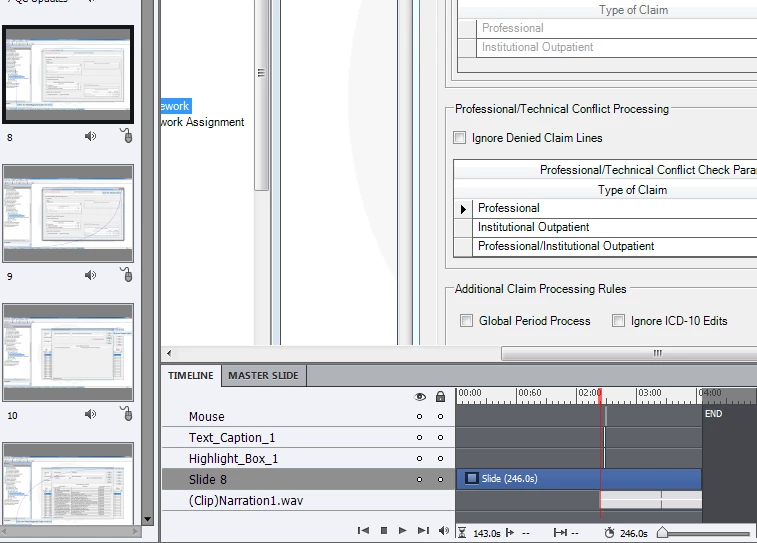
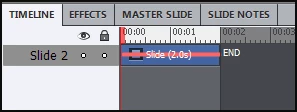
The slides you are showing here are normal, static slides. A FMR slide looks like this in the timeline:
You can shorten timelines on static slides, moving timelines forwards and backwards. I see in this example that the audio clip is only starting after 2 minutes!! And mouse object, text caption and highlight box appear also later. Select those 4 objects and drag them to the beginning of the slide (you can also use the Timing accordion if you want). Then you'll be able to shorten the slide itself to the duration of the audio clip.
Bit old, but mostly (except maybe colors in the screenshots) still valid tips: Tiny Timeline Tidbits - Captivate blog
Timeline is the 'core' of Captivate, try first to explore that panel!
Lilybiri


 AdChoices