
Inspiring
August 11, 2016
Answered

Cyan area appearing

  • August 11, 2016
  • 1 reply
  • 254 views

Hi - Some items on some of my screens are suddenly appearing with a cyan colored area in and/or around them. This appears both when I test the file and when the file is published, but not when working in the file. I thought perhaps it was a glitch in my computer and have restarted, to no avail. This happened earlier with another file as well.

Here you can see the cyan border:
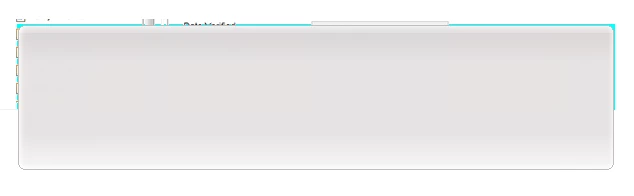
And here the cyan fill (this is copied from another screen where it is clear, and indeed settings are 0% fill):

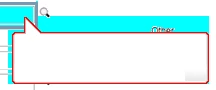
Also, with one of my captions (simply set to be Adobe Red) it appears:
Any ideas?

Thank you!

Amy

    This topic has been closed for replies.
    Correct answer amyn24911628

    HI Lilybiri - I think I figured it out. I had set the publish settings to 8 bit rather than 24. I am pretty sure this was the cause of the problem. So far, so good.

    Got the idea to check that from this thread ghost lines in published files

    Thank you!

    1 reply

    Lilybiri
    Legend
    August 12, 2016

    Before installing the Patch, did you Clean the Preferences and delete the

    Layouts folder in Public Documents (for Mac it is Shared documents)?

    Inspiring
    August 12, 2016

    Hi Lilybiri, what patch are you referring to?

    amyn24911628AuthorCorrect answer
    Inspiring
    August 12, 2016

    HI Lilybiri - I think I figured it out. I had set the publish settings to 8 bit rather than 24. I am pretty sure this was the cause of the problem. So far, so good.

    Got the idea to check that from this thread ghost lines in published files

    Thank you!