
Question
Default formatting of expanded text
I am putting together a project with fluid boxes and I am limited for space for reading text. I intend therefore to make small fluid boxes containing text captions into which I will paste a block of text too large for the fluid box.
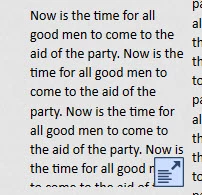
When I do this I get the little "expand text" icon (see image) which when clicked expands the text to show in the whole project window with a scroll bar.
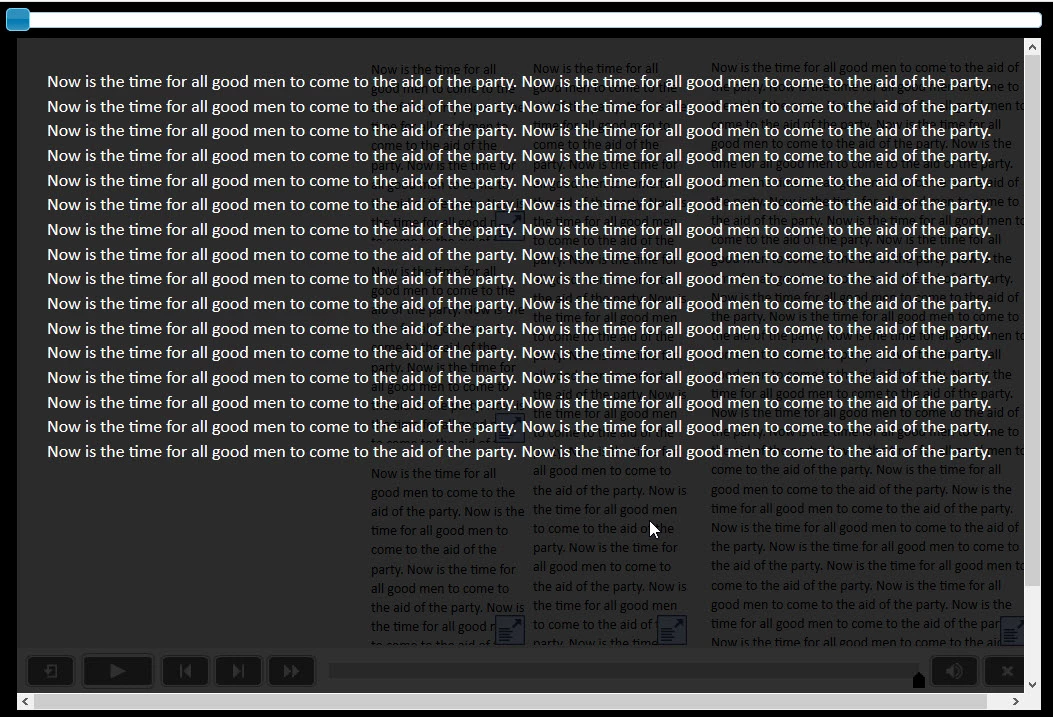
I get the effect shown (see image) but the text is displayed terribly.
Is there a way I can change the default presentation of the text once it is expanded e.g. font, font colour and background colour.
Any advice appreciated


 AdChoices