Participating Frequently
December 13, 2012
Question

Difference in background appearance: Published and Previewed vs. Main Screen

  • December 13, 2012
  • 2 replies
  • 1149 views

Hi!

I'm experiencing issues, from time to time, with published background images being different from those in the main stage of Captivate. I'm using Captivate 6 and recording background images for software simulations.

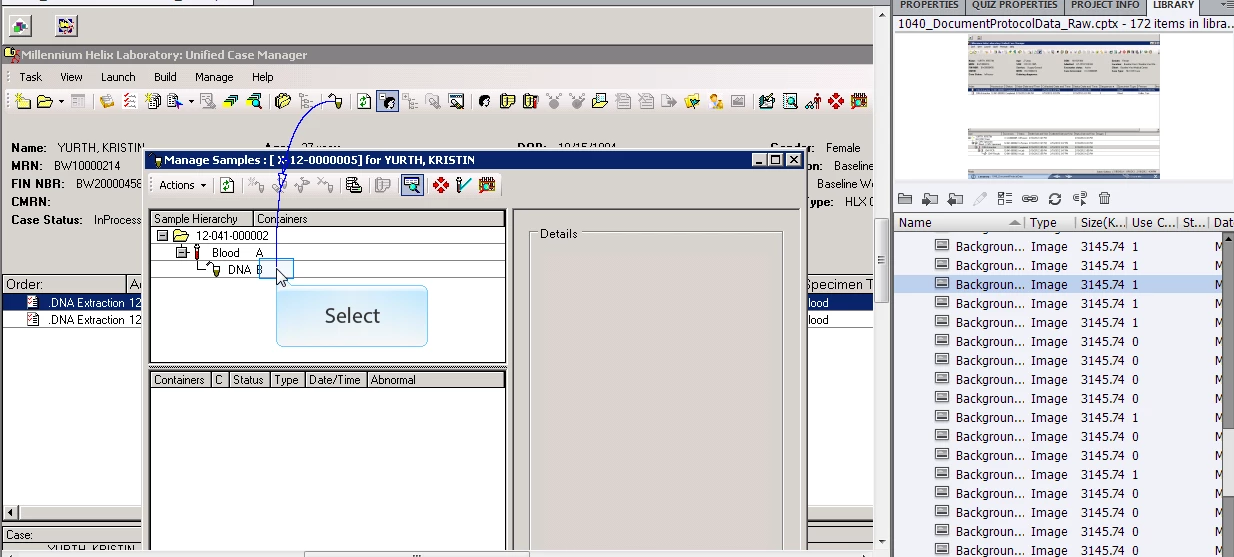
Occassionally, when looking at the published/previewed version of the Captivate file, the background will not be accurate. When I go to the slide in Captivate, it looks like it should on the screen, but if I select it in the library it's incorrect. I can fix the problem by editing the image with an image editor, but I'm wondering what causes this to happen.

Does anyone know how to avoid getting these background image mishaps?

Thanks!
    This topic has been closed for replies.

    2 replies

    Known Participant
    March 12, 2013

    We are experiencing the same issue over and over again. It is REALLY bad that Adobe can release a screen capture version that has more bugs than the previous versions. These background problems takes a lot of time. First going through the screen captures carefully and then having to manually edit the background images. We also have clients that are experiencing the problem and asking what is happening and when it gets fixed by Adobe. There is no feedback when contacting Adobe Support... Would be great if Adobe would break the silence or more importantly fix this serious bug.

    Inspiring
    March 25, 2013

    I am encountering the same issue with Captivate 6 too. My software simulations record fine but once you make an edit, any type of edit, the slide images get overlayed/distorted when previewed or published. This is extremely annoying, it is very hard to pinpoint where the problem originates since the timeline images are perfectly fine. Again, its only when the cptx project is published that the issue presents itself, so a good SWF is impossible.

    I too would like a resolution ASAP.

    March 25, 2013

    I know this is a crappy fix but I have had this issue a bunch as well and found a way around it.  Once the project is complete I copy all of the slides and paste them into a new project.  For some reason this fixes all the weird background issues and effectively clears the library of extra items (I know you can clear it in Captivate but that never fixed bg issues for me).  Hope this helps someone

    Inspiring
    December 14, 2012

    Did you investigate if the said background is being used by multiple slides?

    laymonkAuthor
    Participating Frequently
    December 14, 2012

    Thanks for replying! It should be used only once in the simulation (was recorded only once) and the use count shows 1.

    laymonkAuthor
    Participating Frequently
    February 1, 2013

    We are still experiencing this issue. Has anyone seen this, or knows of a solution?