

Inspiring
March 16, 2022
Answered

disabling click sound in captivate for mac

  • March 16, 2022
  • 1 reply
  • 251 views

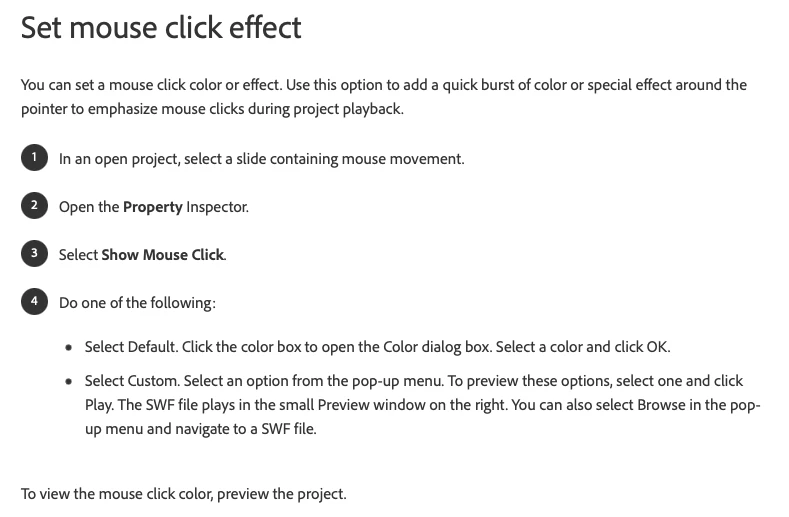
Looks like this documentation on the adobe site was update in 2021, but does not correlate with Mac perhaps? I just need to disable mouse click sounds. How is that accomplished now?



    This topic has been closed for replies.
    Correct answer Lilybiri

    If you are pointing to click sounds for interactive objects (buttons, click boxes, shapes used as buttons...):

    • Open Properties panel of the interactive object
    • Go to the Actions tab, scroll down to 'Others'
    • Check the feature 'Disable click sound'
    • You could use the hamburger menu to apply this to all.

    ....

    1 reply

    Lilybiri
    LilybiriCorrect answer
    Legend
    March 16, 2022

    If you are pointing to click sounds for interactive objects (buttons, click boxes, shapes used as buttons...):

    • Open Properties panel of the interactive object
    • Go to the Actions tab, scroll down to 'Others'
    • Check the feature 'Disable click sound'
    • You could use the hamburger menu to apply this to all.

    ....

    Inspiring
    March 16, 2022

    Thank you so much!
