


Double click not working after state change
I have created a a slide as part of a software simulation where the user should double click on a certain spot. I have tried using a button and a smart shape. In both cases, I "hid" the box, not by using the eye, but I changed the opacity and the frame width to zero. I then created a custom state with a red 2 point frame. I created an advanced interaction that changes the state from normal to the custom state if the user does not click in the correct spot after two tries.
All of the slides with a single click work with no problem. On the slide where I need the user to double click, it will work if they initially double click in the correct spot, but if they do not and the state changes, the double click does not work.
Any ideas?
What I have done so far.
- I have moved that object to the top of the timeline.
- I have the object pausing the slide halfway through (1.5s)
Screenshot to see if that helps.
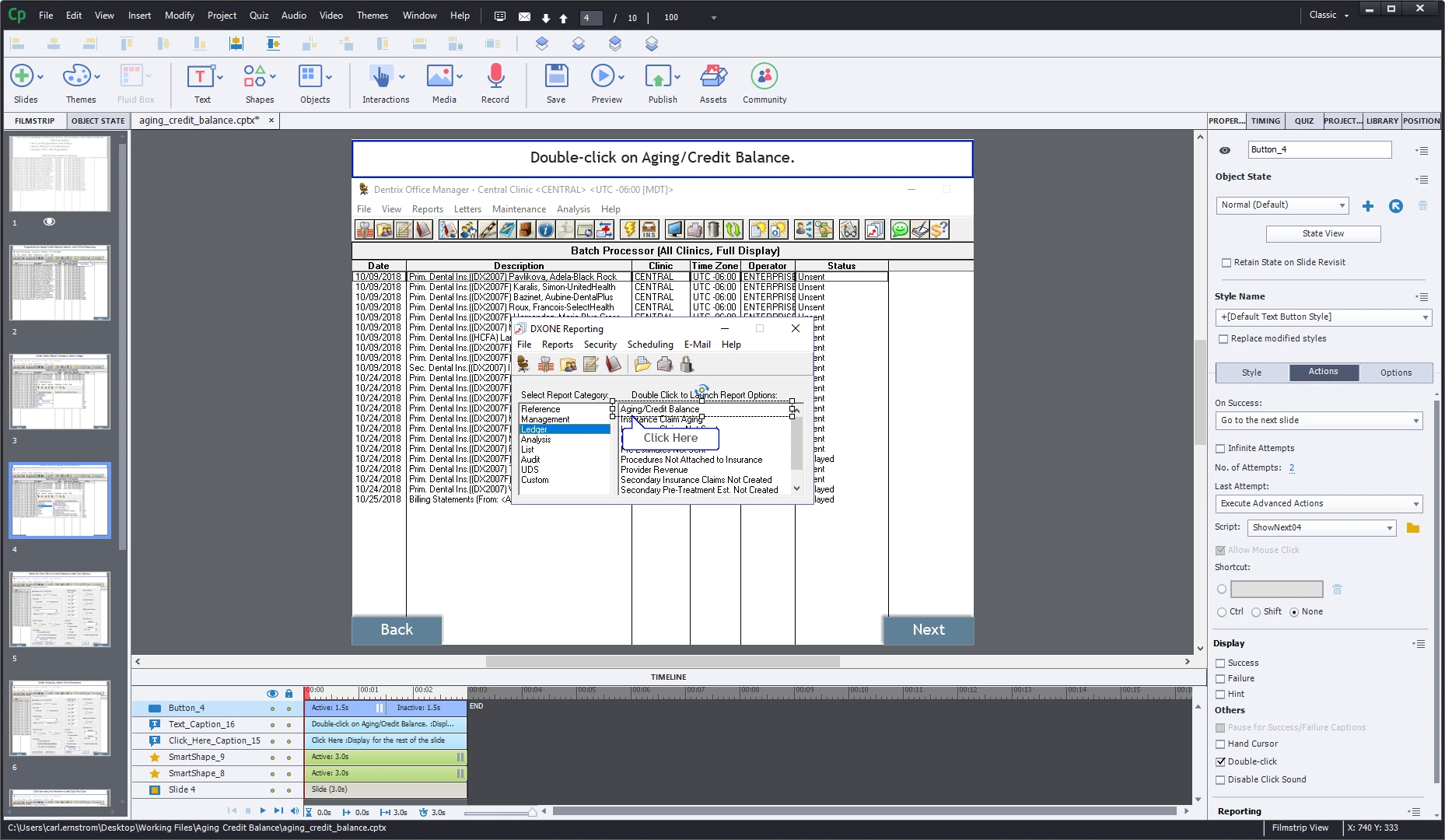
The question is, what is causing the double click not to work?
 AdChoices