August 12, 2015
Question

Drag and Drop Help!

  • August 12, 2015
  • 2 replies
  • 342 views

I'm not new to Captivate but I'm new to Captivate 8 and the drag n drop feature. Creating my first drag and drop interaction. At first I started with a template that an e-learning vendor had created but the interaction would only accept one answer. I recreated the interaction and get the same thing. Help would really be appreciated
This topic has been closed for replies.

2 replies

August 12, 2015

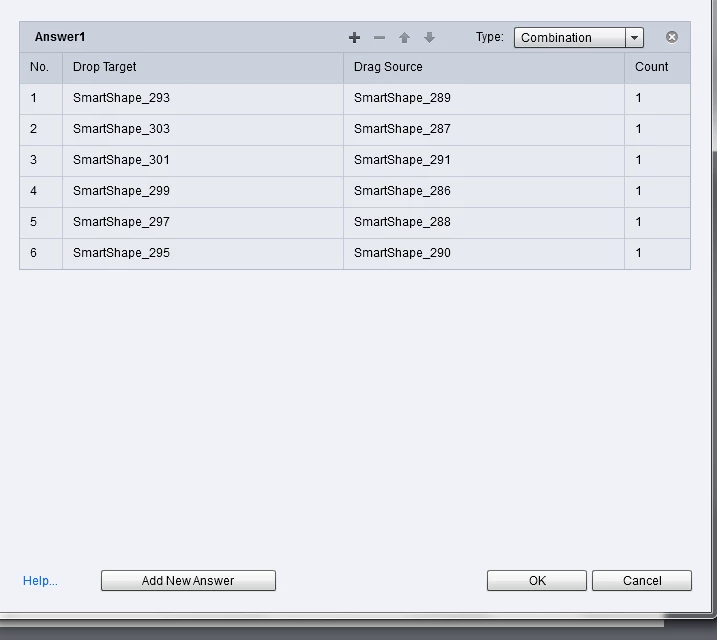
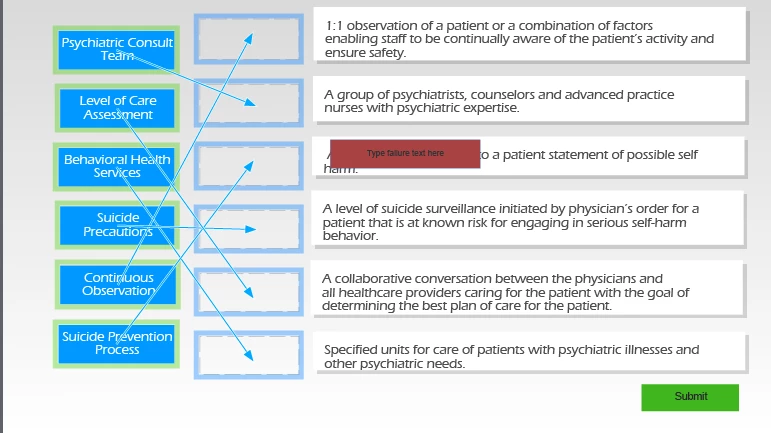
Let me clarify. The issue is that while you can see that I have draggers for each target location mapped, upon publish, I can only drag one specific answer (the one for continuous observation) to it's correct location. The other draggers simply snap back to their original location. Its not that its just letting me drag any one dragger to it's appropriate spot, its only letting me drag that particular one. The learner needs to match ALL terms to the appropriate definitions.

xr42nv
Inspiring
August 12, 2015

Are they working with a f11/f12 preview?

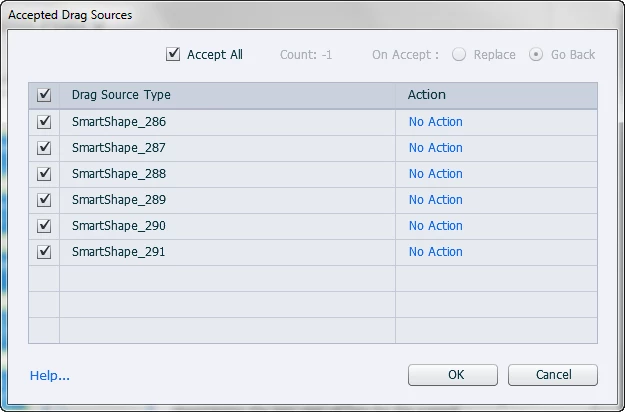
In each of the Drop zones have you checked the Object actions (Accepted Drag cources) and are they all set up correctly? (I know this is unlikely to be the issue given your correct answer panel seems to be set correctly, but good to rule it out).

Also can we see your Format Menu for the Drop targets?

Just as another tip seeing your new to DD. If you only want 1 answer per drop zone (i.e. so you cant put 2 in the same box), in the Accepted drag sources, uncheck Accept all, and set count to 1, but leave all items checked in the grid below.

xr42nv
Inspiring
August 12, 2015

Sorry I think you need to be a little descriptive about your issue. Is your problem that there are multiple answer combinations or your not getting correct feedback?

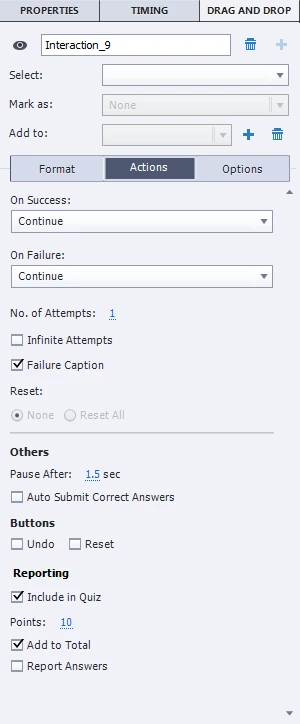
You need to change your success action, all it currently does is continue. Create a smartshape (green for example) with feedback (e.g. Well Done) and name the object (e.g. DragPass) and in the On Success field set it to Show > DragPass

As a side note, you should always name your drop zones and drag targets as a point of reference in case you need to de-bug or set up multiple answers.

Lilybiri
Legend
August 12, 2015

I published a post with drag&drop tips. Cannot offer you a direct link but

you can search in http://blog.lilybiri.cim.