Hmm... Ok I dont want to bother you too late..
Is there another way we could do this without them having to reload the slide each time.. Our users tend to be on the lower end of technology familiarity? They will most likely become frustrated if they have to load the slide for each attempt.
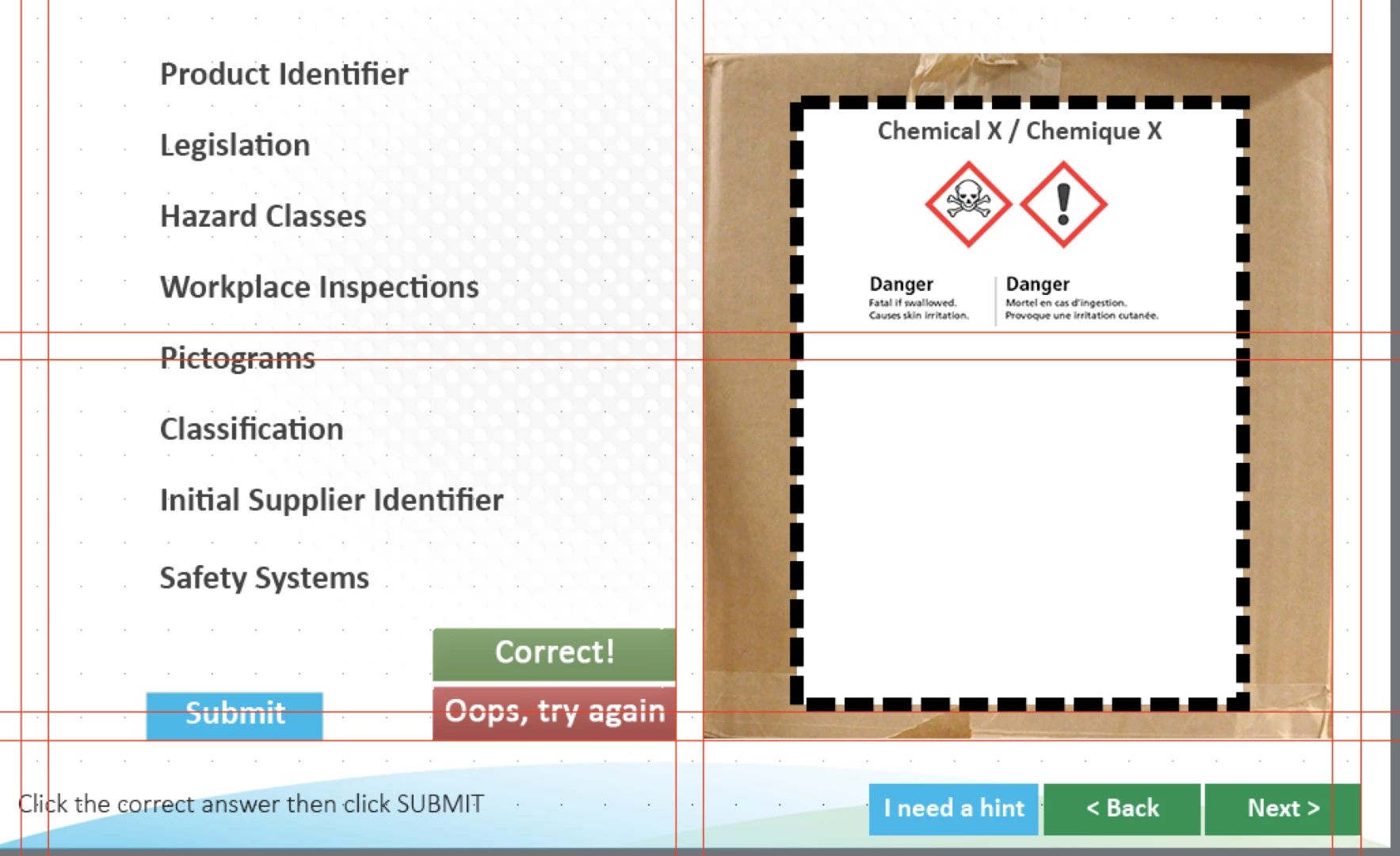
There is another way to set up a drat and drop interaction so that it will display messages to the user each time they do it incorrectly. But it's somewhat complex to set up, and if you are a newbie Captivate developer, you might find it beyond your abilities. It involves getting your hands dirty with Variables and Conditional Advanced Actions
The trick is that you make use of what are referred to as Object Actions. If you select a Drop Target object and look on the Drag and Drop tab under Format, you will see the Object Actions button. This opens a dialog that allows you to specify Actions that will be performed when each of the Drag Objects in the interaction are dropped on that specific Drop Target object.
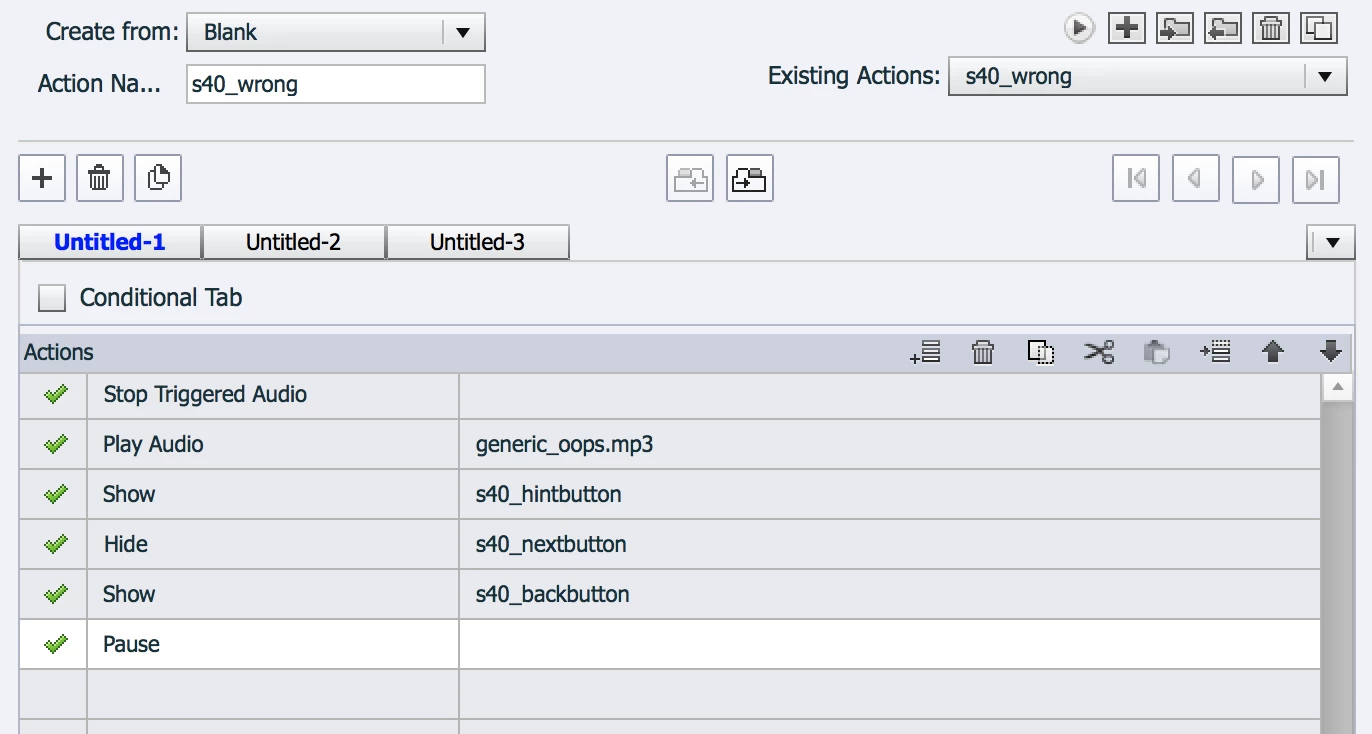
This makes it possible to assign values to User Variables that you set up which will then track whether or not the correct object was dropped on its relevant target. So as the user completes the drag and drop interaction, they are at the same time setting values of variables that are evaluated by a Conditional Advanced Action which will show the relevant failure message if not all drop objects are on their correct targets.
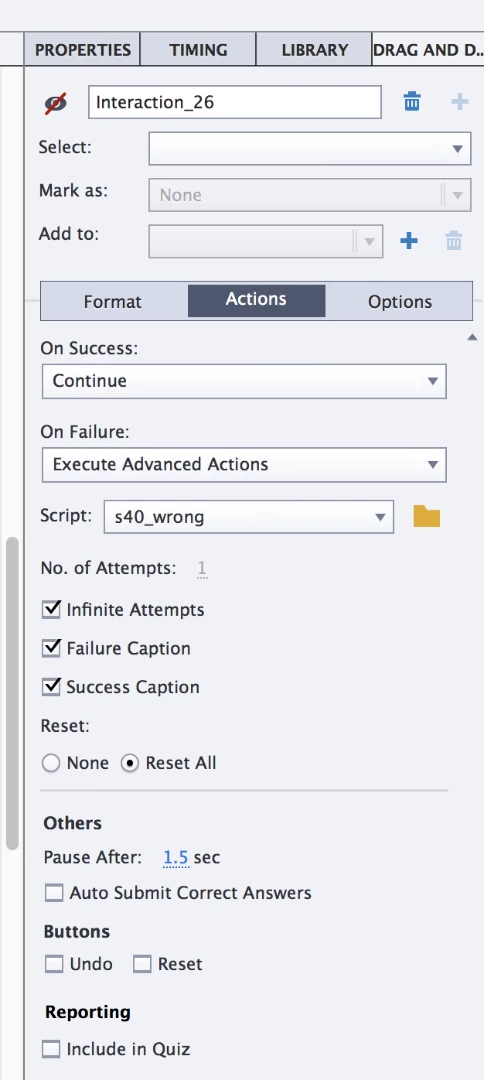
You need to hide the default Submit button and select the option for Auto Submit Correct Answers so that if the user drops everything in their correct positions then the Success action is automatically fired without them needing to click any button. (I also recommend you turn on the Reset button so that the user can reset the drag objects to their original positions for each new attempt.)
Add a Smart Shape button to the slide to replace the Drag and Drop default submit button. This button will execute the Conditional Advanced Action that evaluates all the variables tracking the positions of the drag objects.
If all of this sounds beyond you, don't feel bad. Captivate's more advanced features take some time to get your head around. I just wanted to let you see that there ARE other ways to get the result you wanted.

 AdChoices