Question
Drag and Drop with Advanced Action
Hello,
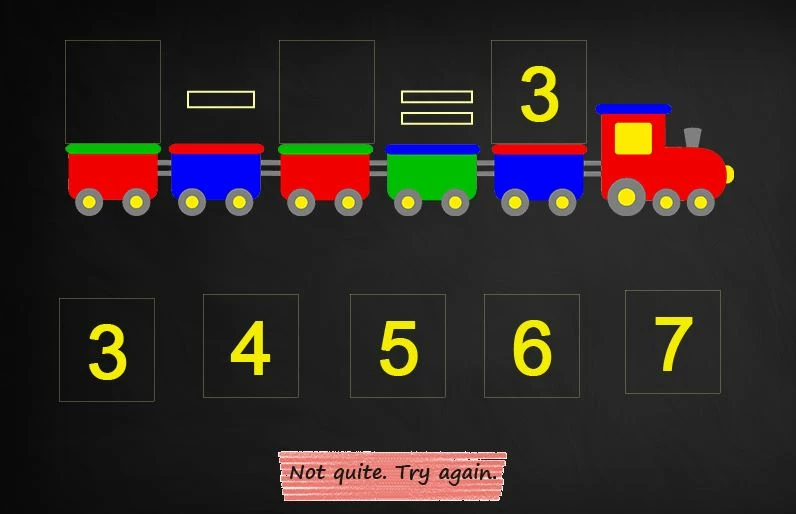
I'm working on a basic math project to get the hang of the new drag and drop feature in Captivate 7.
My hope is to have the train and the mathematical equation "drive" off of the screen when the learner correctly solves the problem. I've created an advanced action that applies the Ease Out exit to the train, minus sign, equals sign, and the numeral (in this case, the 3 above the blue train car), but the two numbers that the learner can drap and drop into the equation don't exit the screen with everything else. With this equation, there are multiple possible drag and drop options (7-4 and 6-3), so I'm a bit stumped how to incorporate that information into the advanced action. Any suggestions?
Thanks so much!
 AdChoices