Participant
December 10, 2012
Question

Drop List widget performs inconsistently!

  • December 10, 2012
  • 1 reply
  • 534 views

I have a project that must be placed on a server with no LMS. The learner must complete a form on the 2nd page of the lesson. Resulting variables are then written to a table later using Java Script. The client is insisting that drop down lists be used for three of these variables. I used the drop list widget. Everything works great in preview but once published, the widgets vanish!

I am using Captivate 5.5

Display for: rest of slide and synchronize with Project. No transition effects.

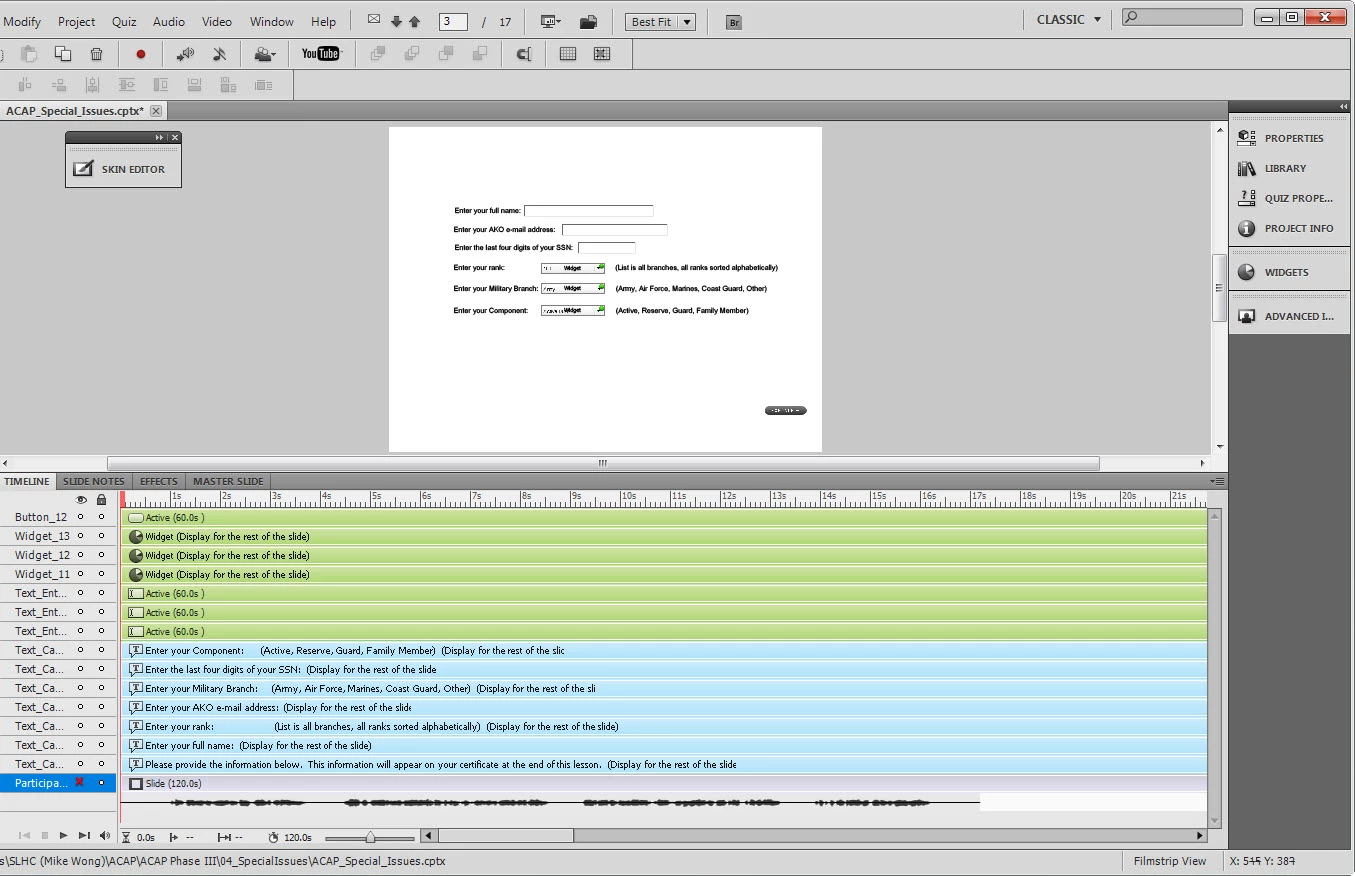
I am attaching a screen shot of the timeline order.
This topic has been closed for replies.

1 reply

RodWard
Community Expert
Community Expert
December 10, 2012

Are you testing this locally or from a web server?

If locally, are your widgets set to be externalised (look in Preferences)?

If they are externalised, have you set the publish folder location as a trusted location in Flash Global Security settings?

lgblakeAuthor
Participant
December 10, 2012

Hi Rod, Unfortunately we cannot externalize anything because of the server environment and our script that is extracting user variables to a file. We found that externalizing the widget overrode and cancelled our script.

Lea

Lilybiri
Legend
December 10, 2012

Lea,

When testing the widgets coming with CP5/5.5 I learned to avoid the dropdown and combobox widgets because they were causing a lot of issues (memory leaks etc). This is probablye not directly linked with your problem, but could you try to replace them by the Listbox widget (that had not the same problems)?

Lilybiri